


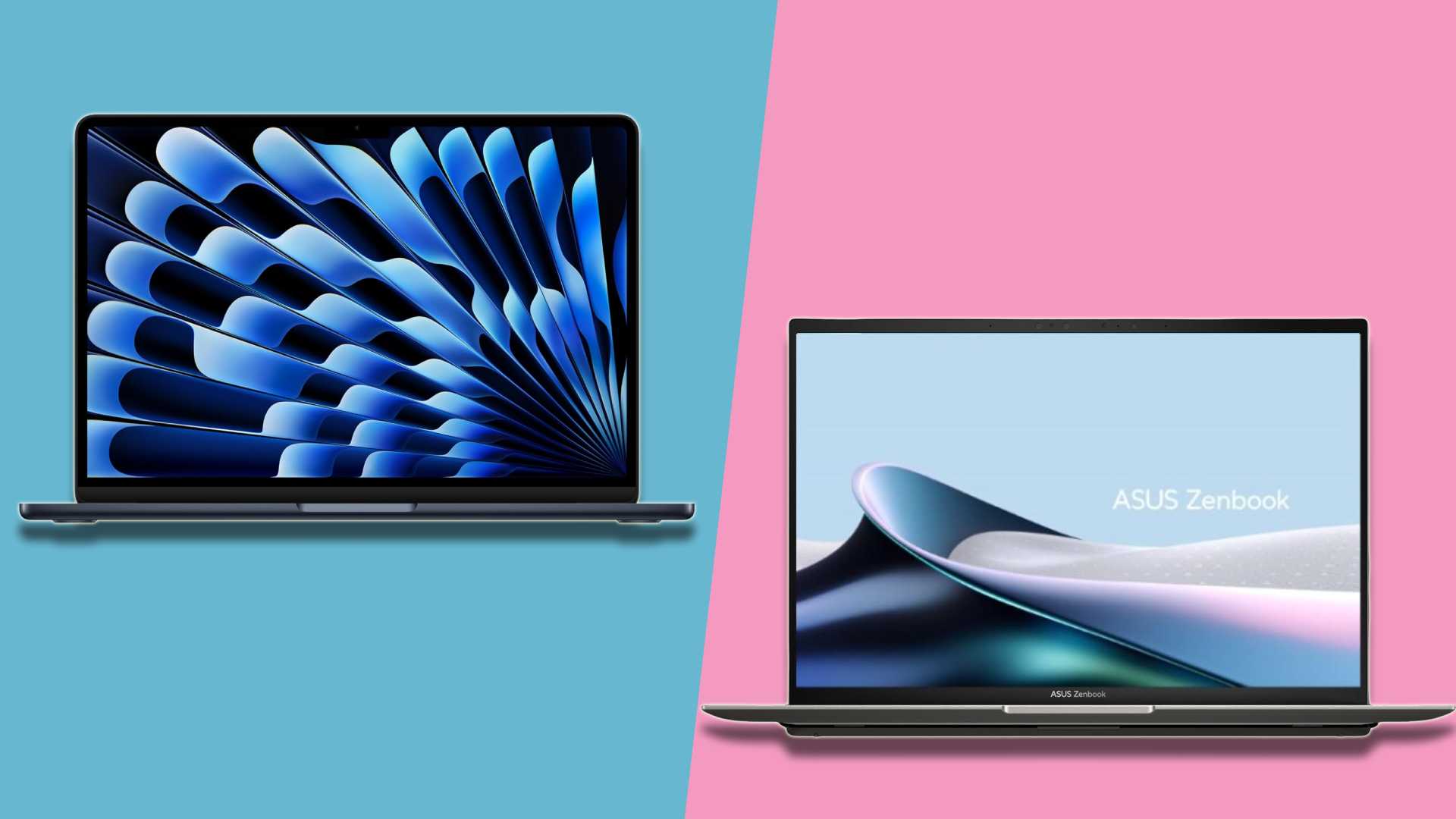
School season is already underway as students and their parents search for the best student laptops that can handle their workload as well as video streaming and internet browsing.
Not only there are tons of brands to choose from, but you also need to shift through models within those brands. And one of the biggest choices to make is whether you’ll be buying an Apple MacBook or a Microsoft Windows laptop. Both platforms offer some of the best laptops on the market with their own benefits and drawbacks.
However, choosing between a Mac and a Windows laptop is one of the most common questions students and parents ask. Both platforms handle everyday schoolwork well, but differences in software support, pricing, and long-term flexibility can make one a better fit than the other depending on the student’s needs.
So, which to go for? This guide will give you a comprehensive look into costs, compatibility, lifespan and performance analysis between both platforms, enabling you to make a clear decision by the end.
Cost: Up-Front And Long-Term Value
The debate over Mac vs Windows cost centers on weighing upfront prices against long-term durability, software support, resale value, and maintenance. Apple laptops, including the M4 MacBook Air and MacBook Pro, are priced higher initially but benefit from long-lasting batteries, consistent software updates, and high resale, making them attractive for business, creative, and everyday use.
Laptop ownership comparison spans five-year horizons, covering repairs, battery replacements, SSD wear, display failures, and ecosystem perks. Windows laptops like Dell XPS, Lenovo Yoga, and HP Spectre offer low entry costs and flexible hardware upgrades, but variable longevity and higher maintenance can offset initial savings.
Mac vs Windows cost begins with the sticker price, with M4 MacBook Air ranging from $999-$1,199 and MacBook Pro $1,599-$2,499. Apple’s non-upgradeable RAM and SSDs favor longevity and consistent performance, while Windows laptops like Dell XPS 13 ($999), Lenovo Yoga 9i ($1,299), and HP Spectre x360 ($1,499) offer broader hardware options and customization.
Laptop ownership comparison favors MacBook for reliability and minimal repairs. Apple’s Genius Bar diagnostics ($99) and batteries ($199) keep maintenance predictable, with a 5-year failure rate around 15%. Windows laptops face 25-35% hardware issues, with repair costs for screens ($400-600) and logic boards varying widely.
Apple’s ecosystem continuity boosts demand and resale prices, while Windows hardware diversity dilutes value, brand loyalty is less consistent. M3 MacBook Air retains ~55% after one year ($600) and ~35-40% after three years ($400), whereas Windows XPS or Yoga drops faster, loosing up to 70-80% value in three years.
Software support also favor Apple with free macOS upgrades and ecosystem integration; Windows maintains optional feature packs and LTSC enterprise upgrades.
Which Is More Affordable?
In conclusion, MacBooks excel for long-term use, creative work, and standardized business environments, while Windows provides flexible hardware options, budget entry points, and broad service networks. Windows laptops generally offer more affordable entry-level and midrange options, which can be important for students on a tighter budget.
Mac laptops usually cost more upfront but emphasize long-term support and resale value. Whether that premium makes sense depends on how long the laptop is expected to last and how it will be used.
Software Compatibility And Performance
The most important factor is software compatibility. Some schools and majors recommend or require specific operating systems for coursework, labs, or exams.
Is Windows Better For Engineering Students?
Engineering, cybersecurity, and many STEM programs often lean toward Windows because key software tools are developed primarily for that platform. Writing-focused, business, and creative programs usually support both macOS and Windows equally.
When it comes to performance, both MacBooks and high-end Windows laptops are more than capable of handling the average student’s workload — whether that’s writing papers, attending Zoom meetings, or running multiple apps simultaneously.
MacBooks are renowned for fast boot times, efficient multitasking, and long battery life, making them ideal for all-day study sessions without needing to recharge. Apple’s tight integration of hardware and software offers smooth, lag-free experience.
On the other hand, Windows offers a variety of performance levels. You’ll find everything from budget-friendly models to powerhouse machines with dedicated graphics — a big plus for students studying engineering, architecture, or game design.
Because the system is tightly designed around the hardware, macOS performs well even when processing video editing or graphic design programs, among others, The fluid interface of the system, paired with Apple’s proprietary power behind the hardware, create a constant experience for users.
Due to its larger market share, Windows wins hands down in terms of software compatibility as most software developers prioritize Windows. This means you’ll have a much wider selection of programs and games to choose from.
Do All Student Apps Work On Mac?
While macOS has a growing software library, it still lags behind Windows in terms of sheer volume. Based on the general availability of applications, Windows also leads in comparison to its opponents because it easily supports several applications due to its universal compatibility. When it comes down to study-related software, including extensive libraries full of plug-ins and so much more, Windows can support pretty much any given application.
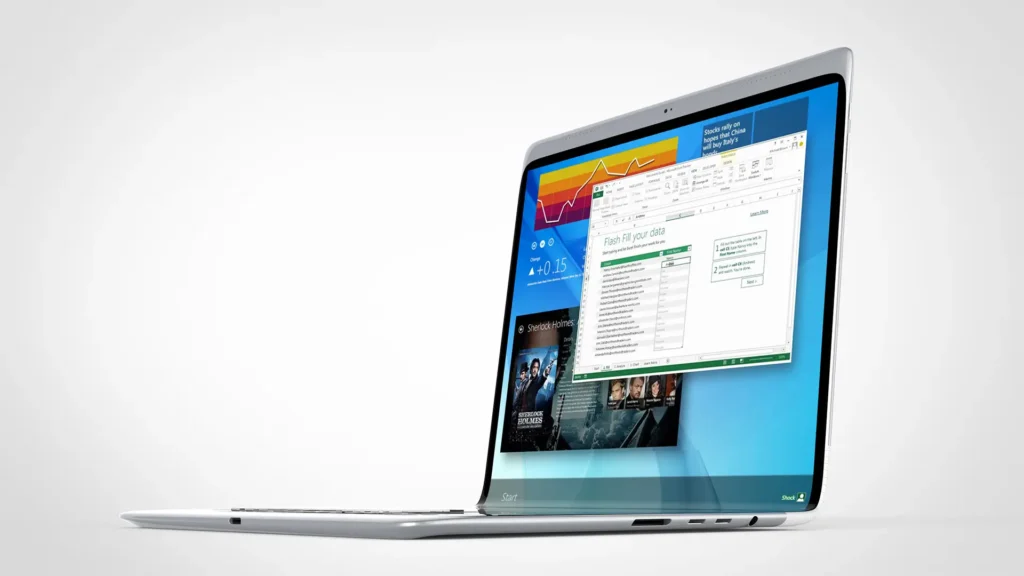
Unlike macOS, which is more refined and has a focus on creative and professional applications like Adobe Photoshop, Dinal Cut Pro, and Logic Pro, macOS still has an endless list of ever-expanding apps through the Mac App Store and still hasn’t reached the scale of the Windows ecosystem.
However, macOS applications are typically considered superior in most people’s opinions, especially when using a graphical design or video editing program or recording music.
MacBook battery life has been extremely consistent, with its laptops netting 14 hours and above across the board. In fact, the battery life of a MacBook is often used as a metric to compare to other laptops. This was true even when intel chips were used and has only improved with the introduction of the Apple-developed M-series silicon.
Meanwhile, Windows laptops tend to have spottier record depending on the installed generation of CPUs. For instance, the 11th-Gen Intel chips were well known for incredible battery life but starting with the 12-Gen and up the battery life is considerably worse. However, this batch of Snapdragon AI PCs has absolutely stellar battery life that matches and even surpasses MacBooks.
Mac Vs Windows Ecosystem
The user interface of an OS is what makes it easy and enjoyable to navigate. macOS is deeply applauded for its rich, balanced design. This is user-friendly, with a clean dock and smart system preferences that make it easy to find and access tools and apps. Progression includes the ease of switching between the devices, which also enhances usability.
By the large, Windows has been more practical than tasteful. In any case, Windows 11 has brought a smoother-out plan with a focused and adjusted corners, making the connection point more current and outwardly engaging.
A few users lean toward the more adjustable and conventional format of past Windows renditions. The level of personalization available in Windows allows users to tailor their environment to suit their preferences, something that macOS does not offer to the same extent.
Which Is Easier To Use?
Windows is generally very familiar to most students, especially those who grew up using PCs. The learning curve is shallow for basic tasks. The interface is intuitive for navigation and file management, although newer versions have introduced some interface changes that might require minor adjustments.
Windows has unparalleled support for Microsoft Office Suite, the de facto standard in many academic institutions. For CS students, it supports virtually all programming languages and development environments (Visual Studio, VS Code, etc.). WSL (Windows Subsystem for Linux) is a game changer, allowing seamless running of Linux tools and environments directly within Windows.
macOS is renowned for its intuitive and user-friendly interface, often praised for its elegance and ease of navigation. For users new to macOS, there might be a slight initial learning curve, especially if coming from Windows. However, the consistent design language and logical flow make it relatively easy to pick up.
macOS includes Apple’s iWork suite (Pages, Numbers, Keynote), which is capable and free alternative to the Microsoft Office. Microsoft Office is also fully available on macOS. Supports a wide range of productivity apps.
Lifespan
Contrary to popular belief, Macs do not inherently last longer than Windows PCs. The lifespan of a computer depends on various factors, including build quality, user behavior, maintenance, and software updates.
Which Lasts Longer?
When it comes to build quality, Apple has a reputation for creating sleek and sturdy devices that can withstand daily wear and tear. On the other hand, Windows systems come in a wide range of brands and models, making it more challenging to make a generalized statement about their build quality.
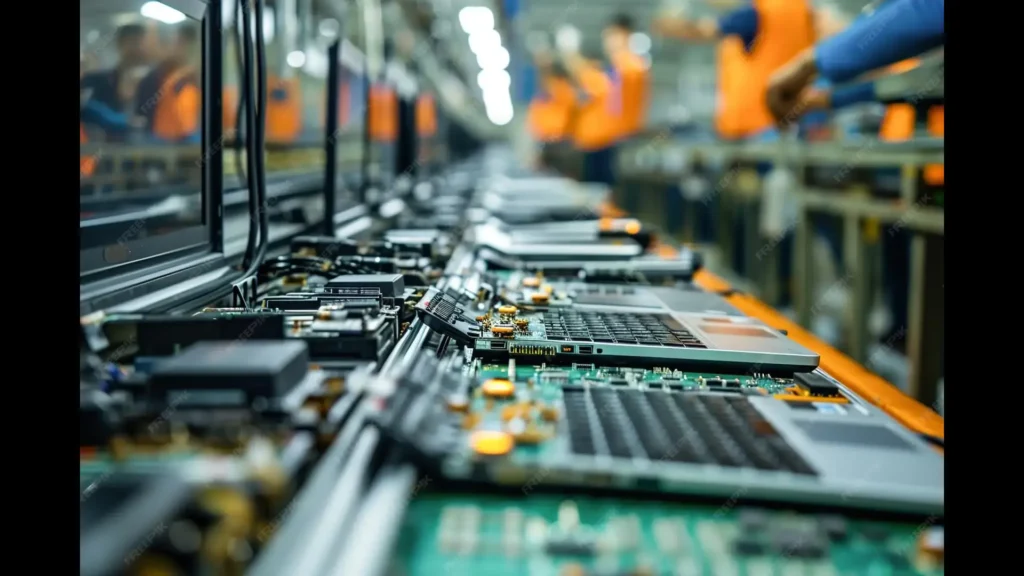
One key factor that sets Macs apart is their unibody construction which involves carving the entire body of the device from a single block of aluminum. This manufacturing process not only provides a seamless design but also adds strength and durability to the device.
Macs are known for their seamless and regular updates, often providing the latest features and security measures to all supported devices. This ensures that Mac users can enjoy an up-to-date and optimized operating system, which can enhance the performance and longevity of their devices.
On the other hand, Windows updates can sometimes be more sporadic and fragmented. While Microsoft releases regular security patches, major upgrades me be less frequent, and not all devices may receive them. This can result in some Windows users running outdated and potentially vulnerable operating systems, compromising the lifespan of their machines.
Consumer behavior in terms of software installation and browsing habits can impact both Mac and Windows systems. Mac users generally have fewer issues with malware and rogue software due to Apple’s strict software regulations; however, user-caused software issues can still occur.
On the contrary, Windows users might face more security risks due to their wider software compatibility and openness, but proper user awareness and safe browsing can significantly mitigate these risks.
Choosing one platform over another completely depends on an individual’s needs. While both Windows and MacBooks are reliable for productivity work, when it comes to creative/editing work vs gaming there are clear winners.
Is Mac Better For Students Than Windows?
Mac laptops often suit students in writing-heavy programs, creative fields, and those who value battery life and build quality. Whereas Windows laptops are usually better fit for technical majors, students who need specific software support, or those who want more flexibility in hardware and pricing.
More Guides
5G vs 4G – Is Upgrading Your Phone Really Worth It?
Cloud Storage Compared – Google Drive vs OneDrive vs Dropbox
Free Antivirus Vs Paid Antivirus – Do You Really Need To Pay In 2026?
