

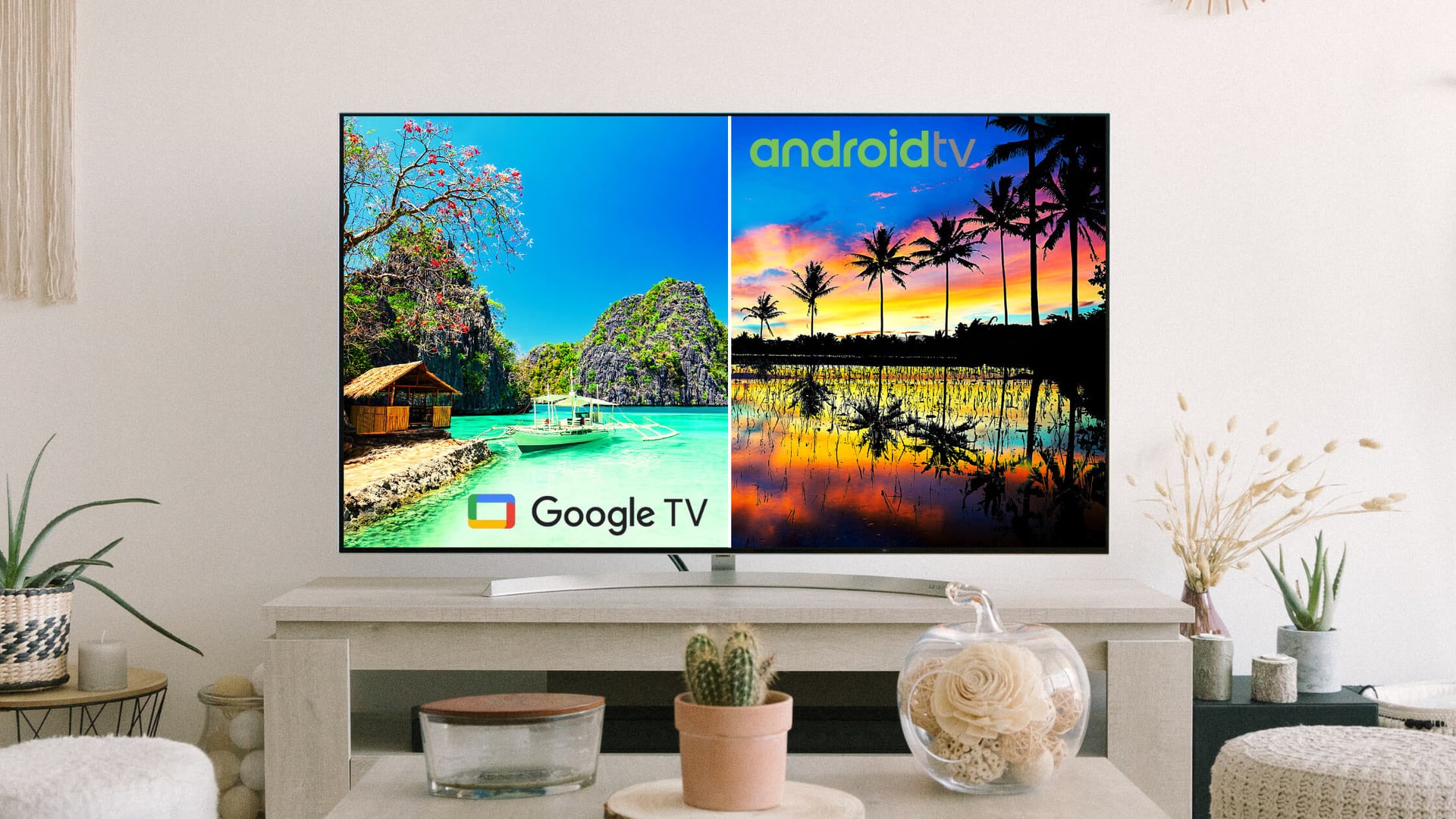
Buying a new TV sounds simple, but the software can change how you watch everything. You may see labels like Smart TV, Android TV, and Google TV, and wonder if they all do the same thing. We see this all the time, and it can lead to the wrong choice.
One of the key differences which exists between the three options is that a Smart TV uses a basic system provided and built by the TV brand, while Android TV and Google TV use Google’s platform with more apps, updates, and personalization.
Is Android TV Same As Smart TV?
Smart TV systems vary by brand and offer basic features whereas Android and Google TV offer more apps and personalization. However, the right choice depends on how you watch and connect devices.
You do not need to be tech-savvy to get this right. We focus on how each option works in daily use, what you actually gain, and where the limits show up. That way, you can choose with confidence and avoid surprises after setup.
To define the three platforms in a simple way, any TV that connects to the internet and runs apps (it’s a broad category) is considered as a Smart TV. Google’s TV operating system used by many Smart TVs and streaming devices comes under the Android TV category, while the newer, more personalized “smart TV experience” that runs on top of Android TV OS (because some Android TVs don’t have Google TV interface) are considered as Google TVs.
| Parameters | Android TV | Smart TV | Google TV |
| OS | Android | Android, Google, Fire etc. | Android |
| Newest Version | Oldest | New | Newest |
| Apps | Good Support | Not many apps | Massive choice |
| Personalization | Recommendations based upon apps and not personal taste | Good personalization | Personalized home screen for every user |
| Smart Home Controls | Available | Available | Available |
Android TV
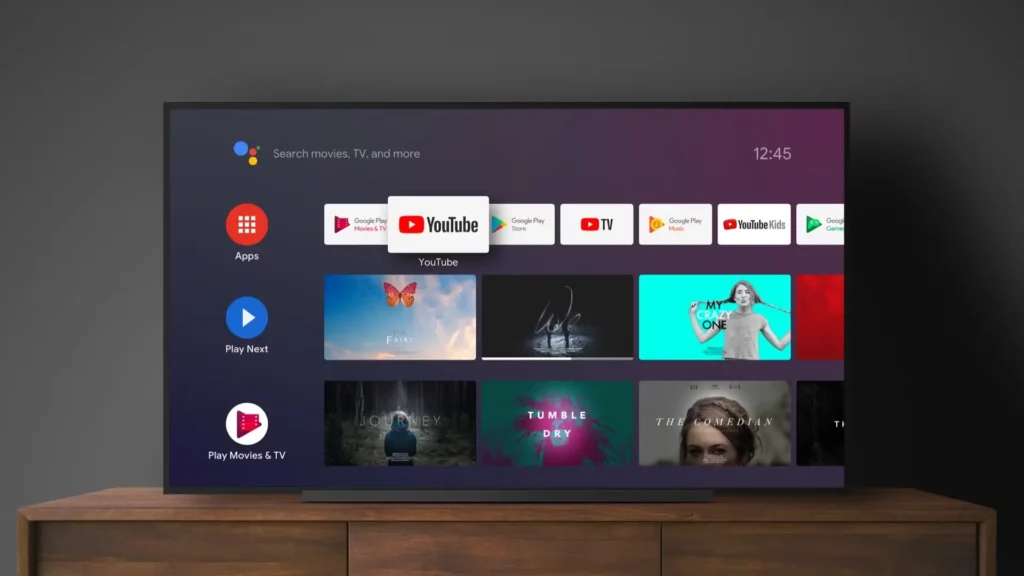
An Android TV uses Android as its operating system. The operating system allows users to get application like the Google Play Store. You can then be able to download the apps and even games you want.
An Android TV allows one to bring stuff that they like on their phone to their TV. This does not mean that one can take call via the TV, but it lets you have ease of navigation, access to needed entertainment as well as simple interactivity.
You can make your TV smart with an interface that is simple to use. It has voice control due to the integration of Google Assistant. You can also get control across other devices, such as your Android phone. Android app developers can adopt apps to let one enjoy the big screen experience.
This can include stuff like information services, gaming, etc. Android TV allows one to quickly customize their TV’s content so that it suits them. This system is easy to learn and use.
What Is A Smart TV?
Smart TVs, similar to smartphones, allow one to have internet connectivity as well as support from apps. There are many entertainment options available with this, like streaming videos on Netflix, playing games, browsing through social media, as well as controlling your home’s connected gadgets.
Some models even have voice recognition tools, such as Amazon Alexa and Google Assistant. This helps you switch channels and also search for programs. Many Smart TVs can function with smart speakers. They are also getting integrated with smart home features. Some are also top smart home devices, compatible with some other connected devices within the home, including lights, locks, and sensors.
Google TV
What’s Difference Between Android TV And Google TV?
At its core, Google TV can be said to be a user interface that runs on top of Android TV. But it looks and feels different from the Android TV. It tends to be pre-installed within the Chromecast with Google TV, with a dedicated remote to browse around Google TV with it.
The interface curates suggestions for movies as well as TV shows that are based on your viewing habits. Google Assistant is available so that people can ask it to find what they want to watch. It features stuff like Netflix, Apple TV Plus, Hulu, etc.
Google TV allows you to access what you wish to watch. This is without needing to dive directly into the particular streaming app. This is if you are logged into your account.
Operating Systems Difference
A Smart TV operating system depends on the brand. Samsung uses Tizen, LG uses webOS, and other use custom OS systems. These platforms handle basic streaming well, but updates vary by brand and model.
Android TV OS and Google TV come from Google.TV runs on top of Android TV, so both share the same core system. Google controls updates more directly, which helps long-term support. According to experiences, Google-based TVs stay consistent across brands.
Understanding the distinctions among these platforms is essential for making informed choices when upgrading your home entertainment system. This smart TV OS comparison highlights the differences in performance, app support, and use experience for Tizen, Google TV, and webOS.
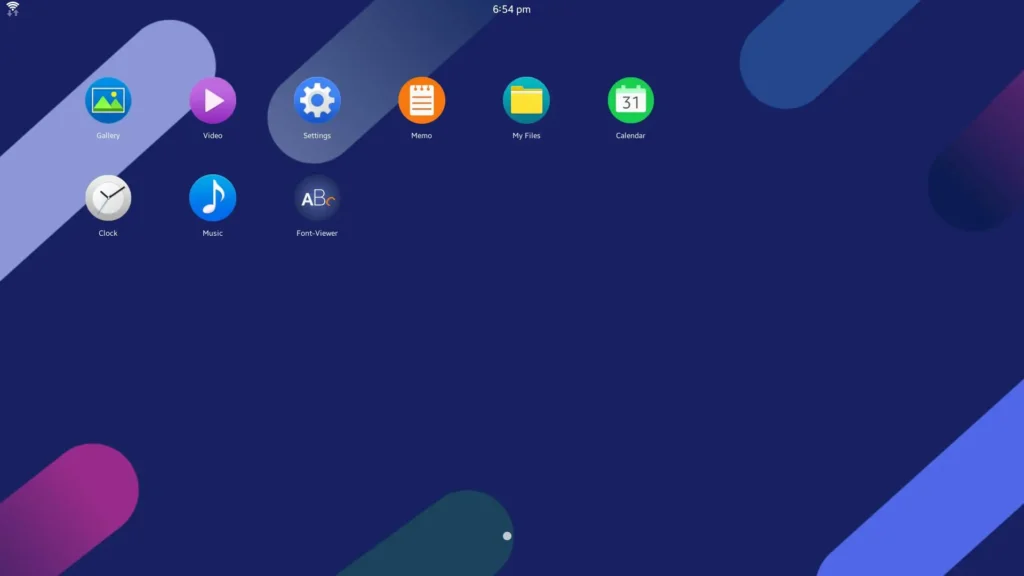
Samsung’s proprietary OS in renowned for its fast performance and smooth interface. It integrates deeply with other Samsung devices, including smartphones, tablets, and smart appliances, allowing seamless control of home automation directly from the TV. Tizen also supports advanced smart home control, letting users manage lighting, thermostats, and security cameras from a single hub.
Formerly, Android TV, Google TV excels in app variety and personalization. With access to Google Play Store, users can install thousands of apps, from streaming services to games. Google TV leverages Google Assistant for voice commands, providing hands-free navigation and personalized content recommendations based on viewing habits and search history.
LG’s webOS stands out for its intuitive, minimalistic interface and multitasking capabilities. The platform prioritizes ease of use, making it accessible for all household members. It offers fast app switching, smart suggestions, and excellent streaming performance, ensuring smooth playback and a responsive interface for everyday entertainment.
App Support And Updates
Which Has Better App Support?
Google TV leads with the widest app support due to the Google Play Store. It accommodates everything from niche streaming services to popular gaming apps. Tizen and webOS offer strong app support but are more selective, often prioritizing mainstream streaming platforms.
On the other hand, webOS offers a user-friendly experience with a home launcher that keeps favorite apps and live TV content easily accessible. Tizen provides customization for Samsung smart home integration, while Google TV focuses on content discovery with personalized recommendations on the home screen.
Their Voice Assistants also help in different conditions very well. Google TV’s integration with Google Assistant allows comprehensive voice control for both TV functions and smart home devices. Tizen also support voice commands, especially for Samsung ecosystem devices, and webOS includes LG’s ThinQ AI for voice and smart home connectivity.
And not are these only integrated into these operating systems along with apps, but they are also available for upgradation on regular basis. All three platforms release regular updates, but Google TV and Tizen tend to offer faster security patches. webOS prioritizes stable and intuitive user experience. balancing updates with interface consistency.
Through these comparisons we can conclude that webOS remains a top choice for users prioritizing simplicity and responsive interaction. Smart TV trend in 2026 emphasizes cross-device functionality, personalization, and reduced friction in accessing content.
Ease Of Use
Smart TVs are straightforward basic systems made by the TV brand which offer a limited selection of apps and customization options. They are suitable for users who prefer a simple interface with basic features for non-regular use.
However, Android TVs are more versatile and offer a broader selection of apps and customization options. Users who are more interested in installing third-party apps and want or enjoy more personalized experience best fall in this category.
Google TV provides more personalized and content-driven experience with its Google Assistant and tons of apps available through Google Play Store. They offer personalized user profiles, advanced parental controls, and a unified content discovery system across applications.
Which One To Buy?
If you already own Samsung devices, Tizen maximizes integration. Google TV works best for users heavily invested in Google services, while webOS suits those who want straightforward navigation without added complexity.
When it comes to apps luxury, Google TV will offer you the broadest selection of apps, ideal for app enthusiasts. webOS balances app availability with an easy interface, and Tizen focuses on major streaming platforms and Samsun apps.
Tizen and Google TV provide a robust automation experience and voice command options for households with multiple connected devices. WebOS also supports some smart home controls but is generally less extensive.
Which Is Best For Beginners?
On the other hand, it is suitable for beginners or family-friendly setups, webOS offers minimal learning curves. Google TV’s recommendations benefit users who enjoy content discovery, while Tizen’s home dashboard integrates productivity features and device management.
hence, Smart TV selection in 2026 is not only about picture quality, but it also shapes overall entertainment and smart home experiences. This smart TV OS comparison shows Tizen excels in Samsun ecosystem integration, Google TV leads in app variety and content discovery, and webOS offers intuitive, user-friendly navigation.
So, depending on these conclusions it is easier for you to decide which one you want for yourself.
Do Smart TVs Need External Devices?
No, Smart TVs don’t need external devices for basic streaming, but devices like streaming sticks or consoles can add more apps and features.
Can I Change TV Software Later?
No, you can’t replace your TV’s built-in operating system, but you can use external devices like streaming sticks or set-top boxes to change the smart experience.
More Guides
Is VPN Actually Necessary IN 2026? – A No-Hype Guide
Mac Vs Windows For Students – Which Makes More Sense In 2026?
