


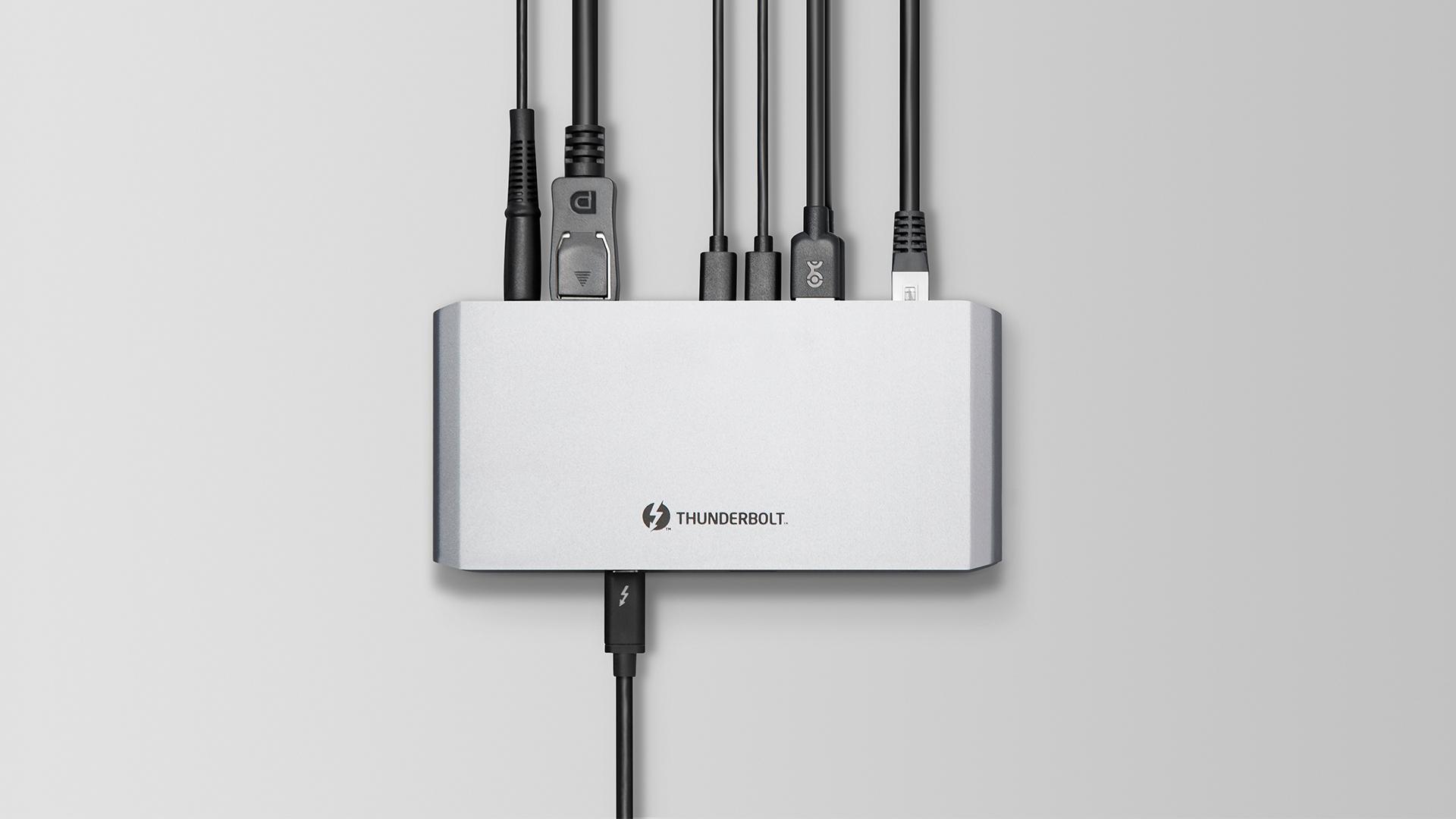
Thunderbolt 4 offers the same 40Gbps maximum as Thunderbolt 3 but guarantees the full 32Gbps PCIe bandwidth an eGPU needs—something many cheaper Thunderbolt 3 laptops quietly skip. In real-world gaming, a well-implemented 4-lane Thunderbolt 3 eGPU setup delivers 90 to 95 % of the same frames as Thunderbolt 4. If you’re buying a new laptop or enclosure today, Thunderbolt 4 is the safer, more consistent pick. Existing users with a confirmed 4-lane TB3 port don’t need to upgrade just for frame rates.
Key Differences at a Glance
| Feature | Thunderbolt 3 | Thunderbolt 4 |
|---|---|---|
| Total cable bandwidth | 40 Gbps | 40 Gbps |
| Guaranteed PCIe data bandwidth | 16 or 32 Gbps (host-dependent) | 32 Gbps mandatory |
| Minimum host PCIe lanes | 2 or 4 lanes | 4 lanes |
| USB Power Delivery minimum (to host) | 7.5 W | 15 W |
| Wake-from-sleep support | Optional | Mandatory |
| DMA protection (VT-d) | Optional | Mandatory |
| Maximum displays while eGPU active | 1× 4K | 2× 4K or 1× 8K |
| Cable certification | Can use uncertified USB‑C | Strictly certified 40 Gbps cables |
Performance: The PCIe Lane Trap Nobody Tells You About
Both standards push 40 Gbps of total data over the wire, and eGPU traffic is carved out as four lanes of PCIe 3.0—32 Gbps of raw throughput. In practice, packet overhead already shaves that down to roughly 23–25 Gbps of real‑world payload, which is why an external RTX 3080 never matches a desktop slot. That’s true for Thunderbolt 3 and Thunderbolt 4 alike.
Where Thunderbolt 4 wins on paper isn’t higher peaks; it’s minimums. The Thunderbolt 3 spec allowed manufacturers to wire only two PCIe lanes to the port, dropping eGPU bandwidth to 16 Gbps. On those ultrabook‑class Thunderbolt 3 laptops—often the very machines that benefit most from an eGPU—you can lose 30 % or more of your frame rate compared to a full 4-lane connection. Thunderbolt 4 mandates four lanes without exception, so you never fall into the slow‑port lottery.
If your TB3 laptop already gives you 4-lane PCIe (most gaming and mainstream models with “full” Thunderbolt 3 do), the eGPU performance is indistinguishable from Thunderbolt 4. Small‑block transfers suffer the most, but typical 3Distinct game loads and 1440p/4K sessions hide the bottleneck behind GPU power. Only at 1080p on very high‑refresh panels does the overhead occasionally tug 5–8 fps away versus a direct PCIe slot, and that gap exists regardless of TB generation.
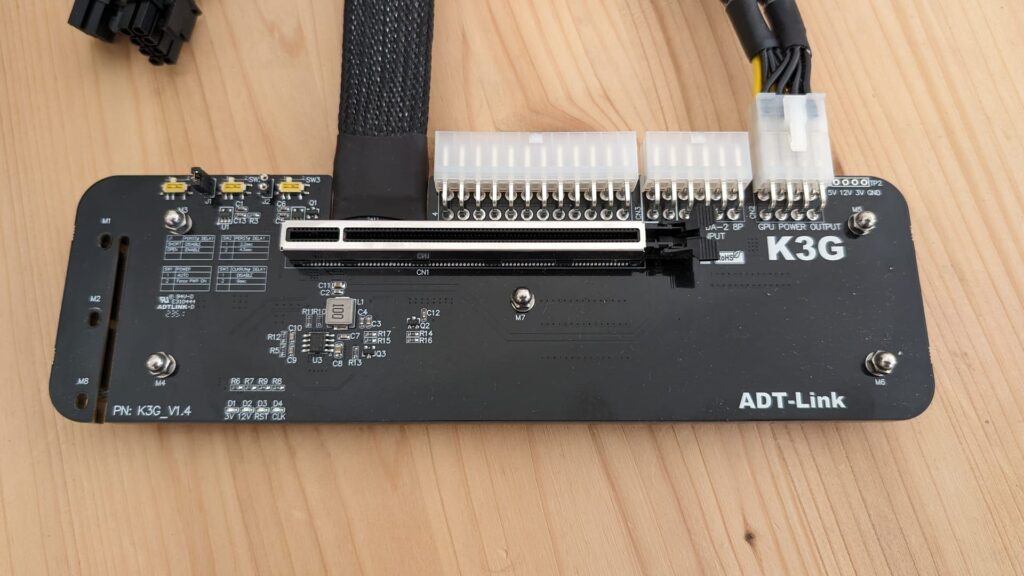
Category winner: Thunderbolt 4 (for eliminating the 2-lane gamble). If you already own a 4-lane Thunderbolt 3 host, performance is effectively tied.
Features Beyond Raw Throughput That Affect Everyday eGPU Use
Thunderbolt 4’s extra guarantees aren’t just paper specs. They change how reliable and convenient your eGPU rig becomes.
Power Delivery to the Laptop A Thunderbolt 3 port is only required to supply 7.5 W, which can easily leave your laptop slowly discharging while you game if the eGPU enclosure doesn’t provide enough charging juice. Thunderbolt 4 pushes the floor to 15 W. Most quality enclosures already deliver 60–100 W via USB Power Delivery, but the higher baseline means even a bare TB4 dock or a lightweight eGPU housing won’t trip into trickle‑charge territory.
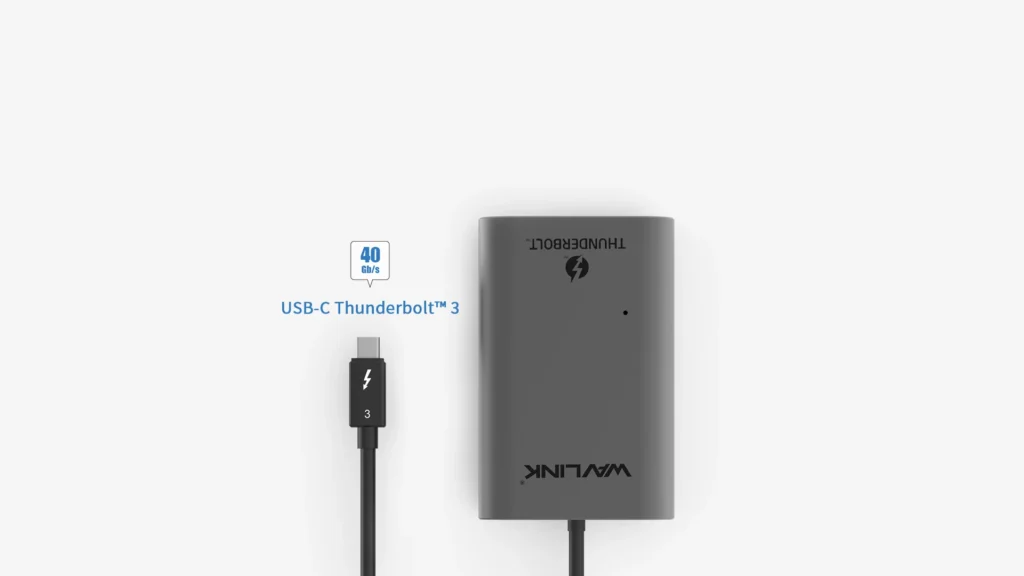
Display Flexibility When the eGPU Is Driving Screens With Thunderbolt 3, the port only had to support a single 4K display. That was fine when your eGPU handled the monitor—but if you also wanted to use a laptop‑driven second screen via the same dock, it could fall apart. Thunderbolt 4 guarantees dual 4K or one 8K output, so you can run a secondary productivity monitor directly from the laptop while the external GPU dominates the primary display. It’s a workflow perk, not a gaming boost, but it removes one more caveat from the multi‑monitor dodge.
Wake‑from‑Sleep and DMA Protection Mandatory wake support means your eGPU should re‑connect reliably after the laptop dozes—a notorious pain point on older TB3 setups where you often had to replug or reboot. Thunderbolt 4 also mandates Intel VT‑d DMA protection, cutting off a class of security attacks that pass through externally connected PCIe devices. It doesn’t directly increase frame rates, but it lets IT‑minded users sleep easier, especially if the same laptop travels to a corporate network.
Category winner: Thunderbolt 4, for fewer wake‑up headaches and stronger multi‑display guarantees.
Compatibility: Mixing Generations Without Panic
The good news is that Thunderbolt 4 is fully backward‑compatible. You can plug a proven Thunderbolt 3 eGPU enclosure into a Thunderbolt 4 laptop and get the same 32 Gbps PCIe connection—the host won’t choke the lanes just because the enclosure speaks an older dialect. Conversely, if you buy a shiny new TB4 enclosure and attach it to a Thunderbolt 3 laptop, it will work, but the overall PCIe bandwidth is still determined by the host’s lane count. That means you don’t suddenly get a 4-lane link on a 2-lane TB3 ultrabook.
All mainstream Thunderbolt 3 eGPU bays (Razer Core X, Akitio Node, Sonnet Breakaway Box) already use 4-lane controllers, so mixing a TB3 enclosure with a TB4 laptop is the most common path today. It’s safe, and it doesn’t degrade performance.
USB4 ports equipped with optional Thunderbolt compatibility essentially mirror Thunderbolt 3’s more relaxed rules. They can fall back to 20 Gbps USB4 rates or fail to allocate four PCIe lanes, so don’t assume every USB4 label equals a guaranteed eGPU connection. If the laptop or mini‑PC doesn’t explicitly list “Thunderbolt 4” or “Thunderbolt 3”, check the technical specifications for PCIe lane count.
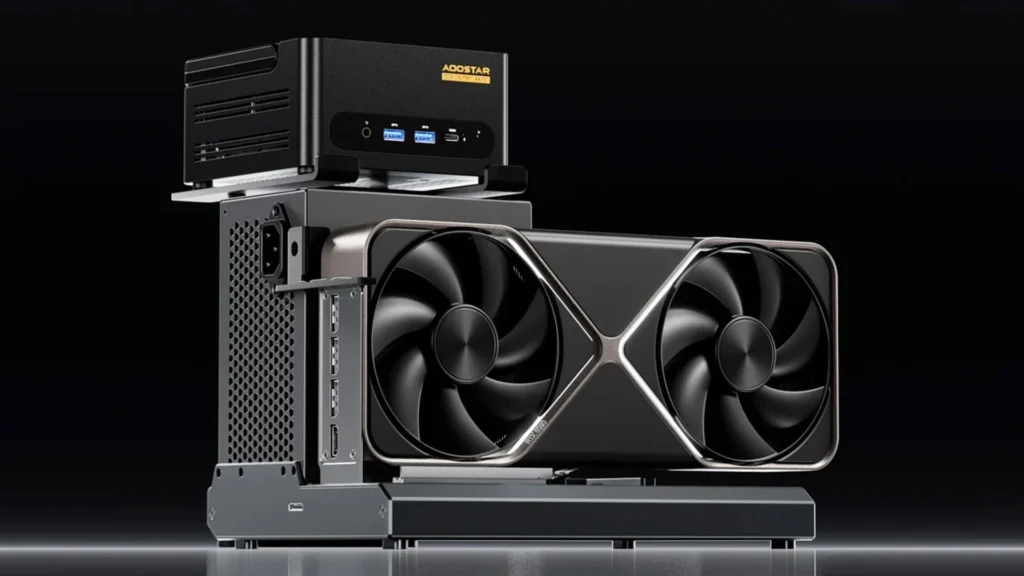
Category winner: Tie—both generations play nicely together, provided the host ports are fully featured.
Value and Upgrade Path
Thunderbolt 3 eGPU enclosures have been on sale for years. You can pick up a solid used enclosure for $150–$200, and the standard is well‑understood. Thunderbolt 4 enclosures are only just appearing, typically priced $50–$100 higher with very similar internals. The performance you get from a GPU inside doesn’t improve, so there’s no urgency to pay the early‑adopter tax unless you specifically want the extra display outputs or guaranteed wake-from-sleep stability.
Laptop buyers face a starker choice. If you’re purchasing a thin‑and‑light with eGPU ambitions, insisting on a Thunderbolt 4 label (or at least confirmed 4-lane TB3) is cheaper than realising later that your machine’s port is a half‑baked 16 Gbps link. Spending a few extra dollars on a TB4 laptop avoids that entire class of frustration.
Category winner: Thunderbolt 3 wins on pure enclosure cost today; Thunderbolt 4 wins on long‑term laptop certainty.
Choose Thunderbolt 3 If…
- You already own a Thunderbolt 3 laptop and have confirmed it exposes four PCIe lanes (check the BIOS or use HWInfo64 during a quick eGPU test).
- You’re price‑sensitive and can find a well‑reviewed second‑hand TB3 enclosure for a steep discount.
- You only need a single monitor driven by the eGPU and rarely wake the laptop from sleep while connected.
- You don’t mind occasionally re‑plugging the cable after the machine wakes.
Choose Thunderbolt 4 If…
- You’re buying a new laptop specifically for eGPU use and want the guaranteed 32 Gbps PCIe link without guesswork.
- Stability matters more than the lowest entry price—mandatory wake‑from‑sleep and DMA protection reduce long‑term headaches.
- You plan to use the laptop’s extra Thunderbolt display outputs while the eGPU is active (dual‑screen productivity setup).
- You’re pairing the eGPU with a portable Thunderbolt 4 dock and need reliable 15 W minimum power delivery.
Final Verdict
For raw frames per second, a fully‑wired Thunderbolt 3 eGPU is indistinguishable from a Thunderbolt 4 setup. The real difference is security: Thunderbolt 4 removes the chance of finding out your brand‑new laptop only gave you 16 Gbps of PCIe bandwidth, and it tidies up sleep‑wake behaviour that has plagued external enclosures for years.
If you already game happily on a 4‑lane Thunderbolt 3 machine, keep your enclosure. If you’re building a new eGPU rig from scratch—especially around a laptop you haven’t bought yet—make Thunderbolt 4 a hard requirement. It’s the same speed ceiling with zero cheap‑port surprises.
FAQ
Does a Thunderbolt 4 eGPU enclosure boost frame rates over Thunderbolt 3? No. Both standards deliver 40 Gbps total and allocate 32 Gbps of PCIe data. Real‑world frame rates are identical when the host provides four PCIe lanes. The only performance difference occurs if your Thunderbolt 3 port was limited to two lanes.
Can I use my existing Thunderbolt 3 eGPU enclosure with a Thunderbolt 4 laptop? Yes. Thunderbolt 4 ports are backward‑compatible. Your TB3 enclosure will get the full 32 Gbps link the laptop’s controller can provide, and you won’t lose any features that the enclosure itself supports.
Why do some Thunderbolt 3 laptops give worse eGPU performance than others? The Thunderbolt 3 specification allowed manufacturers to connect only two PCIe lanes instead of four. Laptops with 2‑lane TB3 are limited to 16 Gbps of PCIe bandwidth, which can cut frame rates by 30 % or more in games. Thunderbolt 4 makes four lanes mandatory, closing that loophole entirely.
