


Rufus 4.16 Beta has been released with a workaround for a longstanding NTFS driver bug in American Megatrends (AMI) UEFI firmware that can cause valid bootable USB drives to fail media verification. Released on October 30, 2026, the update also improves USB device reporting, fixes several Windows installation issues and addresses multiple security vulnerabilities.
Rufus developer Pete Batard confirmed the workaround in the official GitHub release notes, criticizing AMI for a firmware defect he claims affects millions of PCs. The actual number of affected systems has not been independently established, but the issue is documented in a technical test project published by Batard.
The problem involves AMI’s UEFI NTFS driver, version 0x10000, which is used in firmware associated with manufacturers including ASUS, Gigabyte, Dell and Intel. Under specific conditions, the driver can return incorrect data when reading files from NTFS-formatted storage devices.
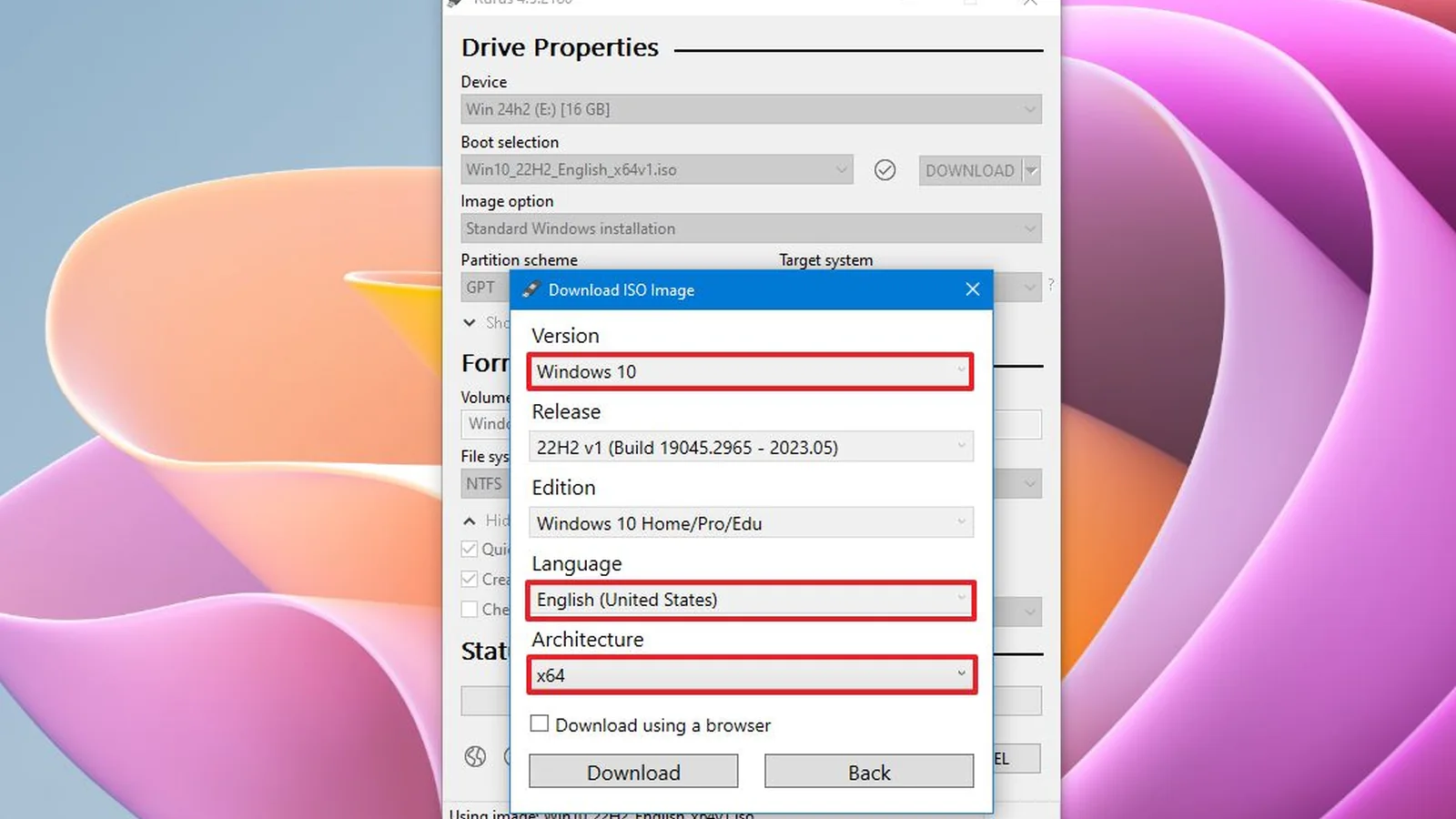
This becomes particularly problematic when Rufus performs optional bootable-media verification from within the UEFI environment. Files that pass checksum verification under Windows or Linux can appear corrupted when checked through the affected firmware driver, even though the installation media itself is intact.
Batard documented the underlying issue in a GitHub repository called AmiNtfsBug, explaining that it occurs when file data occupies multiple non-contiguous clusters on an NTFS volume. Certain sequences of smaller read operations can cause the AMI driver to access clusters that do not belong to the requested file.
The resulting data mismatch can produce false checksum failures during UEFI media validation. Tests documented by Batard reproduced the incorrect reads using the AMI driver, while an alternative UEFI NTFS driver did not exhibit the same behavior.
According to Batard, the problem was reported to AMI in early 2024 and acknowledged by the company. He says the issue remained unresolved, prompting him to investigate the proprietary driver and develop a workaround directly within Rufus.
Rufus 4.16 Beta avoids triggering the defective behavior by ensuring files are written contiguously to NTFS media. This allows the affected UEFI driver to read the files without encountering the fragmentation conditions responsible for the incorrect data.
The workaround does not modify the motherboard’s UEFI firmware or repair the AMI driver itself. Instead, it changes how Rufus prepares the USB drive, allowing runtime media verification to operate on affected systems without requiring a firmware update.
For PC builders preparing Windows installation media, the change addresses a potentially confusing situation in which a USB installer appears damaged despite containing valid files. It is particularly relevant when reinstalling Windows, replacing storage drives or setting up a new desktop or gaming PC.
Beyond the AMI workaround, Rufus 4.16 Beta improves reporting for newer USB standards. The application can now identify and display USB 3.2 connections rated at 20Gbps, USB4 connections rated at 40Gbps and newer 80Gbps connections.
The release also corrects an issue where updated CA 2023 files were not properly considered during runtime UEFI media validation. This is a separate fix from the AMI NTFS driver workaround.
Several Windows installation and configuration problems have also been addressed. Rufus fixes an issue that could apply its silent installation option when the necessary conditions were not satisfied, alongside a regression that caused the “Write as ESP” option to use an entire drive rather than the intended 1GB EFI System Partition.
Additional corrections resolve duplicated timezone settings for non-English locales and restore support for periods in local Windows usernames. The update also introduces an option to restore the classic Windows right-click context menu as part of its quality-of-life improvements.
Other changes include improved raw disk image partition mounting, removal of problematic Group Policy usage when suppressing Windows formatting prompts, and an update to the bundled GRUB bootloader to version 2.16. Rufus also updates its libcdio library and Microsoft’s official DBX download locations.
The developers have additionally addressed multiple security vulnerabilities, with the release notes acknowledging contributions from independent security researchers.
The update arrives as Microsoft continues making changes to Windows 11, including its efforts to reduce Windows 11 memory usage on systems with limited RAM. Rufus remains a separate utility for preparing installation media rather than changing the operating system’s performance or hardware requirements.
Rufus 4.16 Beta is available for Windows through the project’s official website and GitHub repository. It remains a pre-release build, with Rufus 4.15 continuing as the stable version.
