


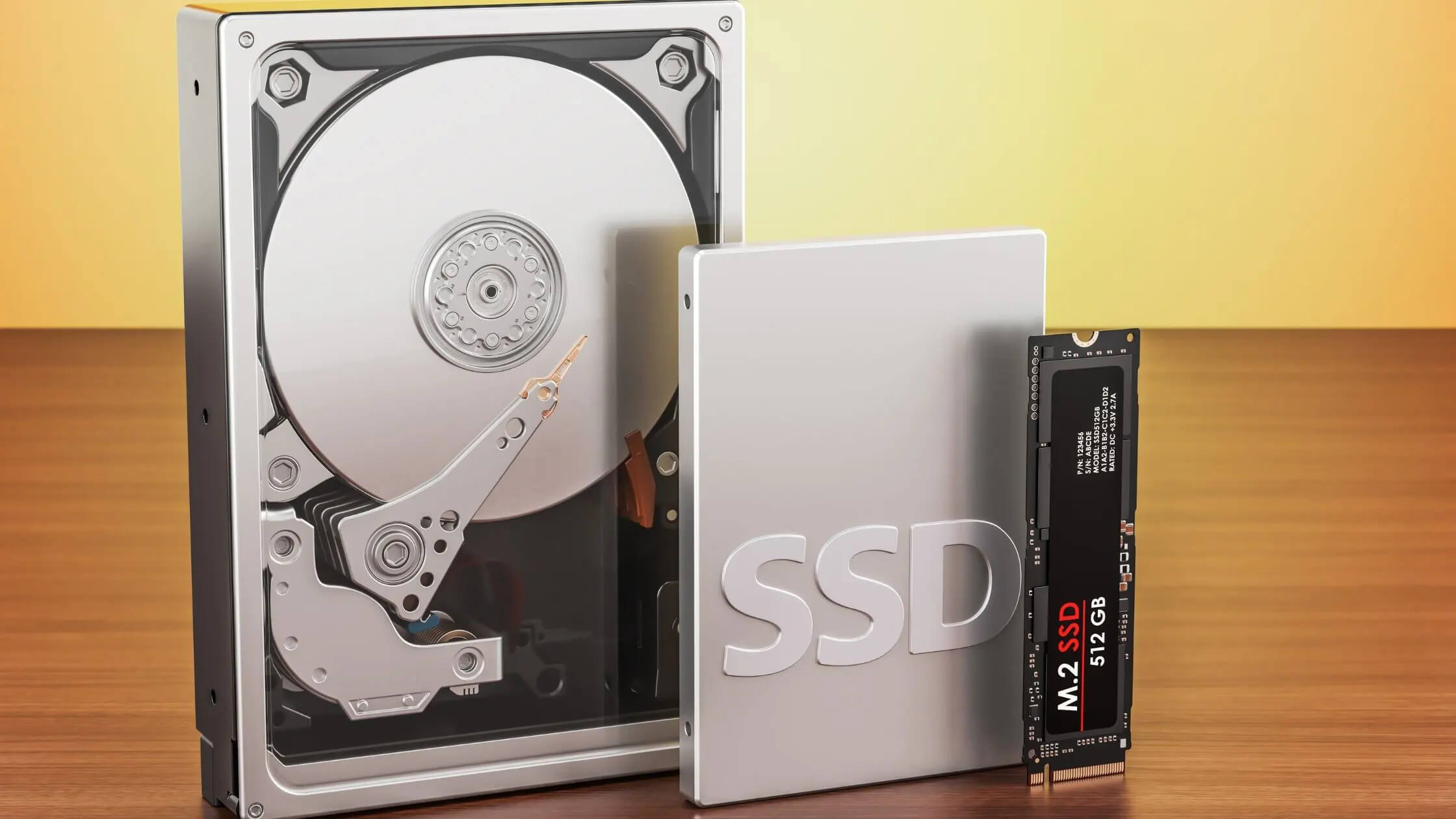
In today’s world everything works digitally and by digital I mean technology, hardware and software. It includes usage and right picking of hard drives as well. Choosing the right hard drive for your PC is one of the most crucial decisions to make when you are building or upgrading your system.
And while doing so, you come across three main options which are, HDD, SSD, and NVME. You can choose any of these hard drives depending on your requirements and desires, however, it also depends on your budget as all of them come in different ranges, according to their capabilities.
This guide will help you look into all three options, explore their capabilities, situation dependent right picking, and will enable you to decide whether and which one is more suitable for your computer.
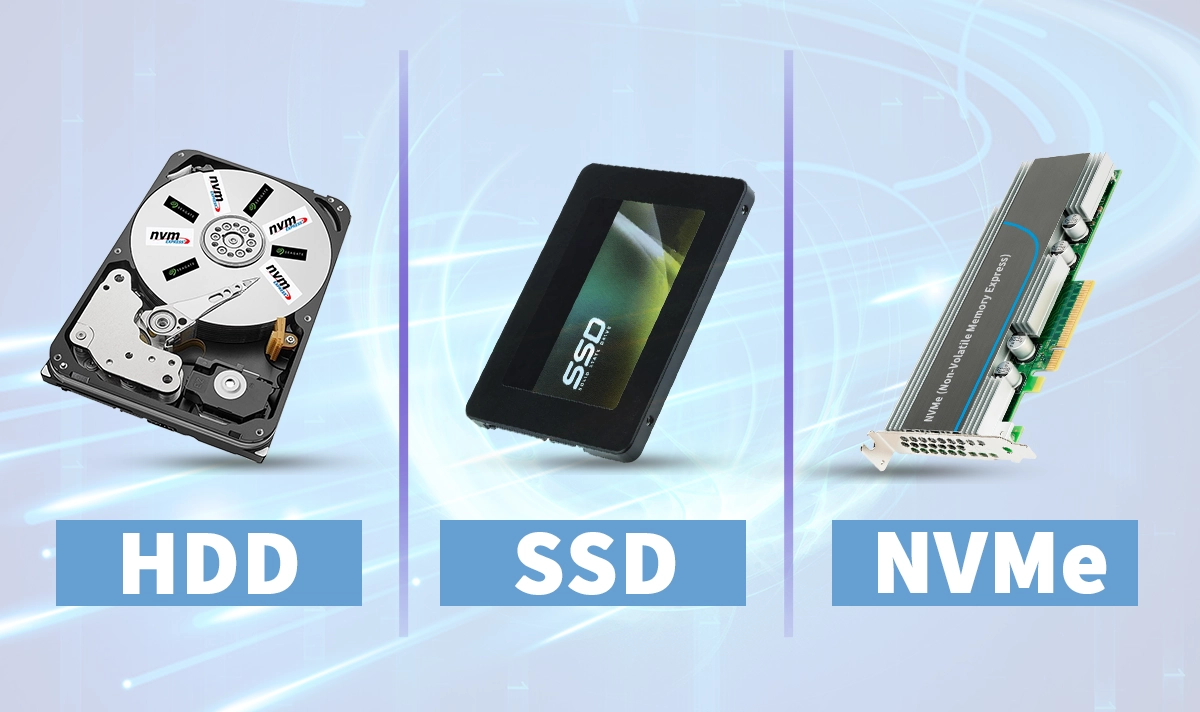
Understanding The 3 Types
HDD (Hard Disk Drive)
It is the oldest and most traditional kind of hard drives used in the world. The method of storage is mechanical, by reading and writing data using spinning magnetic platters and a mechanical arm. It’s cheaper in the market, and contains a large capacity, suitable for bulk storage.
What Is SSD?
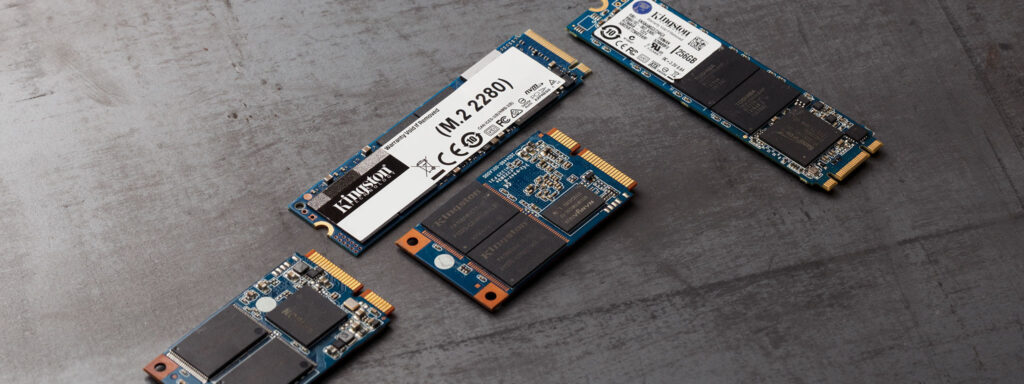
SSDs are Solid State storage devices having no moving parts. Instead, they use NAND-based flash memory to store data, leading to much high read/write speeds compared with HDDs. From standard SATA SSDs to high-end SSDs, especially those using PCIe interfaces, the capacity ranges from 550MB/s to beyond 3000MB/s.
They are extremely fast, energy-efficient, and more reliable due to no mechanical movements.
NVME (Non-Volatile Memory Express)
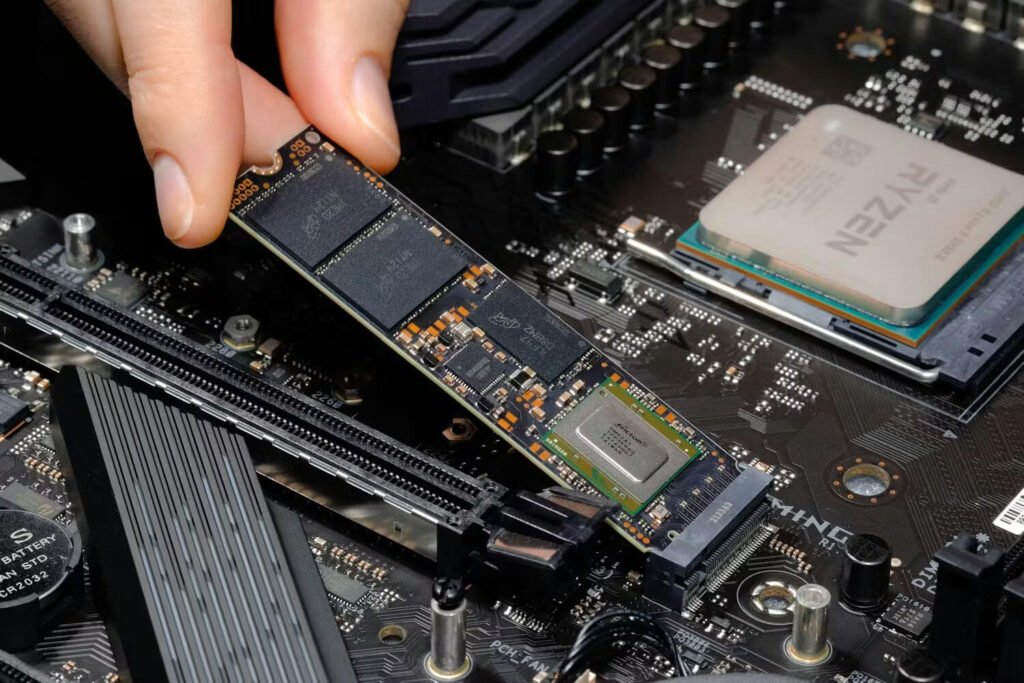
Interestingly, NVME is not a hard drive independently, it’s a device that is used to connect SSDs to a computer’s motherboard directly via PCIe lanes. PCIe is an interface, while NVME is a protocol for an SSD.
This engagement helps boost hard drive’s speed, reaching thousands of MBs per second, making them the faster option in 2026.
Comparison Of Speed And Performance
HDD is the slowest option available in the market when it comes to speed, offering read and write of around 30-150 MB/s. On the other hand, SSDs with SATA standard and those having NVMEs offer a range averaging around 500-600 MB/s and 3000MB/s to over 16 GB/s, respectively.
These differences could be clearly seen when you boot your system. An HDD would take more time to boot your system than SSD, which could just do it in seconds. A computer might take 3-5 minutes to boot with HDD, while a PC with an SSD might boot in 10-20 seconds.
Similarly, applications load times also follow the same pattern for HDD and SSD as in the boot case. Another example could be file transfers. For Instance, transferring a 10GB file might take several minutes with HDD, while the same transfer could be processed only in a minute or less with Solid State Drive.
SATA standard SSDs are fine working with routine tasks and lighter gaming, providing the speed and performance you need, but when it comes to carrying out heavy workloads like large video editing, multiple file transfers, and gaming, NVME SSDs are much more suitable option.
In a real-world gaming scenario, the difference between performance becomes apparent. Typical HDDs require a minute or two to load modern games, while an SSD and NVMe drives can load same games in 10-20 seconds.
Most importantly, the impact of storage tech extends throughout your gaming experience. Faster storage reduces stuttering and texture pop-in that occurs when new areas need to load during gameplay.
Moreover, background processing is also impacted heavily by storage type. Running Discord for team communication, running high-end content creation software, it all becomes much easier and smoother by maintaining the quality and without distortion.
However, when it comes to holding a bulk storage data device, HDDs standout, as they are the largest capacity holders among all the hard drives, with around 36TB+ at an affordable price. In comparison, SSDs are available ranging from 256GB to 8TB, with very expensive budget.
Cost And Durability
If your primary concern is storage capacity at a low cost, an HDD is your best bet. I would recommend choosing HDD over any other type of hard drives to store bulk data with a minimal expense. And if you want a balance between cost and performance, especially for general computing tasks and casual gaming, a SATA SSD is fine, as it offers speed greater than that of HDD without a very high price difference to HDD.
For those who require something for very demanding tasks like video editing, high-end gaming and computing tasks—NVME is the way to go.
Definitely, cost and performance are not the only key points to consider while buying hard drives. Another factor which is very important is the reliability and durability of the drive. HDD contains moving mechanical parts which makes it vulnerable to shocks and mechanical failure, leading to data loss sometimes.
SSDs are more reliable, with a longer lifespan under normal consumer usage. It has no moving parts, resulting in better shock resistance and overall reliability comfort. Same goes for the NVMEs.
Energy-Efficient Hard Drives
As you know by now that HDDs are mechanical, therefore they consume the highest amount of power because of its platters and mechanical parts. Whereas SSDs are energy-efficient and perfect to use with battery backup devices like laptops. This point also highlights the need for adapting to technological advancements as time passes by.
NVME have a varying consumption as they are providing higher speed that standard SATA SSDs, their power consumptions is a little bit higher than that of normal SSD. But this couldn’t degrade its worth.
| Feature | HDD | SATA SSD | NVME SSD |
| Speed | 30-150 MB/s | 500-600 MB/s | 3000 MB/s – 16 GB/s |
| Durability | Mechanical (less reliable) | High Durability | High Durability |
| Cost | Cheaper | Modest | High |
| Capacity | High | Low | Low to Moderate |
| Best For | Bulk Storage | Basic Computing, gaming | High-end tasks |
What’s Best For You?
If you are a regular PC user who requires no high demanding tasks performance, particularly in the fields such as scientific research, financial modeling, engineering, and healthcare, then I would suggest you go with SSDs. Although they are a bit expensive than HDDs, but compared the cost, they give you better experience than HDDs.
They last longer, perform efficiently, and they are reliable. However, if you need to store some bulk data like I do, you can use HDDs, for storing your unused data, your memories, and data which is not in your regular use.
Is NVME Worth The Extra Cost
NVMEs are not for everyone, they are designed to help performing high-end tasks, so one only needs it if SATA SSDs are not performing well. Hence, no need to spend extra on NVME.
Can You Mix Different Storage Types In A PC?
In principle, it’s not like mixing system memory (RAM) or other cards that might bring weird interactions and sometimes don’t mix well, storage is something different.
Yes, you can have different storage types on your motherboard, you just need to ensure that your motherboard has necessary ports for the storage devices you plan to use.
While mixing different types of storage can provide more space and potentially faster speeds, it may not significantly improve overall performance for everyday tasks.
It completely depends on you whether you want to choose HDD, SSD, or NVMEs because it depends on your priorities and requirements. In this guide I have provided you with necessary simple differences with authentic comparison. You just need to think your requirements and decide on what you actually need for that.
More News
WiFi 6 vs WiFi 7 – What’s the Real Difference for Everyday Users?
