


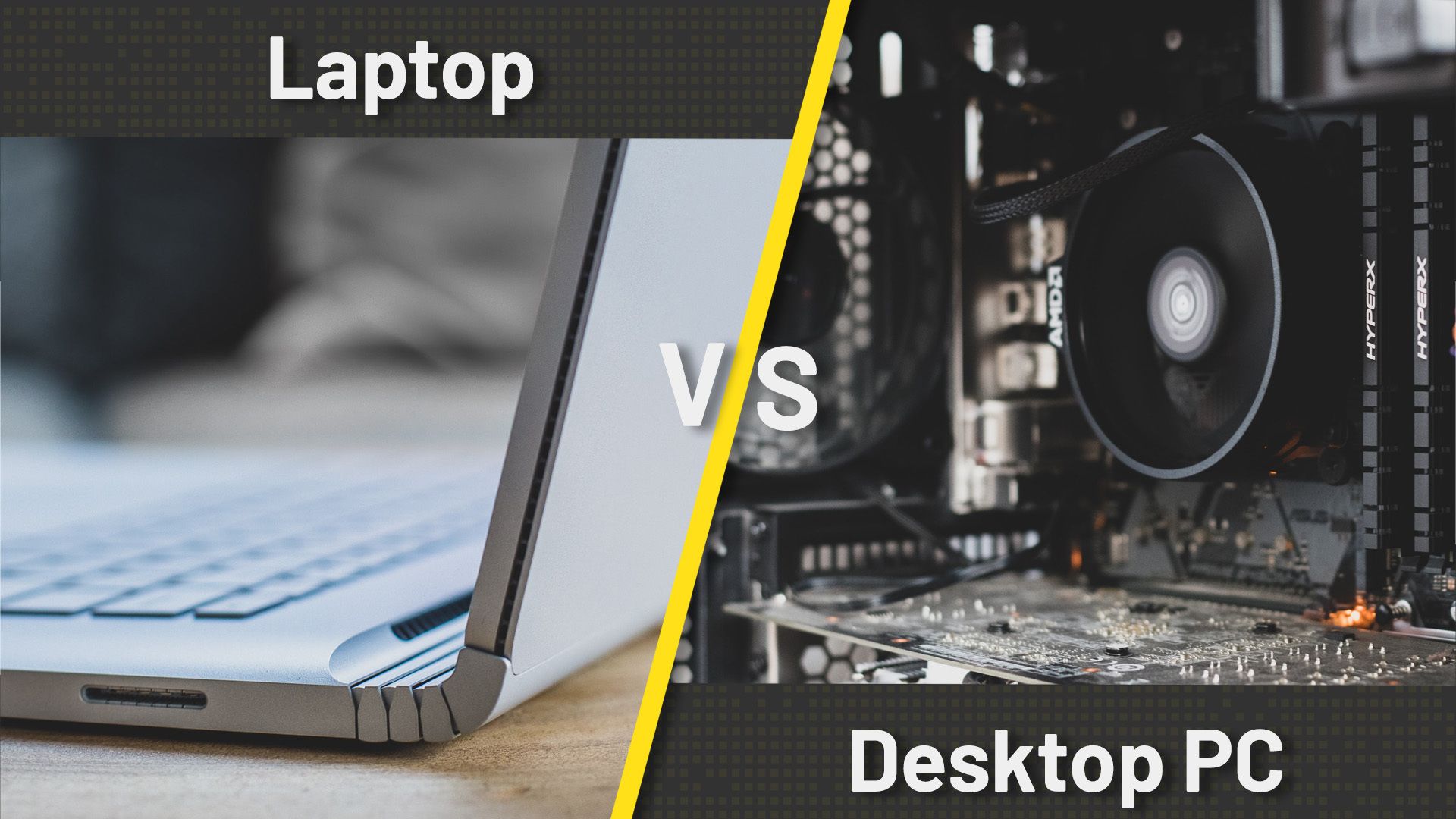
Imagine you’ve decided to buy a new computer, but as soon as you start browsing, one big question comes up: Should you buy a desktop computer or a laptop? It has been around even longer than the Android vs iPhone debate. If you have ever felt stuck between these two, you are not alone.
For buyers, the decision between a laptop and a desktop isn’t just about preference-it’s a trade-off between power, mobility, price, and long-term value. While both platforms deliver high-end gaming experiences, they serve different lifestyles and budgets.
Modern gaming demands more than ever: ray tracing, high frame rates at 1440p or 4K, streaming capabilities, and fast load times. Meeting these requirements depends not only on raw hardware but also on thermal design, upgrade potential, and usage flexibility.
In this guide, you will see a detailed breakdown of performance, portability, pricing, longevity, and real-world usability to help you decide which platform suits your needs best.
Performance
Even in 2026, the gap in performance is still there. Companies like Intel and AMD still make different chips for laptops and desktops for a reason. While using a laptop, we must take into consideration factors that solely affect laptops and not desktop computers.
Laptop CPUs have to worry about battery life and heat in a tiny chassis. Their minimalistic design prevents them from using high-end processors. That means they are often throttled and run at lower power. Want to push your machine with demanding software or the latest games? A desktop laughs in the face of thermal constraints.
When it comes to performance, desktops consistently outperform gaming laptops—especially in sustained workloads like AAA gaming, video rendering, or live streaming. The key reasons are again thermal headroom, higher-wattage components, and unrestricted airflow.
Desktop GPUs such as the NVIDIA RTX 4080 or AMD Radeon RX 7900 XTX operate at a full power of approximately 300 Watts, allowing them to maintain peak clock speeds during extended sessions. In contrast, even high-end laptop GPUs like the RTX 4080 Laptop run at low wattages (around 150-175) to fit within thermal and battery constraints.
Similarly, Desktop CPUs like Intel Core i9-14900K or AMD Ryzen 9 7950X offer more cores, superior cooling solutions, and higher boost clocks, while laptops contain mobile variants such as i9-14900HX, which is powerful but still faces throttling due to heat buildup in compact chassis.
Benchmark results show that a mid-tier desktop build ($1200) often matches or exceeds the performance capabilities of a premium gaming laptop costing around $2500+. The gap continues to increase when comparing overclocked systems or multi-GPU setups. which aren’t feasible in laptops.
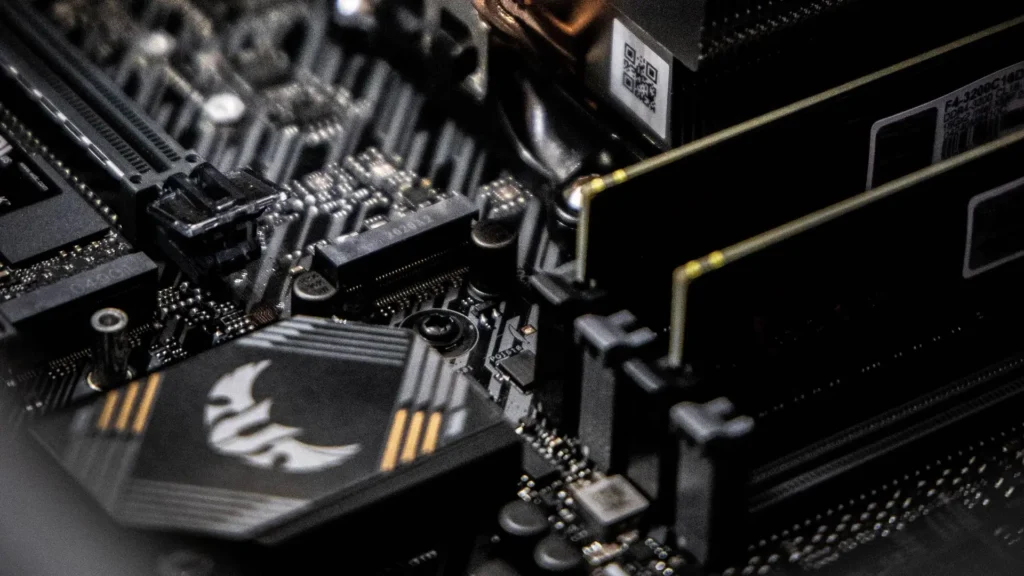
Hence, by comparison it is clear that desktop setups are much superior in performance capabilities. This is true if you are a user who requires high-end performance, faster, heavy-duty processing.
The Upgradeability Superpower
One of the most important factors while choosing between a desktop and a laptop computer is long-term scalability. Laptops are usually sealed and contain soldered hardware components due to which any upgrade is either impossible or very expensive.
Though some allow RAM and SSD upgrades, but the CPU and GPU are typically soldered. Once technology advances beyond your laptop’s capabilities, your only option left is replacement, not enhancement.
However, desktops are very flexible with their alterations and advancements. You can easily replace any RAM, GPU or CPU. It is very simple to upgrade them. You can add more storage or faster NVMe drives, RAM upgrade beyond 64GB, and improve cooling with liquid loops.
This affects total cost of ownership. A well-maintained desktop can stay relevant for nearly a decade with incremental updates. A gaming laptop, even a top-tier, often becomes obsolete in 4-5 years due to non-upgradable components.
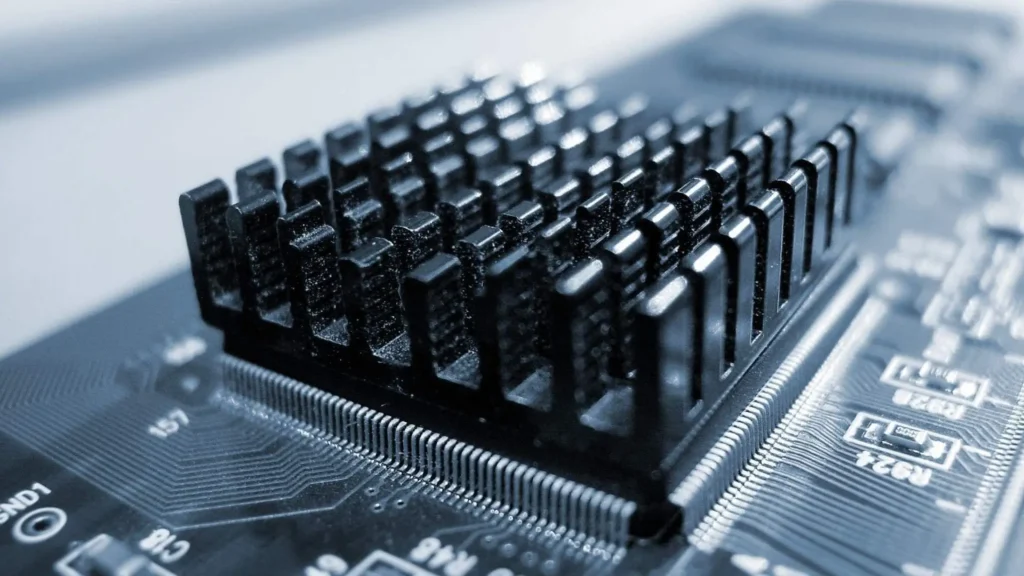
Therefore, due to upgradability constraints involving laptops, their lifespan shortens. So, in order to rely on a single setup and upgrade it with time to move with technology and advancements, you need a desktop computer.
Portability
Laptops are developed and designed for mobility. Their lightweight, compact build enables users to work, study or enjoy entertainment from virtually anywhere, be it a coffee shop, a library, or while travelling.
However, desktops are stationary devices that are unsuitable for users who need to work or study in multiple locations like students. They are also not ideal for travelers, or remote employees who move frequently. Also, due to multiple components (like monitor, mouse, keyboard) involved in desktop setup require significantly more space than a laptop.
Cost
We all have budgets, right? When I invest in my primary work and entertainment machine, I need to think long-term. Here’s the truth: for the same amount of money, a desktop will almost always give you more powerful, high-quality components than a laptop.
A mid-range well-specced desktop in 2026 will outperform a similarly priced laptop by a significant margin. And because you can control the upgrades of key parts, core system (case, power supply, motherboard) can serve for a long time while you refresh the GPU, RAM, and storage.
Overall, laptops cost more due to miniaturized components and expensive repairs but consume less power. On the other hand, desktops provide better performance for the price, are upgradable, and last longer, offering better long-term value.
| Component | Desktop Equivalent Cost | Laptop Equivalent Cost | Performance Difference |
|---|---|---|---|
| GPU: RTX 4070 Tier | $500 (desktop card) | $800+ (integrated into laptop) | Laptop ~15% slower |
| CPU: Ryzen 7 / i7 Level | $300 | Bundled (adds $400 premium) | Laptop runs hotter, throttles sooner |
| 16GB RAM + 1TB SSD | $150 | Bundled (harder to upgrade later) | Same baseline |
| Total System Estimate | $1,200 (self-built) | $2,000–$2,500 (prebuilt laptop) | Desktop wins by 25–30% performance per dollar |
Which One Should You Choose?
Industry experts note a growing convergence between laptop and desktop performance, thanks to advancements in chip efficiency and cooling tech.
However, innovation still favors desktops in areas like PCIe 5.0 bandwidth, DDR5 memory scaling, and AI-driven rendering tools. Meanwhile, laptop makers focus on battery life and noise reduction rather than peak performance.
More Guides
USB-C VS Thunderbolt – What The Labels Actually Mean
