


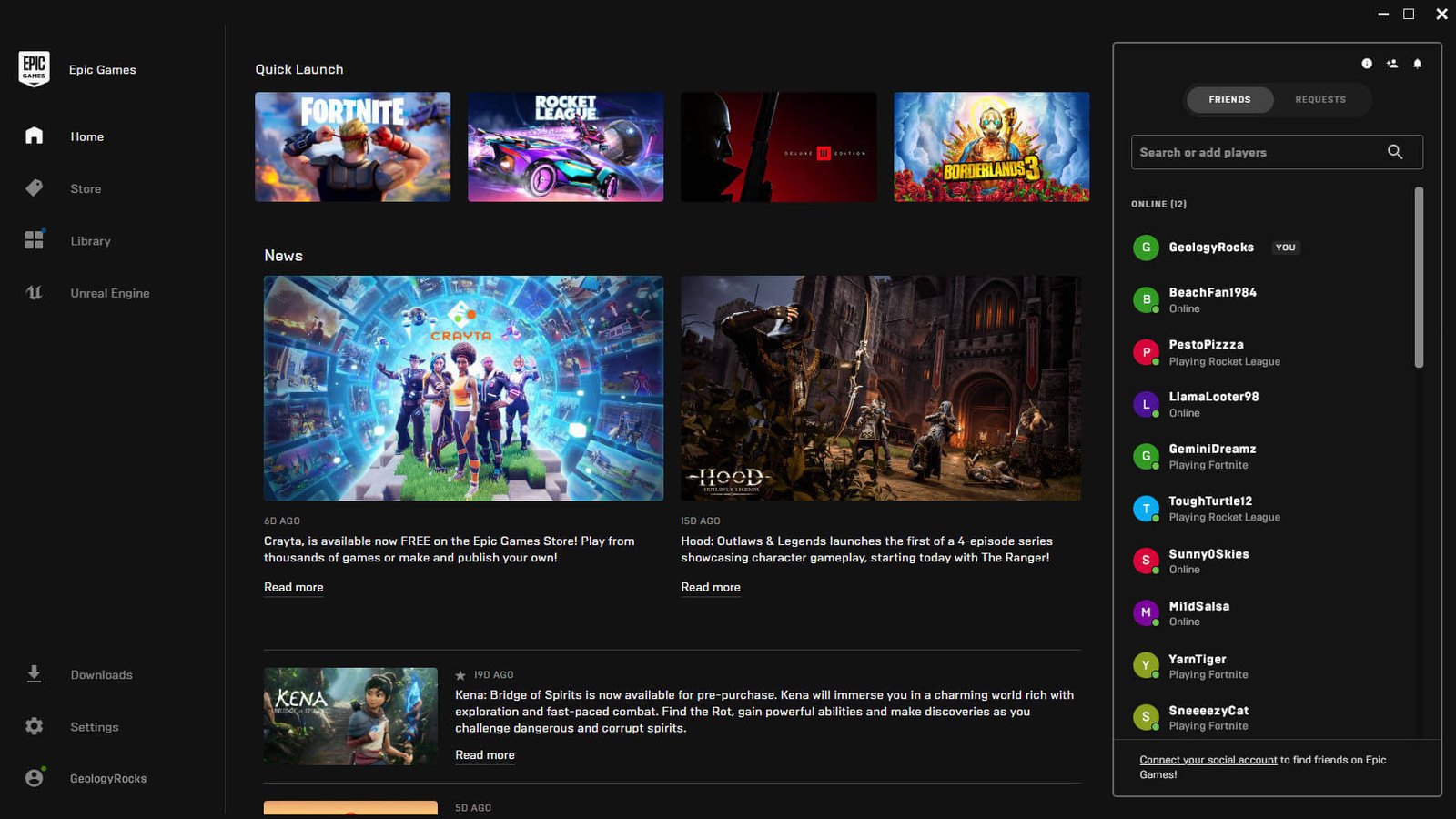
Epic Games says it is preparing an update for the Epic Games Launcher after acknowledging that its new party notification sounds are triggering more often than intended. In a response circulated by Fortnite leaker ShiinaBR, Epic said the launcher’s party chimes are currently firing too frequently while the app is running in the background. The company says it is updating the launcher to narrow the number of events that can produce a sound under those conditions.
The acknowledgement follows reports from PC users who began hearing unexplained notification tones after a recent Epic Games Launcher update. Players described short sounds occurring after closing Fortnite, receiving messages or otherwise using Epic’s social features, sometimes without a visible notification explaining their source. The issue was eventually traced to audio files stored in the launcher’s SocialChimes directory, including sounds for party members joining or leaving, push-to-talk activity, party messages and other social events.
Those findings provided the explanation behind the mysterious Epic Games Launcher notification sounds users had been reporting. Some players said the unexplained audio initially led them to suspect Windows, another background program or even malware because there was no obvious visual alert accompanying the chime. Community troubleshooting eventually identified the launcher itself as the source, with the PartyUserLeft sound becoming one of the most frequently mentioned examples.
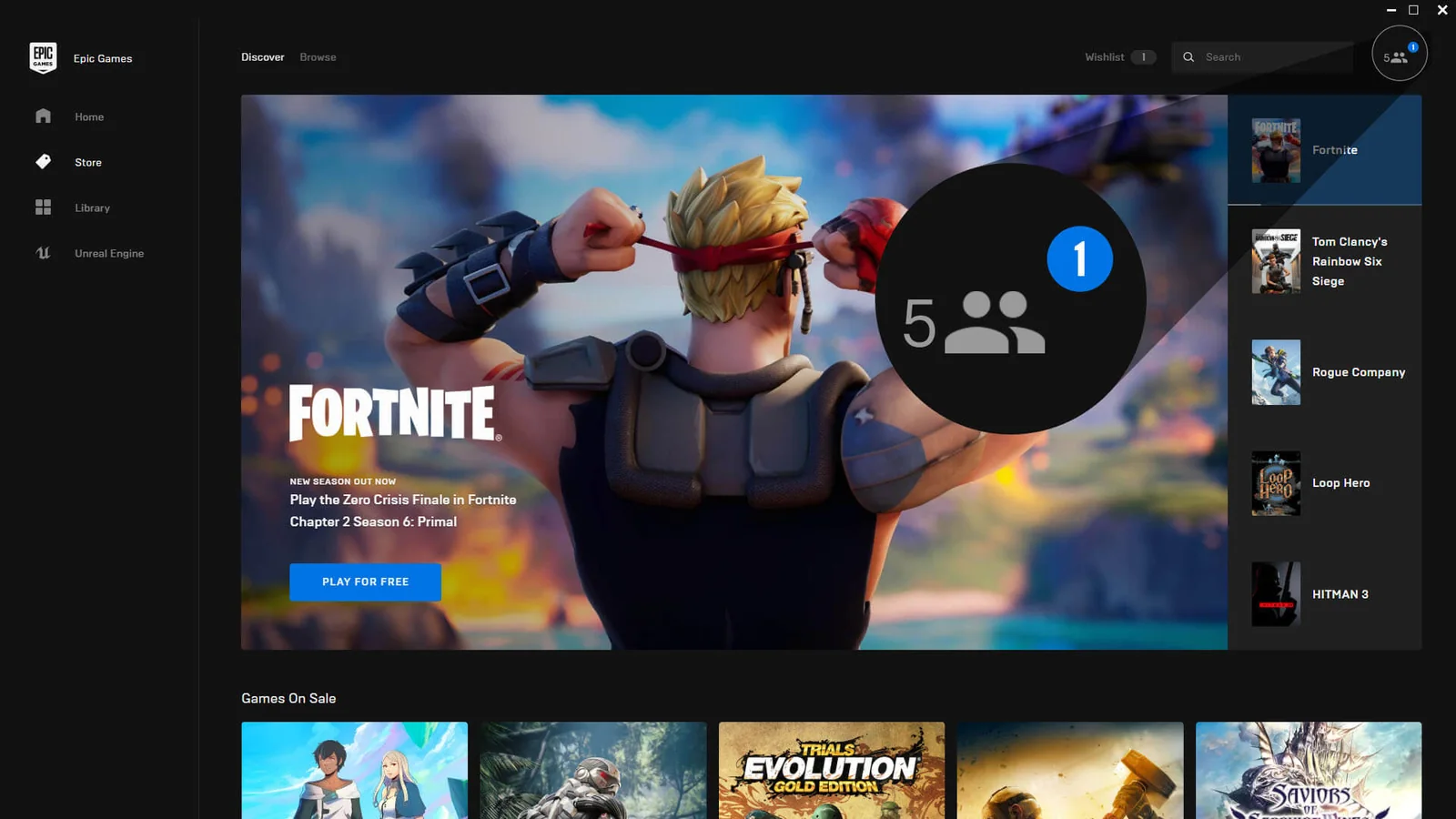
Epic’s statement now confirms that at least part of that behavior is unintended. Rather than removing party chimes altogether, the company appears to be changing the circumstances in which they are allowed to play while the launcher is operating in the background. Epic has not detailed exactly which notification events will remain audible after the update or provided a specific release date for the change.
The sounds arrived alongside Epic’s expanded social infrastructure introduced earlier this month. On September 3, Epic launched Epic Parties across Fortnite, the Epic Games Launcher and its mobile applications, allowing users to maintain voice conversations across devices and platforms. The system supports cross-platform voice chat, party transfers between devices and continued communication even when users move between Fortnite and Epic’s other apps.
That broader integration helps explain why the desktop launcher now handles more party activity than before. Social events can occur while users are outside Fortnite or while the launcher is minimized, meaning notifications are no longer necessarily tied to an active game window. The problem appears to be that some of those background events have been producing audible feedback more aggressively than Epic intended.
Users already have some control over launcher notifications through Epic’s settings menu. Epic’s support documentation says party and chat notifications can be managed under Desktop Notifications, allowing individual notification categories to be disabled. Some affected users have also muted the launcher through Windows’ Volume Mixer as a temporary workaround, although doing so disables all launcher audio rather than only the unwanted party chimes.
Community members also found that removing or replacing the individual SocialChimes audio files could silence specific sounds, though launcher updates may restore those files and Epic has not presented that method as an official fix. With the company now confirming that a launcher update is in development, users should not need to modify installation files permanently to address the excessive notifications. Epic has not yet said exactly when the revised notification behavior will roll out.
