


Microsoft has introduced new Xbox console personalization features, allowing players to automatically rotate their Home screen backgrounds, reorganize digital game licenses and change where the Xbox Guide appears. The Xbox Insider update began rolling out on November 12, 2026, with Alpha Skip-Ahead members receiving access first.
The changes were announced through Xbox Wire by Principal Software Engineering Lead Eden Marie and Senior Product Manager Judy Chen. They focus on giving console owners greater control over three frequently used areas of the Xbox interface: Home, My games & apps and the Guide.
The first addition allows Xbox Insiders to save their favorite dynamic backgrounds and automatically switch between them. Previously, choosing a different background required manually selecting another design. The new Shuffle option lets players cycle through either their saved favorites or an entire background category.
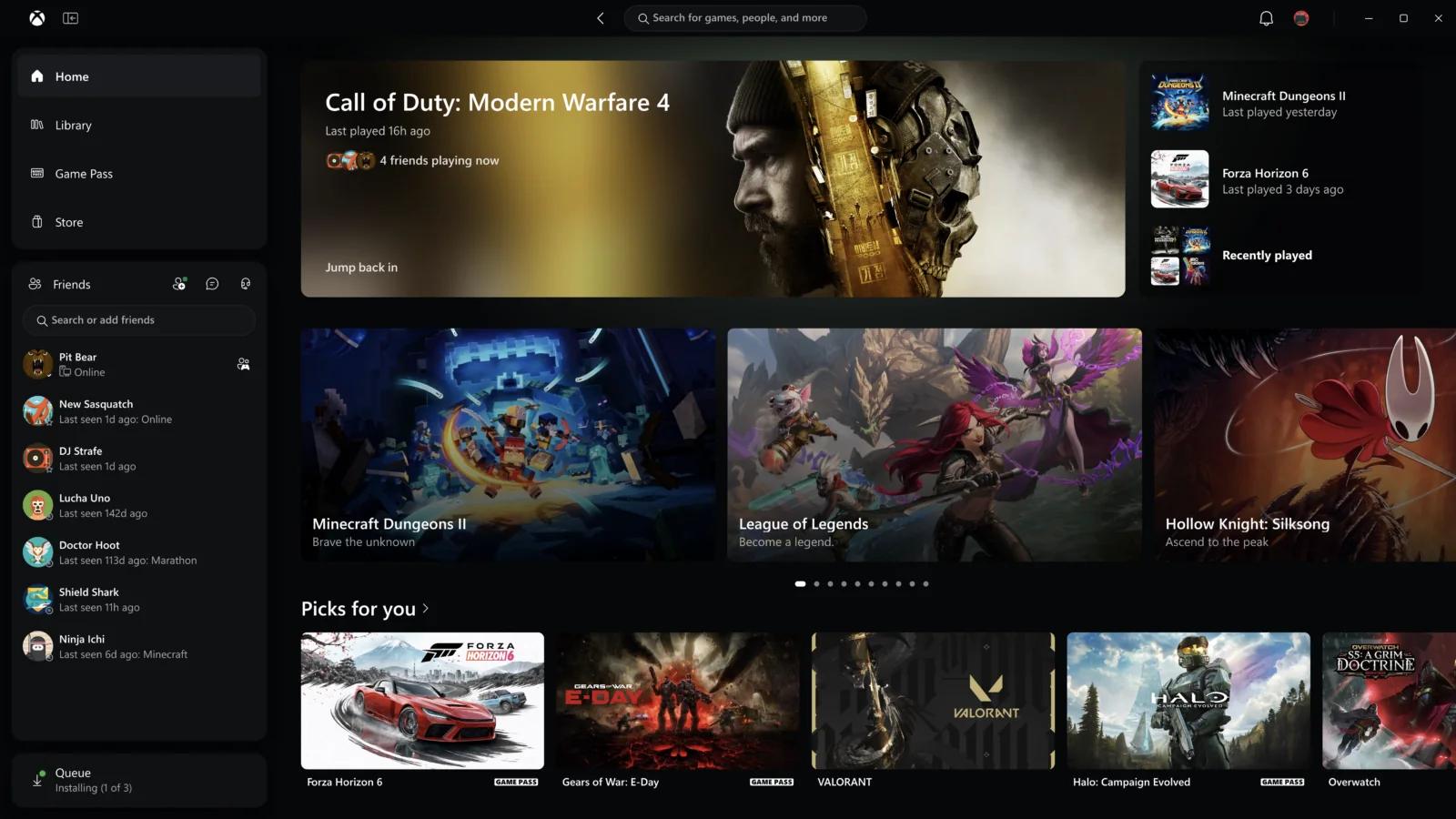
Players can configure backgrounds to change whenever they sign in or at hourly, daily or weekly intervals. The Shuffle option appears at the beginning of each background category.
To save a dynamic background as a favorite, players can navigate to Settings > General > Personalization > My background > Dynamic backgrounds > Dynamic backgrounds, select their preferred design and press X. Saved backgrounds then appear in a dedicated Favorites category.
Microsoft also confirmed that backgrounds associated with special-edition controllers can remain available after being saved as favorites, even when the corresponding controller is disconnected. One example is the exclusive background included with the Xbox Wireless Controller X25 Special Edition.
Another change affects how disc-derived digital licenses appear in the Xbox game library. Microsoft introduced the ability to claim digital licenses for eligible disc-based games in August 2026, and the latest Insider update adds more control over how those licenses are displayed.
Games associated with claimed disc-based digital licenses now appear in a separate category within the full game library. Players who prefer a combined collection can restore the previous arrangement, placing those titles alongside their other owned games.
The setting is available under Settings > General > Personalization > Games & apps. The same menu also includes an option to hide the digital license icon displayed on game tiles.
These changes concern library organization and visual indicators rather than an announcement of new digital ownership rights. Microsoft has not announced additional license eligibility or changes to the existing claiming process as part of this update.
The third addition introduces a configurable position for the Xbox Guide. Players can now choose whether the Guide opens on the left or right side of the screen, rather than using a fixed position.
The option is located under Settings > General > Personalization > Guide. It changes the Guide’s placement without requiring players to adopt a different navigation system.
The new features build on Microsoft’s broader console customization efforts. An April 2026 Xbox update introduced additional Home screen organization options, expanded pinned groups, custom interface colors and individual Quick Resume controls. The latest additions continue that approach by extending personalization to dynamic backgrounds, game licenses and Guide positioning.
For now, the November 12 features are limited to Xbox Insider Alpha Skip-Ahead members. Microsoft plans to expand availability to additional Xbox Insiders and eventually more players, although it has not provided a specific date for the wider rollout.
Xbox owners interested in testing upcoming interface changes can join the Xbox Insider Program through the Xbox Insider Hub. However, joining the program does not automatically provide immediate access to features restricted to the Alpha Skip-Ahead ring.
