


NVIDIA has released its GeForce Game Ready 621.40 WHQL driver on November 24, incorporating a fix for excessive background SSD writes that affected previous driver versions. The update brings the correction previously distributed through an optional hotfix into a WHQL-certified driver package.
NVIDIA’s official release notes identify the problem under bug reference 7116722, confirming that the graphics driver could generate excessive background writes to the nvlog.nvlgstg file. The issue was associated with the NVDisplay.Container.exe process, which could continuously write data even when affected computers were idle.
Users running GeForce driver versions 621.14 and 621.24 had reported unnecessary SSD writes reaching approximately 30GB per hour. Sustained write activity of this magnitude could contribute to premature storage wear, particularly on SSDs with lower endurance ratings.
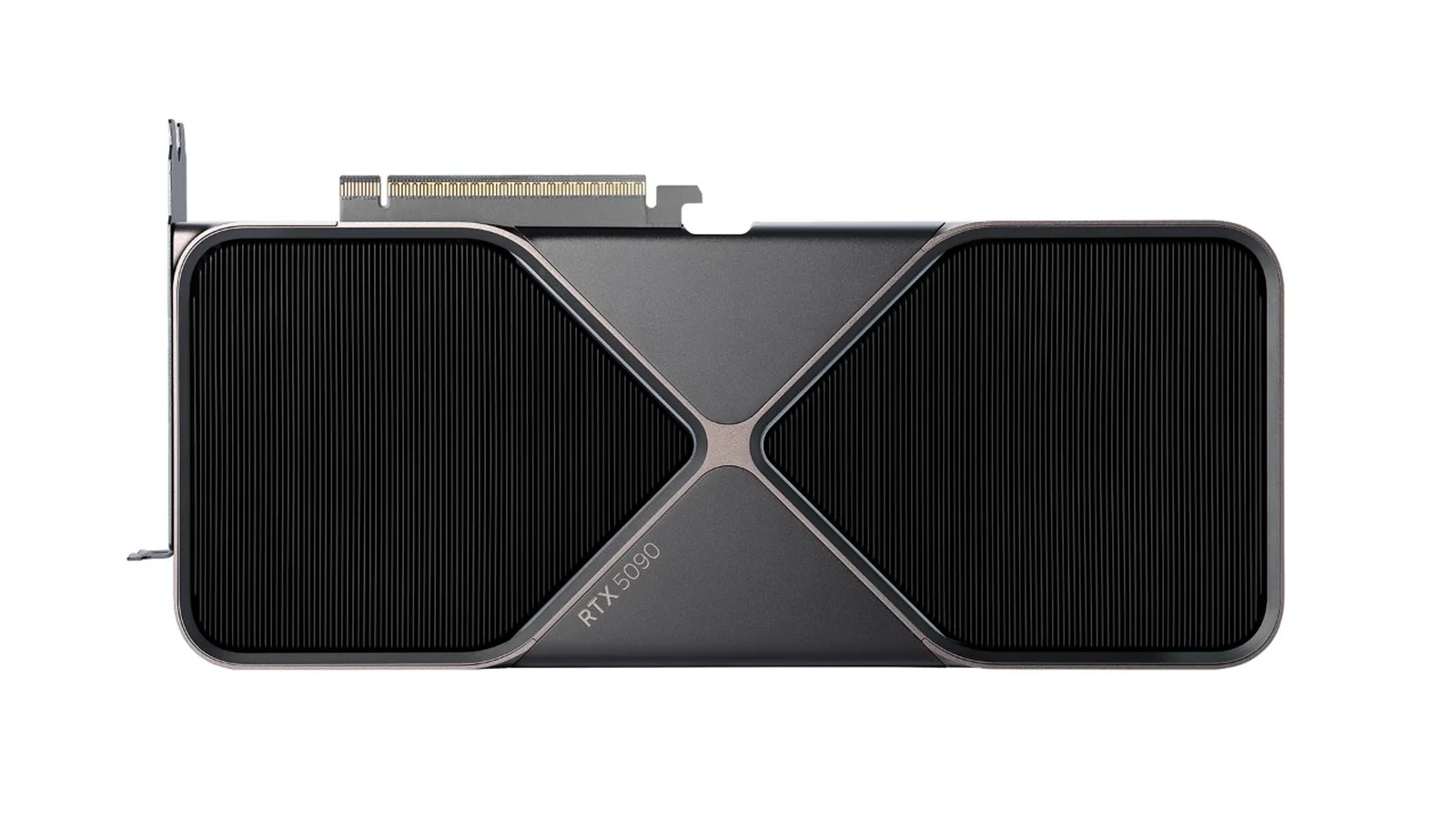
NVIDIA initially addressed the problem through its GeForce 621.35 hotfix driver. However, subsequent testing indicated that excessive write activity could return after extended system uptime, raising questions about the effectiveness of the initial patch.
While NVIDIA lists the logging issue as resolved in version 621.40, further independent testing is needed to establish whether the certified release eliminates the problem across affected hardware configurations.
The driver retains the gaming optimizations introduced with GeForce 621.24, including support for Warhammer 40,000: Dawn of War IV, DLSS 4.5 Dynamic Multi Frame Generation in Assetto Corsa Rally and DLSS 5 with 3D-Guided Neural Rendering in Where Winds Meet.
NVIDIA’s release notes also list corrections for OptiX denoiser failures at higher resolutions in Chaos Vantage and inaccurate colors when playing DJI D-Log H.265 footage through Windows Photos and Media Player. No specific gaming bugs or outstanding driver issues are listed in the release’s changelog.
GeForce Game Ready 621.40 WHQL is available for compatible Windows 10 and Windows 11 systems through NVIDIA’s official driver distribution channels. Users concerned about continued SSD activity can monitor the NVDisplay.Container.exe process through Windows Resource Monitor after installing the update.
