


Microsoft has begun rolling out the Xbox October 2026 console update on October 28, introducing 10 features covering achievements, Remote Play, game saves, dashboard customization and library management. The public release brings several improvements previously tested through the Xbox Insider program to regular console users.
The update’s most notable additions include Mythic Achievements, streaming at up to 1440p through Xbox Remote Play on supported devices, selectable startup animations and new controls for managing unused local game saves. Microsoft has also included fixes for dashboard, download and system stability issues.
Mythic Achievements introduce a new recognition system for players who complete every original achievement in a game. Achievements added later through downloadable content or updates are not required, and players retain Mythic status once earned.
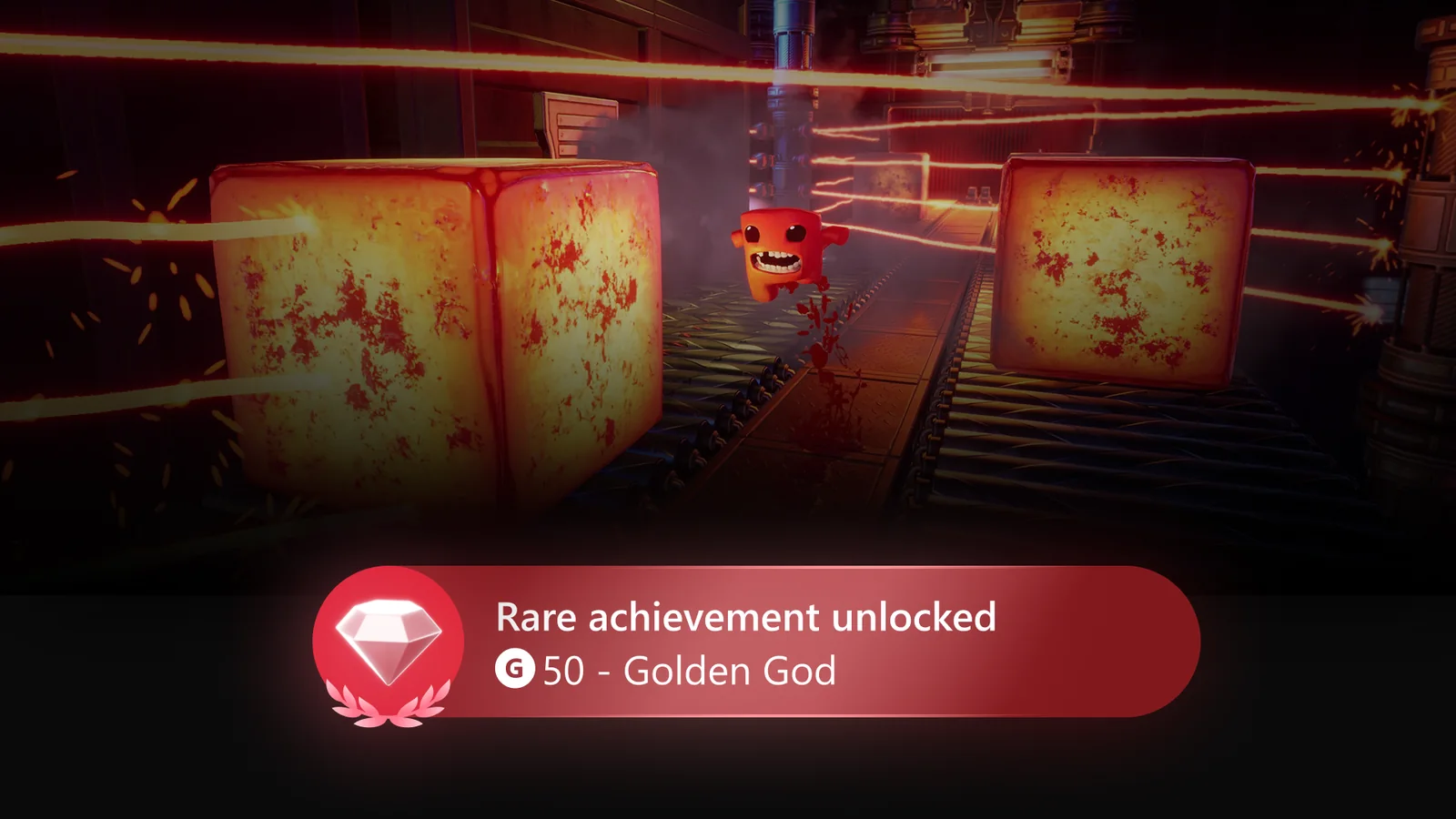
The system applies retroactively to eligible completed games, including Xbox 360 titles. Players can view their Mythic accomplishments through the Gaming tab on their profiles, where completed games receive a distinctive frame. Achievement lists also display a progress bar showing how close players are to meeting the requirements, with filters for remaining original achievements.
For Xbox Series X|S owners, the update improves Remote Play with support for resolutions up to 1440p and increased video bitrates on compatible devices. Remote Play streams games from a player’s own console to supported PCs, phones, televisions and other devices without requiring an additional subscription. Actual streaming quality depends on device compatibility and network conditions.
Microsoft previously advised players to configure their console’s display resolution to 1440p or 4K UHD under Settings > General > TV & display options to benefit from the higher-quality streaming options.
The October update also expands storage management. Players can now view, sort and delete local game saves that are no longer in use, either individually or together. This gives console owners additional control over storage occupied by older save data without requiring them to remove currently used saves.
Dashboard personalization receives several changes. Players can remove individual entries from the Recent Games and Apps section of Home, including the Play History tile. A new immersive background mode lets users temporarily hide the dashboard interface by pressing the right thumbstick while on Home, revealing their selected dynamic or custom background.
Xbox owners can also choose between different console startup animations, including designs from the Xbox One era and the current generation. The selection is available under Settings > System > Startup, alongside the option to enable or disable startup animation audio.
A new local search function helps users locate games and achievements within large collections. It is available in My games & apps, official club achievement lists and the Gaming tab of user profiles, working alongside existing sorting and filtering controls.
Cloud gaming integration has also changed. Games played through Xbox Cloud Gaming are automatically added to the Games section of My games & apps, making previously streamed titles easier to find. Players can remove these entries using the Menu button. Downloads can also continue in the background during cloud gaming sessions when network conditions permit.
Other additions include infrastructure changes intended to improve the future reliability and security of Xbox party chat, expanded profile badge information with high-resolution artwork and unlock details, and a native console interface for viewing inaccessible disc-to-digital licenses. The latter replaces the previous web-based experience and can be accessed through Settings > General > Personalisation > Games & apps.
Alongside the new features, Microsoft has addressed several existing issues. The fixes cover cases where the Home dashboard repeatedly refreshed, consoles booted to a black screen, downloads appeared to pause unexpectedly and focus was lost when refreshing My games & apps. Additional memory and performance improvements target consoles with particularly large game libraries, while other changes address stability and incorrectly displayed artwork or text for certain compilation discs.
The public rollout follows Xbox Insider previews conducted during August and September, including the September 29 introduction of Mythic Achievements. The distinction is that these previously tested features are now included in the regular October console update rather than being limited to preview participants.
The changes also arrive during a busy period for Xbox owners, with the October 2026 Xbox Game Pass lineup adding titles such as Final Fantasy VII Remake Intergrade. The updated library search and cloud gaming navigation features provide additional ways to manage and locate games across the Xbox ecosystem.
Players can check for the October update manually by opening Settings > System > Updates on their Xbox console. Those with automatic updates enabled can receive it through the normal rollout process, although availability may vary as distribution continues.
