


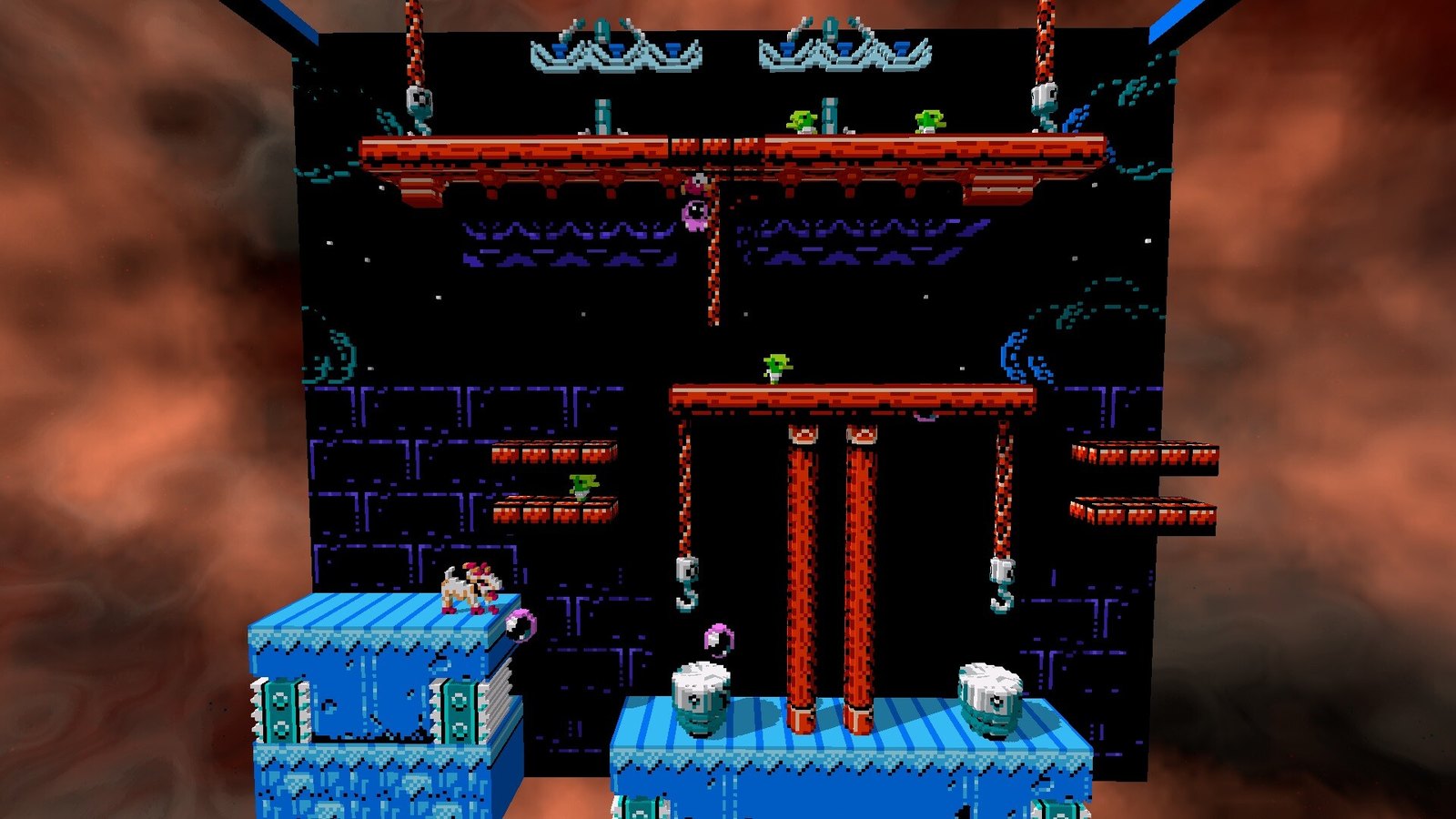
Geod Studio has released 3dSen 2.0, a major update to its Nintendo Entertainment System emulator that transforms classic 2D games into interactive 3D voxel environments. Released on October 30, 2026, the update introduces a new rendering system, customizable visual effects, reduced input latency and improved performance on Steam Deck. The separately distributed 3dSenVR 2.0 also brings expanded headset compatibility through OpenXR.
The developer describes version 2.0 as the emulator’s largest overhaul yet. Both the standard PC application and VR edition receive substantial interface, rendering and usability improvements, with the changes detailed in official Steam announcements.
The most significant visual addition is Retina, a new sub-voxel rendering mode that creates smoother, rounded geometry instead of representing every pixel as a conventional block. This provides an alternative to the emulator’s established block-based appearance while retaining its distinctive approach to recreating NES games in three dimensions.
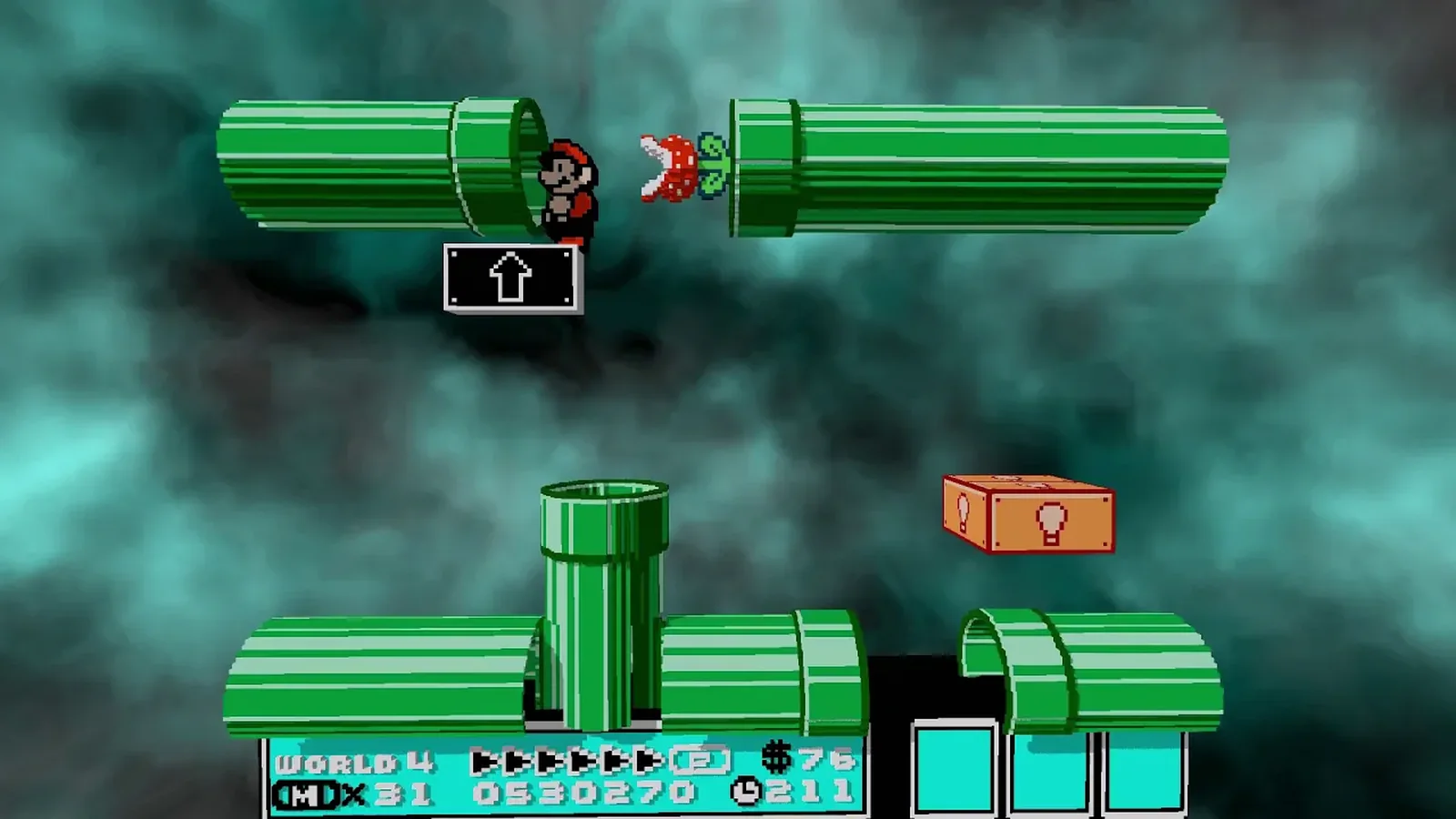
Players can enable Retina through Settings > Display > Render Mode. The update also introduces customizable reflections, shading, pixel shadows, voxel grooves and world curvature. These effects are disabled by default, allowing users to enable individual options while viewing their appearance through a live preview of the paused game.
The original Classic visual style remains available for players who prefer the previous presentation. Anti-aliasing options now include Off, 2x and 4x, with 2x selected by default in the PC version.
Beyond graphics, 3dSen 2.0 introduces Run Ahead, an input-latency reduction feature enabled by default. Its purpose is to make games respond more quickly to player inputs, an important consideration when playing older titles built around precise timing.
The emulator also receives fixes for visual artifacts, including thin cracks and dark lines between 3D tiles. Geod Studio has improved loading behavior to reduce stuttering and made additional optimizations to emulation, audio, rewind functionality, save states, memory usage and general performance.
Several game-specific profile issues have also been addressed, including problems affecting Super Mario Bros., Punch-Out!! and Final Fantasy.
The user interface has been redesigned to make navigating game libraries easier. Players can now browse titles using list or grid layouts with cover artwork, search and filter their collections, and mark frequently played games as favorites.
Full gamepad navigation is supported, including an on-screen keyboard for searching without a physical keyboard. A new session-resumption feature also allows players to continue their previous game when reopening the emulator or discard the session and start again.
Additional controls include a soft-reset function that simulates the original console’s Reset button and right-mouse-button camera movement. The default gamepad layout has changed, although existing custom configurations remain preserved.
Steam Deck users receive a particularly relevant improvement. Geod Studio says the native Linux version now performs substantially better and recommends using it instead of running the Windows build through Proton.
To select the native version, Steam Deck owners can open the application’s Properties, navigate to Compatibility, enable the option to force a specific Steam Play compatibility tool and select Steam Linux Runtime.
The update adds to ongoing improvements across the SteamOS and Linux gaming environment, where native application support and compatibility remain important considerations for handheld users.
Platform support has also been modernized elsewhere. The Windows application has moved from a 32-bit build to 64-bit, while the macOS version now supports Apple Silicon natively alongside Intel-based Macs.
The separate 3dSenVR 2.0 release incorporates many of the same rendering and interface improvements while introducing several features specifically designed for virtual reality.
Most notably, the VR edition now uses OpenXR, enabling compatibility with SteamVR headsets, Meta Quest devices connected through Link, Air Link or Virtual Desktop, and Steam Frame.
The redesigned VR interface allows players to navigate menus using controller pointers and trigger inputs. Controller buttons can also be remapped for functions such as rewinding, fast-forwarding, quick saving and quick loading.
Steam Frame controller support has been added, including D-pad functionality using a layout similar to an Xbox controller. A dedicated Scene Scale setting lets users adjust the apparent size of the game world, while improvements to view resetting and interface positioning are intended to make the VR experience more comfortable.
The VR version also defaults to 4x anti-aliasing, compared with 2x on PC. Returning users should note that gaze-based menu control has been removed in favor of controller pointers or a gamepad, and the desktop window now always mirrors the headset view.
Although 3dSen PC and 3dSenVR share many features, they remain separate releases. The standard PC version supports Windows, Linux and macOS, while the VR edition is distributed separately for compatible PC VR systems.
Both 2.0 updates are available through Steam, offering existing users new ways to customize the appearance of classic NES games alongside improvements to controls, compatibility and overall usability.
