


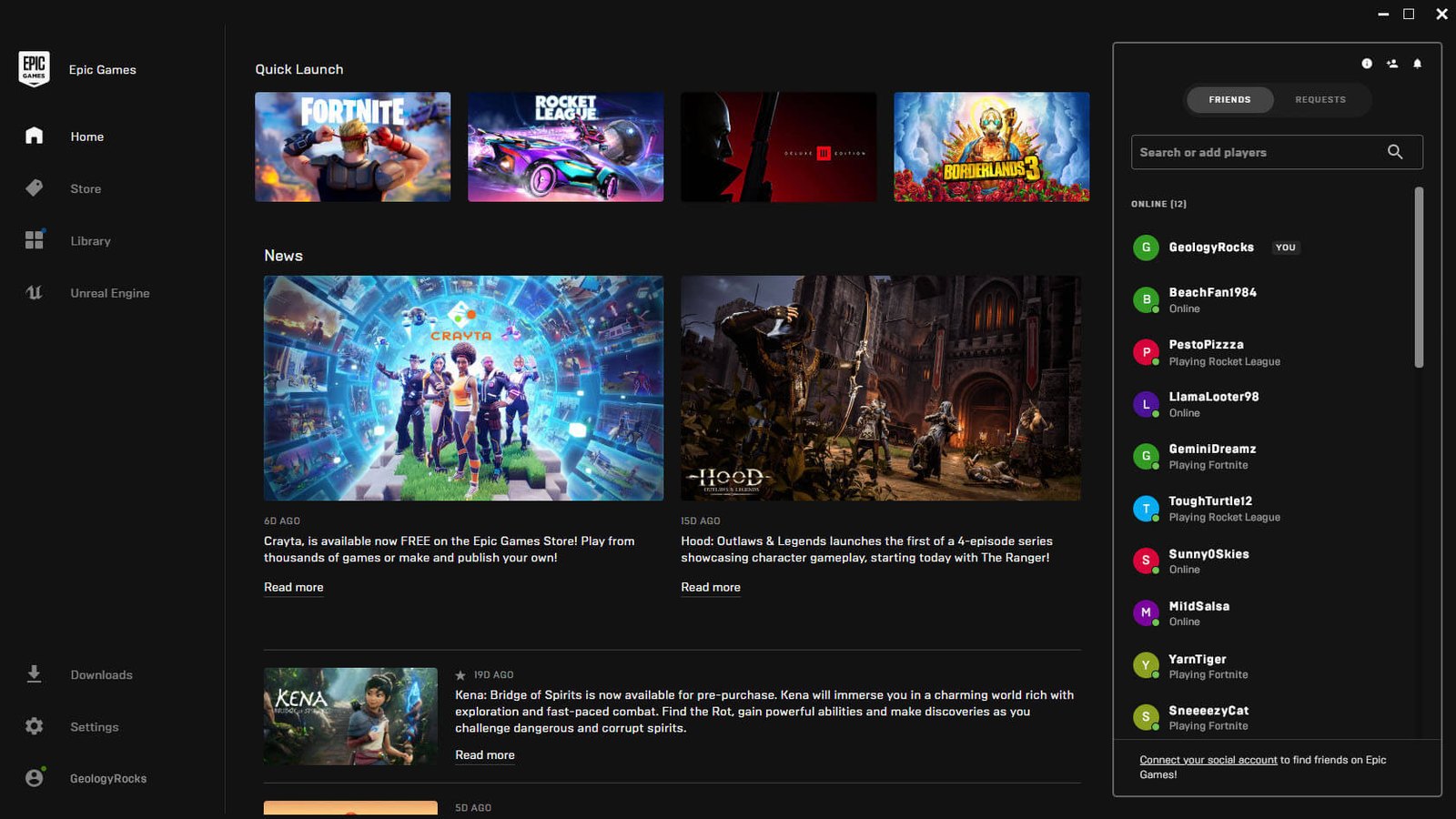
PC users hearing unexplained notification sounds may have the Epic Games Launcher to blame. Fortnite dataminer FireMonkey has identified a set of social notification audio files used by the launcher, including sounds for party members joining or leaving, push-to-talk activation and deactivation, party joinability changes and incoming party messages. The finding helps explain a series of short sounds that some users have recently reported hearing without an obvious on-screen notification.
The files are stored locally inside the Epic Games Launcher installation under the Portal\Extras\SocialChimes directory. FireMonkey highlighted six specific audio cues corresponding to Party User Left, Push to Talk Activated, Push to Talk Deactivated, Party Joinability Changed, Party Message Received and Party User Joined. Their presence aligns with Epic’s recent expansion of the launcher’s social functionality, which now includes persistent Epic Parties, cross-platform voice chat and synced messaging.
Epic introduced its expanded Epic Parties system earlier in September, allowing users to start or join parties directly from the Epic Games Launcher and continue voice conversations across Fortnite, PC, mobile devices and other supported parts of the company’s ecosystem. The launcher can remain involved in those communications even while users are playing other games, which means social events can trigger while the launcher is minimized. That makes the new notification sounds less obvious to identify than alerts tied directly to an open application window.

Reports from users suggest the issue has already caused some confusion. PC players have described hearing brief tones after closing Fortnite or while the Epic Games Launcher was running in the background, with some initially suspecting Windows, another application or even a hardware problem. Users investigating the sound independently have also traced it to the launcher’s PartyUserLeft audio file in the same SocialChimes folder, providing additional corroboration for FireMonkey’s finding.
The behavior does not necessarily indicate a bug in the audio files themselves. Epic’s launcher now supports party chat, party joinability controls, text messages and other social events, all of which can reasonably require notification cues. The confusing part appears to be that the sound may play without users immediately understanding which application generated it, particularly if the launcher is minimized or running in the system tray.
Epic does provide notification controls inside the launcher. Its support documentation says users can open the launcher settings and manage Desktop Notifications, including party and chat notifications, although Epic does not separately document each SocialChimes audio file or state that every sound can be disabled individually. Muting the Epic Games Launcher through Windows’ Volume Mixer would also silence launcher audio, though that would affect other sounds produced by the application as well.
The discovery is separate from the kinds of Fortnite file investigations that typically expose unreleased content. Dataminers have recently used Fortnite’s live files to uncover everything from decrypted Cyberpunk: Edgerunners assets to unreleased vehicle cosmetics, but in this case the relevant files belong to Epic’s launcher rather than an upcoming in-game update.
Epic Games has not publicly identified the recent mystery sounds as an error or announced a launcher fix specifically addressing them. For users who have been hearing unexplained short notification tones, however, the SocialChimes folder provides a concrete explanation for at least some of the noises coming from PCs with the Epic Games Launcher running.
