


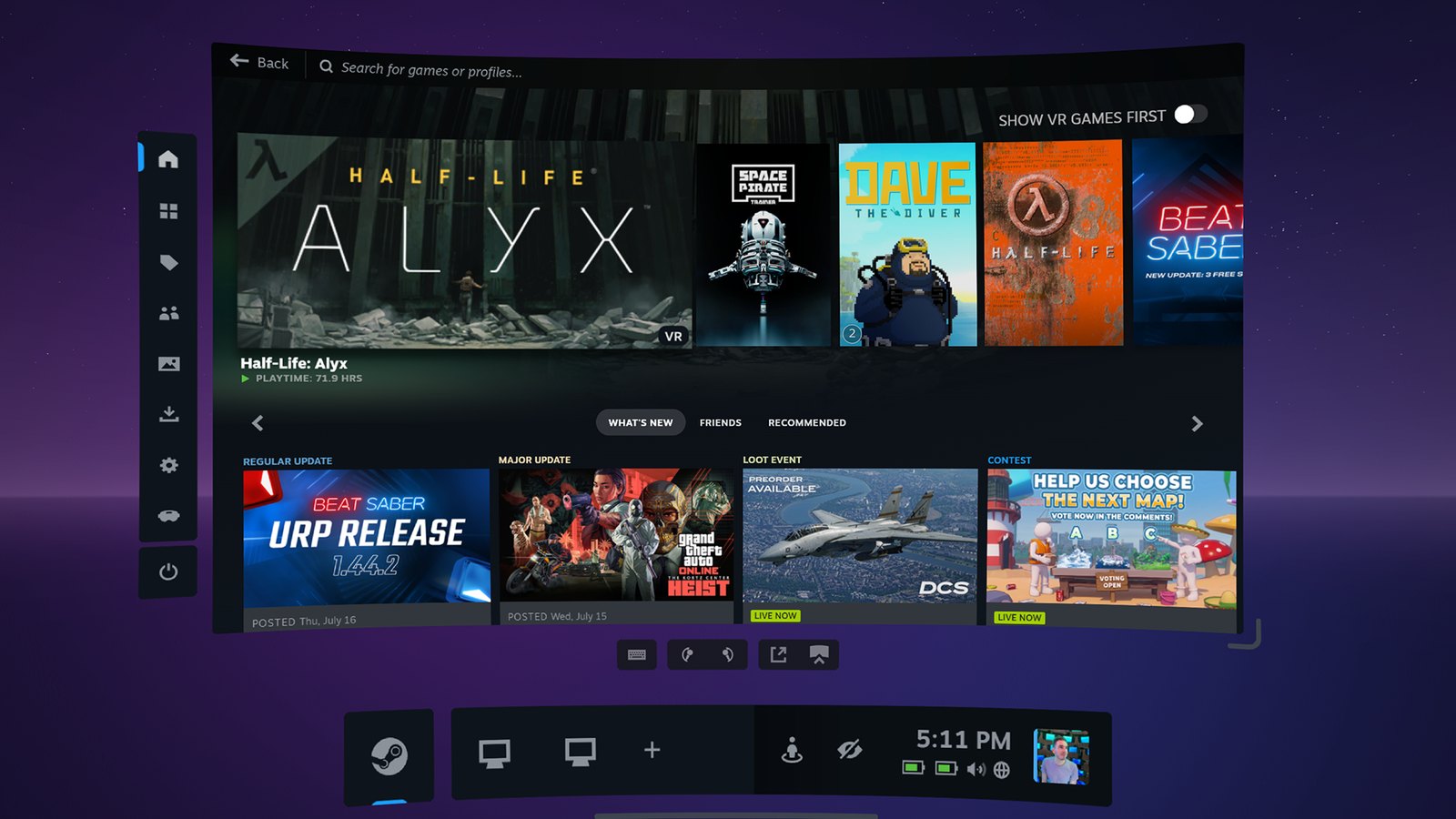
Valve has released SteamVR Beta 2.19.1, introducing significant improvements to Steam Link streaming quality, higher default rendering resolutions, and expanded Linux compatibility. The November 2, 2026 update includes a redesigned streaming pipeline intended to deliver sharper text, clearer colors, and improved image detail across PC VR games, SteamVR interfaces, and streamed desktop content.
According to Valve’s official release notes, the update increases the recommended rendering resolution for streamed PC VR applications, targeting approximately 1.4 times the headset’s panel resolution with a render scale of 1.5. Steam Link also no longer performs a GPU performance test to determine its recommended resolution.
For Steam Frame, the default encoded video size has increased from 1152 to 1216. The changes build on Valve’s broader Steam Frame development and VR streaming improvements, with the latest beta focusing heavily on image quality and rendering behavior.
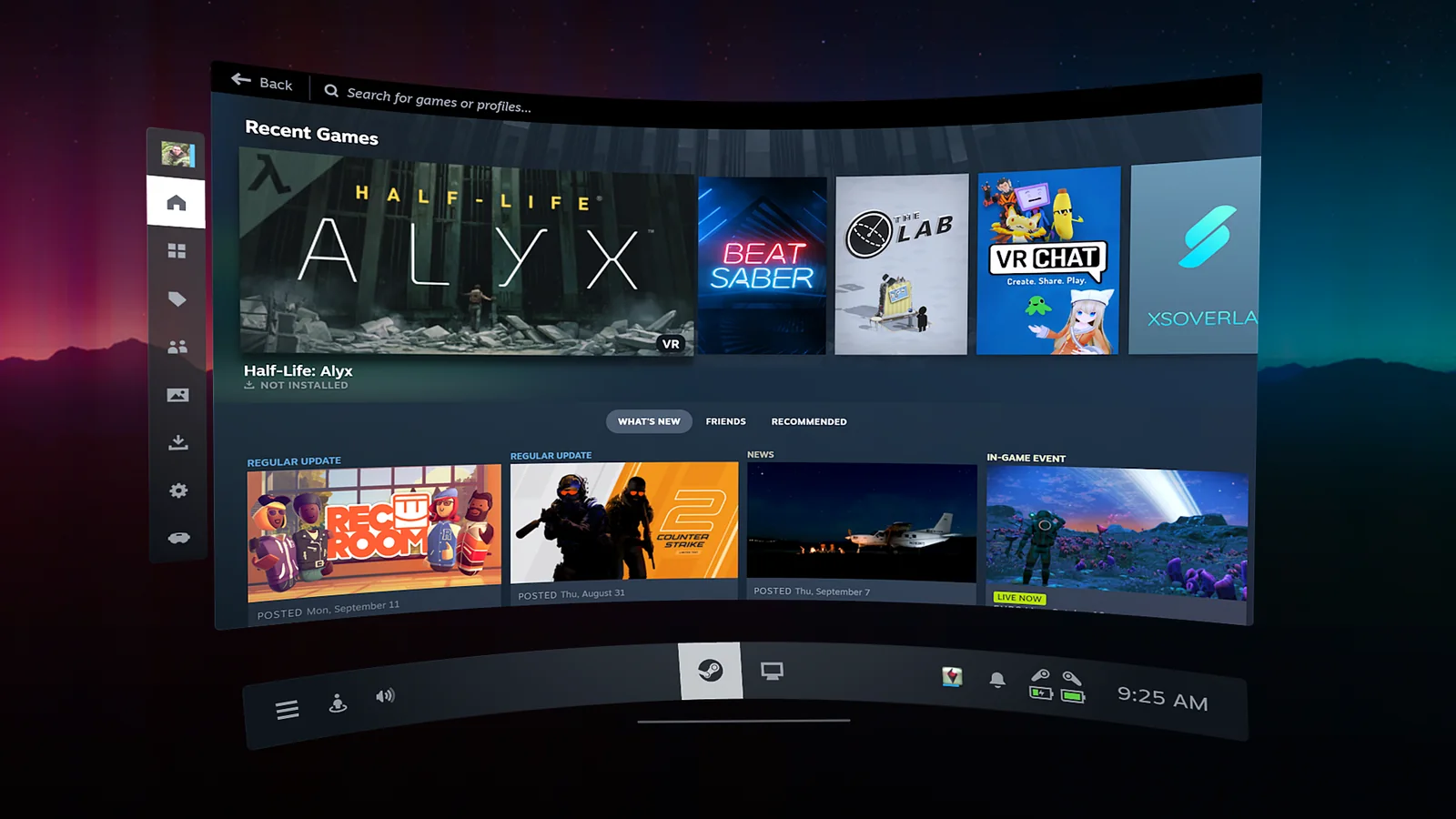
The most substantial technical change is a new system-layer rendering pipeline that processes foveated and non-foveated views directly from their original textures. This removes an intermediate rendering texture and an additional resampling operation previously used during streaming.
Valve has also introduced higher-quality color filtering before video encoding, helping preserve small colored details and brightness at boundaries between strongly saturated colors. Improved downscaling outside the foveated region is intended to make peripheral areas appear sharper.
These improvements extend beyond games. Valve says the SteamVR dashboard, third-party overlays, theater screen, desktop streaming, and SteamVR Home benefit from clearer text and improved image quality. Interface rendering also receives smoother edges, reduced shimmering, and fewer visual artifacts.
Users can compare the new pipeline with the previous implementation through Steam Link settings on their host PC. Under Steam Link > Advanced > Stream Quality, the Default option uses the updated rendering approach, while Legacy reproduces the older streaming image quality.
Steam Link also gains a Preferred Foveated Sharpness setting for the system interface. This allows users to adjust the size of the sharper central viewing region, choosing between a smaller, more concentrated area and a wider region.
The setting is particularly relevant as Valve continues expanding its use of foveated rendering across PC VR. A separate Half-Life: Alyx foveated rendering update introduced related rendering improvements for the game, including support for eye tracking and multiple GPU vendors.
Beyond visual clarity, SteamVR Beta 2.19.1 introduces several streaming improvements. These include better head-motion prediction, corrected eye-view positioning for projection layers, and improved alignment of eye-tracked foveation during rapid head movements.
Valve has also added per-application refresh-rate overrides, giving users more control over refresh-rate settings for individual applications. Additional fixes address incorrect frame timing during startup, a possible cause of Error 17, and IPv4 and IPv6 address comparisons when selecting network connections.
For eye-tracking headsets, SteamVR now prompts users before sharing eye-tracking data with PC applications. Meta Quest users receive a fix for a persistent 72 Hz notification in Battery Saver mode, while HTC Focus Vision gains support for face-tracking data over OSC when using the compatible accessory.
The update also introduces an Ultra option for overlay rendering quality, alongside improved filtering for existing quality settings.
Linux receives a substantial set of changes focused on runtime compatibility and VR application launching.
SteamVR now operates under the Sniper runtime, enabling support for Steam Runtime 3 clients while maintaining the scheduling priority required by SteamVR. The update also allows non-Proton OpenXR games to launch without requiring SteamVR to be running beforehand.
OpenVR and OpenXR runtimes can now operate inside sandbox environments including Flatpak and bubblewrap, expanding compatibility with applications distributed through those systems.
Valve has additionally introduced a symbolic link for the 32-bit OpenXR runtime, which Proton can also use. Linux users now have access to all rendering quality options, including higher-quality samplers that were previously disabled.
These changes complement Valve’s ongoing SteamOS updates and Linux gaming improvements, particularly as SteamVR support continues developing across Linux-based gaming systems.
OpenXR compatibility has also expanded with support for XR_KHR_composition_layer_cylinder on PC and Steam Frame, XR_FB_composition_layer_image_layout on Steam Frame, and XR_EXT_stationary_reference_space.
Outside the main streaming and Linux changes, the beta addresses multiple SteamVR stability issues, including crashes associated with resource shutdown, blocked add-ons, and malformed requests handled by SteamVR’s web interface. It also improves anti-aliasing on the play-area floor grid and fixes interruptions to laser-mouse dragging.
SteamVR Beta 2.19.1 is available through Steam’s beta participation system. Because this is a beta release, the changes have not yet reached the stable branch.
Valve notes that users who previously customized Steam Link’s encoded video size or render resolution will retain those settings. To experience the updated recommended defaults, those values must be returned to Auto.
The update provides PC VR users with new image-quality controls and rendering improvements, while Linux players gain broader compatibility with OpenXR applications and sandboxed environments.
