


Obsidian Entertainment has launched a public beta introducing controller support to Pillars of Eternity and Pillars of Eternity II: Deadfire on PC. Announced on November 4, 2026, the updates allow players to complete both RPGs entirely with a controller, including character creation, exploration, combat, inventory management, and conversations. The public test is available through Steam, GOG, and Xbox on PC.
The updates also introduce native Steam Deck controls, dynamic switching between controller and keyboard-and-mouse input, and extensive gameplay fixes. Deadfire receives a particularly significant overhaul of its turn-based combat system, changing how frequently characters act and how several combat actions work.
Obsidian confirmed the changes in an official announcement accompanying Pillars of Eternity patch 1.3.10.0 and Pillars of Eternity II: Deadfire patch 5.1.0.0. Both updates are currently in public testing rather than stable release.
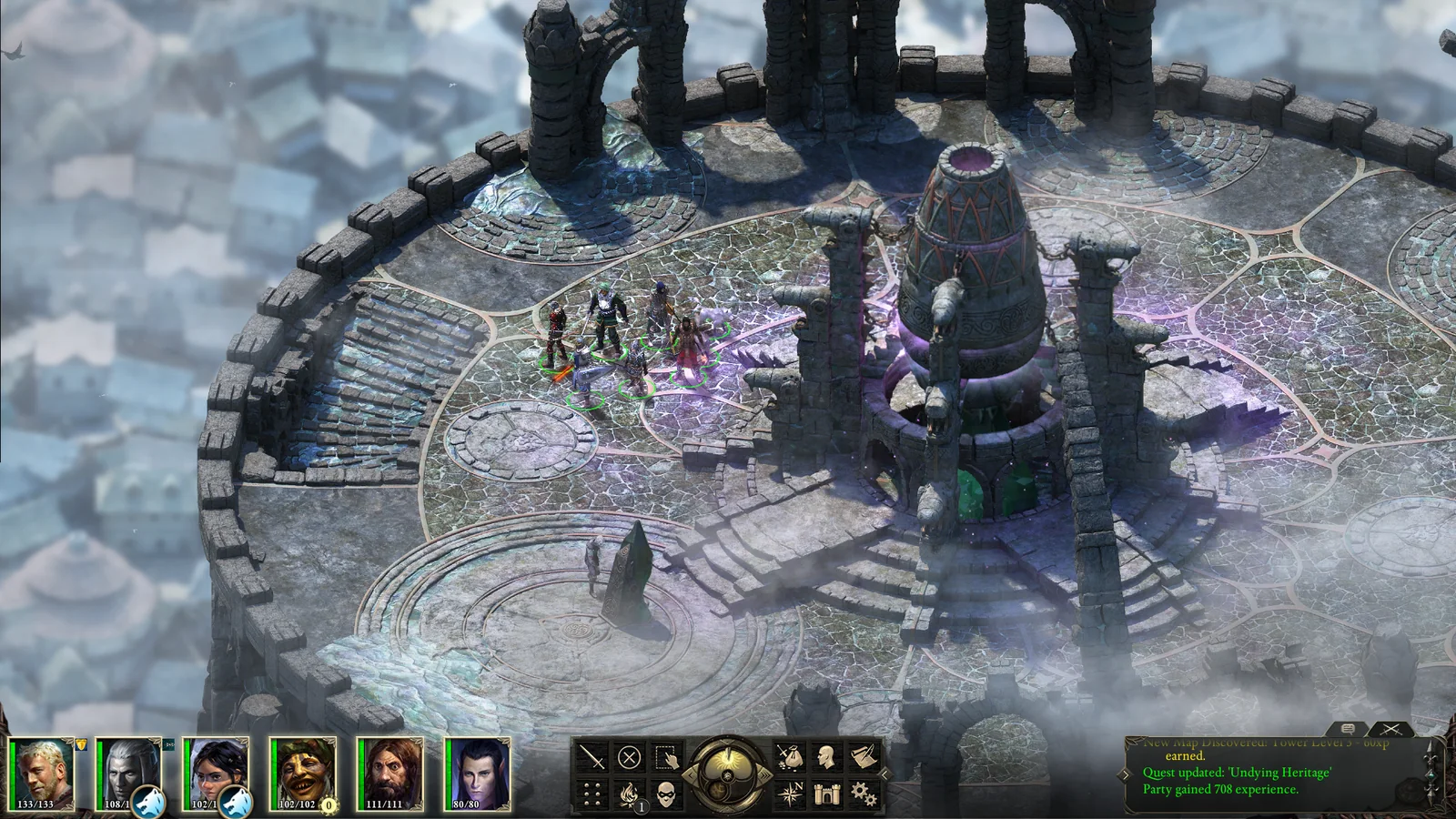
The controller implementation covers the complete experience in both games. Players can navigate menus, manage party members, use abilities, and participate in combat without switching back to a mouse and keyboard. Deadfire also supports controller-based naval exploration and ship battles, building on the control scheme developed for its console versions.
Radial menus provide access to spells, abilities, items, and party commands, while interface prompts automatically change according to the active input method. Xbox and PlayStation controllers are supported, alongside Steam Deck and Steam Big Picture mode.
Players can switch between a controller and mouse and keyboard during gameplay, with the interface adapting automatically. This makes the updates particularly relevant to players who alternate between desktop setups, television gaming, and handheld PCs.
Steam Deck compatibility is another important addition. Players must manually configure the appropriate gamepad layout through Steam’s controller settings before launching either game.
To enable the layout, Steam Deck users should open the game’s library page, select the controller icon, and navigate to the current layout settings. Under Templates, Obsidian recommends selecting Gamepad with Joystick Trackpad, or Gamepad if the first option is unavailable, before applying the configuration.
The changes follow a broader pattern of older PC RPGs receiving improved handheld controls. Torchlight II's recent beta improvements similarly introduced Steam Deck compatibility and updated control options, including controller input and WASD movement.
Beyond controller support, Deadfire’s turn-based combat system has undergone substantial changes. Characters no longer receive exactly one turn per round. Instead, their frequency of actions depends on Initiative, which is influenced by recovery speed.
Faster characters, including those with higher Dexterity or lighter equipment, can act multiple times within a round. Slower characters may take fewer turns, and sufficiently heavy speed penalties can cause a character to miss an entire round.
Obsidian has also increased all damage dealt in Deadfire’s turn-based mode by 35%, making encounters more lethal. The developer says the adjustments are intended to improve combat pacing and place greater emphasis on tactical decisions.
Several previously costly actions have been reclassified as free actions. Switching weapon sets, drinking potions, and toggling modal abilities no longer consume a character’s primary action, although each type of free action is limited to one activation per turn.
Another significant change allows players to switch between real-time-with-pause and turn-based combat during an existing playthrough, provided they are outside combat. The option is accessible through the game’s settings, a new interface button, or the T key.
The update also includes revised Chanter phrase progression, changes to interrupt mechanics, and adjusted Intellect scaling in turn-based combat. Together, these changes bring Deadfire’s combat rules closer to those introduced in the original Pillars of Eternity’s turn-based mode.
Both games receive additional bug fixes addressing gameplay, user interfaces, and combat behavior. Deadfire’s patch includes fixes for quest progression problems, crashes, combat abilities, and visual issues. It also adds support for transferring completed-game saves from Pillars of Eternity into Deadfire.
Players interested in testing the updates can access the public beta through their respective PC storefronts.
On Steam, users can right-click either game in their library, open Properties, navigate to Betas, and select public_beta from the available branches. Steam should then download the updated version automatically.
For GOG, Obsidian instructs players to open the game’s Manage Installation menu, select Configure, and choose Public Beta under Beta Channels.
Xbox on PC users can access the test through the Xbox Insider Hub application. Obsidian’s published instructions direct players to the Previews section, where they can join the Pillars of Eternity – Hero Edition preview and install the corresponding build.
Obsidian cautions that the updates remain unfinished and players should expect bugs. The studio plans to continue revising the test builds based on community feedback before releasing the completed updates.
The developer has not announced a specific date for the stable release of the controller-support updates. For now, the public beta provides an opportunity to experience both Pillars of Eternity games with native controller controls while testing Deadfire’s revised combat mechanics.
