


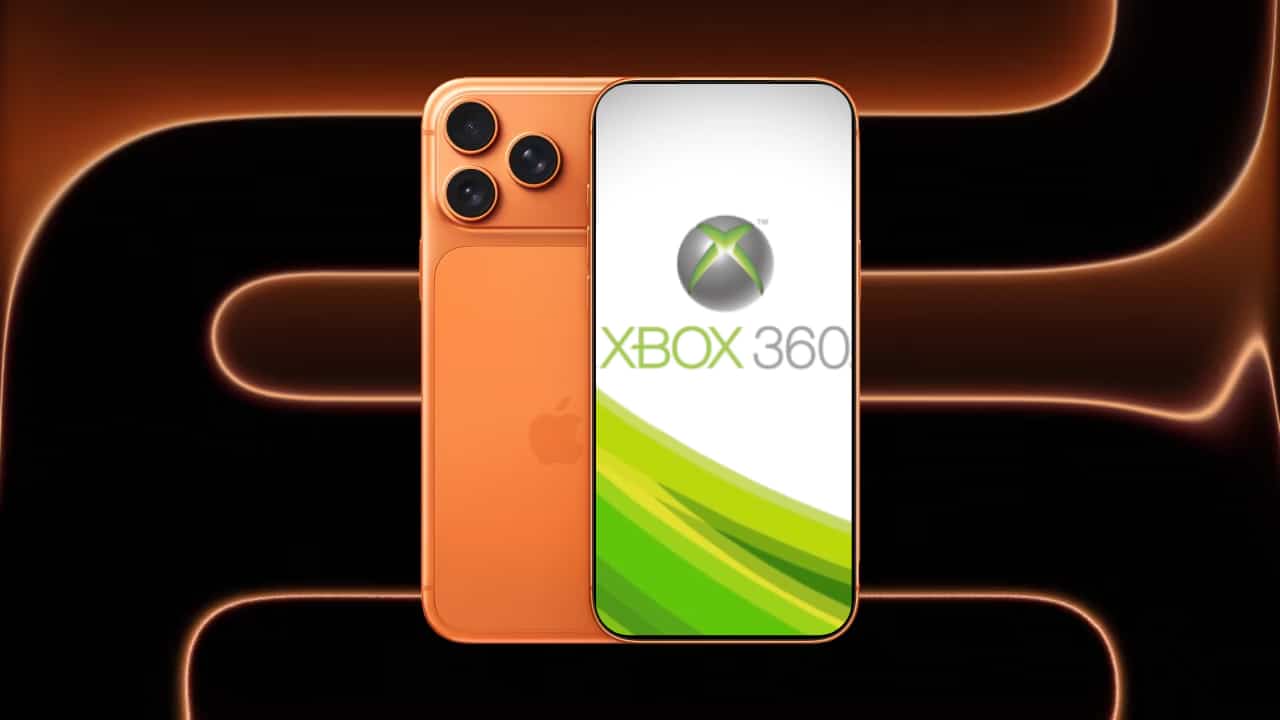
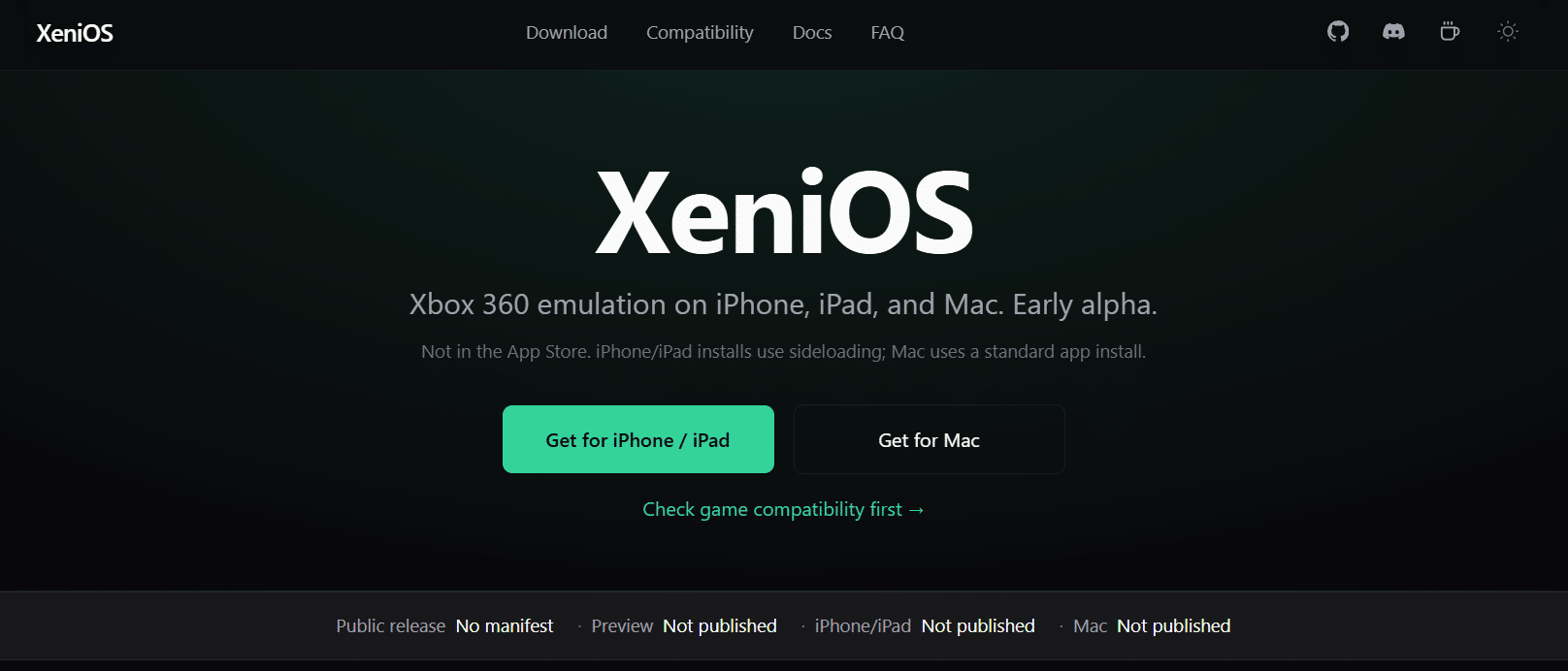
For nearly two decades, the Xbox 360 has remained tethered to aging hardware. Now an experimental project called XeniOS is attempting to break that constraint, bringing the console’s extensive library to Apple devices—including iPhone, iPad, and Mac—for the first time.
The project builds on the long-running work of the Xenia emulator, an open-source effort originally launched in 2013 by developer Ben Vanik. Xenia was designed to emulate the architecture of the Xbox 360, a system built around a custom PowerPC-based triple-core CPU and a specialized ATI graphics processor.
Recreating that hardware environment in software has been one of the most technically demanding challenges in console emulation, requiring complex translation layers that convert the console’s instructions into something modern hardware can execute.
For most of its lifespan, Xenia has primarily targeted Windows PCs with powerful processors and graphics cards. Even on high-end systems, performance varies widely depending on the game being emulated.
The Xbox 360’s architecture is unusually complex, and accurately replicating it requires translating PowerPC CPU instructions into modern x86 or ARM instructions while also reconstructing the console’s GPU pipeline. As a result, many titles remain partially playable or unstable, despite more than a decade of development.
The emergence of XeniOS reflects a broader shift in computing power and software experimentation. Apple’s transition to its own ARM-based processors—beginning with the launch of the Apple M1 in 2020—dramatically increased the performance available on Macs and mobile devices.
Modern Apple Silicon chips combine high-performance CPU cores with powerful integrated GPUs, creating the theoretical capability to handle workloads once reserved for desktop gaming PCs.

XeniOS attempts to adapt the Xenia emulator to this new environment. One of the central technical obstacles lies in graphics compatibility. The original emulator relies heavily on Direct3D and Vulkan—graphics APIs common on Windows and Linux systems. Apple devices, however, use the proprietary Metal framework. To bridge this gap, developers working on macOS builds have experimented with translating Xbox 360 shader instructions through multiple intermediate formats before finally converting them into a form Metal can execute.
That translation process is highly complex. Shader instructions from the Xbox 360 GPU are first converted into a DirectX bytecode format and then into newer intermediate representations before ultimately being compiled into Metal-compatible shaders.
While functional, the process introduces performance overhead and remains highly experimental. Early demonstrations suggest that some major titles—including Red Dead Redemption and Grand Theft Auto IV—can boot or partially run under macOS builds derived from the Xenia codebase.

Performance, however, remains inconsistent. Reports from early Apple Silicon testing indicate frame rates often range between roughly 10 and 30 frames per second depending on the title, hardware configuration, and emulator build. The variation reflects both the complexity of Xbox 360 hardware and the additional overhead created by translating graphics instructions into Apple’s ecosystem.
Running the emulator on iOS introduces even greater constraints. Apple’s mobile operating system restricts just-in-time (JIT) compilation, a technique widely used by emulators to dynamically translate instructions for better performance. Without full JIT support, emulator developers must rely on workarounds such as developer tools or sideloading methods, making widespread distribution through the App Store unlikely.
Despite those limitations, the significance of XeniOS lies less in its current performance and more in what it represents. Console emulation has increasingly become a critical tool for preserving gaming history as original hardware ages and physical discs deteriorate. The Xbox 360 generation alone produced more than a thousand titles, many of which are no longer easily accessible outside of original consoles or limited digital storefronts.
If development continues and Apple’s hardware grows even more powerful, projects like XeniOS could eventually make those games portable in ways never envisioned during the Xbox 360 era. For now, the effort remains experimental—but it demonstrates how rapidly modern hardware is expanding the boundaries of what once seemed technically impossible.
More News:
Nintendo Takes on U.S. Government in Tariff Refund Lawsuit
The Bloodborne Remake Was Reportedly Pitched By Bluepoint, But Rejected By FromSoftware
Wi-Fi Extender vs Mesh Wi-Fi – Which Improves Internet More?
