


Microsoft has rolled out a new batch of Xbox Insider features covering console personalization, Remote Play, achievements, cloud gaming and party chat. Starting September 9, selected Insiders can test options including selectable startup animations, profile badge controls, local achievement search, Remote Play at up to 1440p and a new Voice Clarity feature. Microsoft says availability varies by Insider ring, with some features limited initially to Alpha Skip-Ahead and Alpha members.
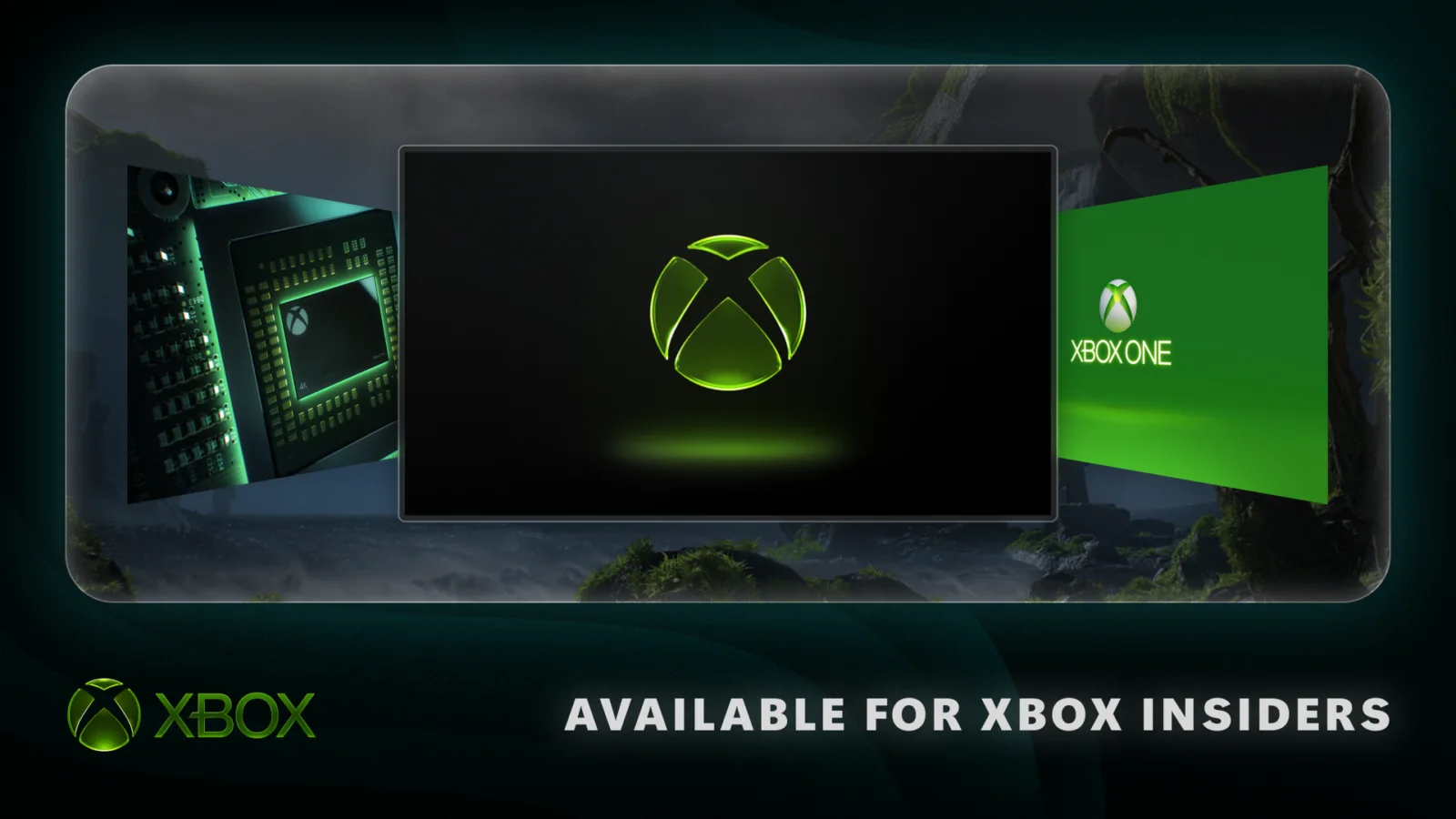
One of the more visible additions is the ability to choose which Xbox startup animation appears when a console powers on. The options span different Xbox eras, allowing players to select an animation ranging from Xbox One through the latest generation, while the existing option to enable or disable startup sound remains available. The setting can be found under System settings in the Startup menu.
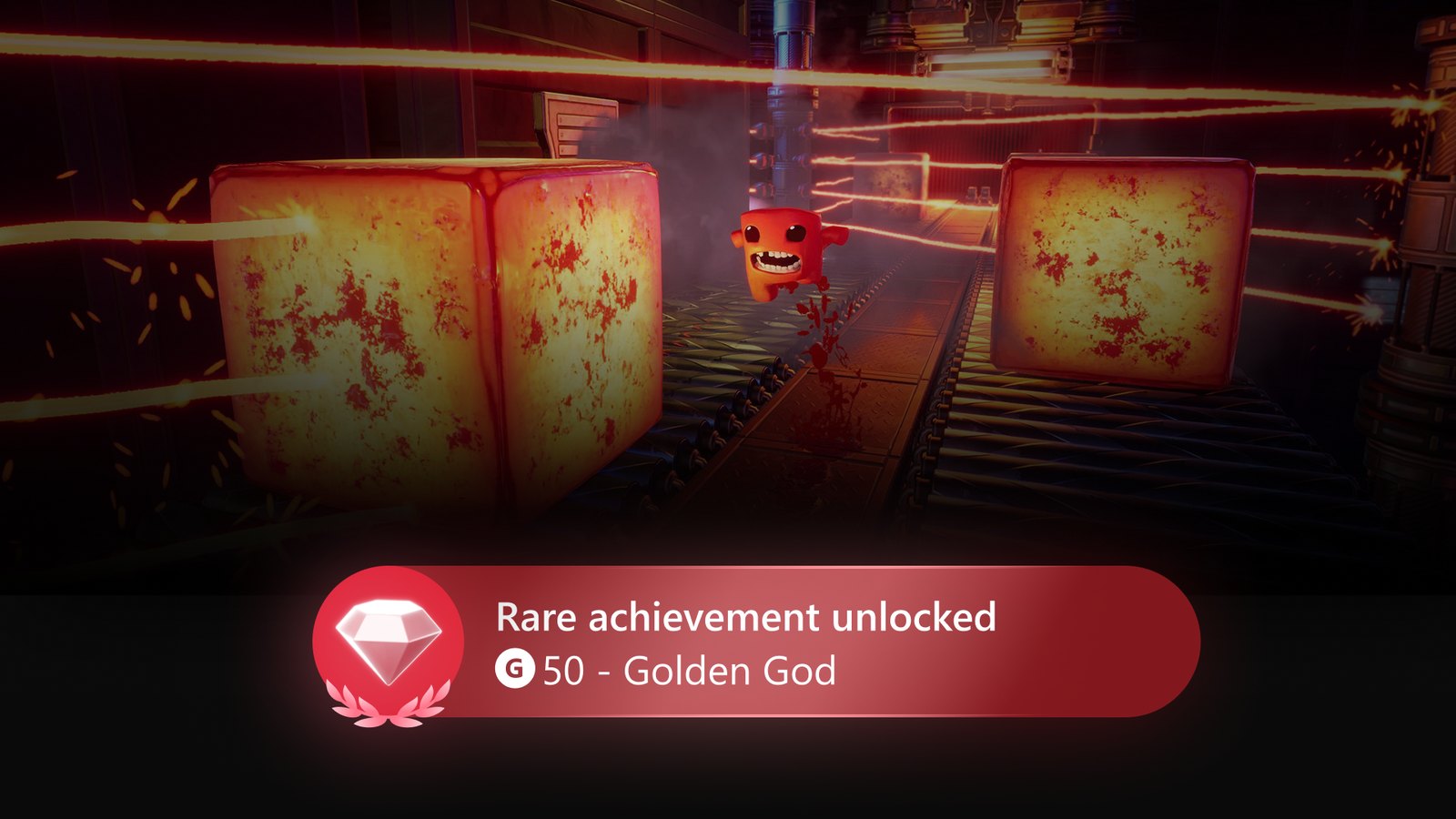
Microsoft is also giving players more control over the badges shown on their profiles. Xbox Insiders can feature up to five badges in their profile card showcase and hide individual badges from their public profile. The change builds on the company’s recent work around profile and achievement presentation, including new achievement support for selected original Xbox games as Microsoft continues expanding how older and newer activity is represented across the ecosystem.
Finding games and achievements is being made easier as well. A new local search function works inside My games & apps, official club achievement lists and profile achievement history, allowing users to search within large collections without relying only on filters and sorting. The feature is intended to reduce the amount of scrolling required for players with large libraries or extensive achievement histories.
Remote Play receives one of the most substantial technical upgrades in the update. Xbox Series X|S users in Alpha Skip-Ahead and Alpha can now preview streaming at up to 1440p with increased video bitrates on supported devices, producing sharper visuals when streaming directly from a console. Unlike Xbox Cloud Gaming, Remote Play uses the player’s own Xbox console and does not require an additional subscription.
Microsoft notes that players should set their console display resolution to either 1440p or 4K UHD to take advantage of the improved Remote Play stream. During testing, some devices may not yet expose separate quality settings for Remote Play and Xbox Cloud Gaming, so the Auto option can select the highest supported resolution and bitrate based on the device and network connection. The change comes as Microsoft continues expanding its wider streaming strategy, which also includes new usage limits planned for Xbox Cloud Gaming beginning later this year.
Cloud gaming itself is receiving another quality-of-life improvement. Xbox Insiders have already been able to begin streaming a game while it installs or updates, but downloads can now continue in the background during the cloud session when network conditions allow. Microsoft says Xbox Series X|S users should see the largest benefit, as the feature can reduce the need to pause downloads while temporarily playing through the cloud.
Party chat is also being upgraded with Voice Clarity on Xbox Series X|S. The feature is designed to reduce common background noise so voices remain easier to understand during conversations, and Microsoft says it will be enabled by default in party chat and in most games released since 2020. Players who do not want to use it can disable the setting through the console’s Volume and audio output options.
Microsoft is additionally testing behind-the-scenes improvements intended to make Xbox parties more reliable and secure. The company has not detailed the underlying technical changes, but Insider feedback will be used to identify problems before any broader rollout. As with other preview features, Microsoft has not provided a final public release date for the full set of additions.
The September 9 Xbox Insider update therefore combines several smaller customization changes with more meaningful streaming and communication improvements. Up to 1440p Remote Play, continued downloading during cloud sessions and Voice Clarity are the most technically significant additions, while startup animation selection, profile badge controls and local search give users more ways to tailor everyday console use.
