


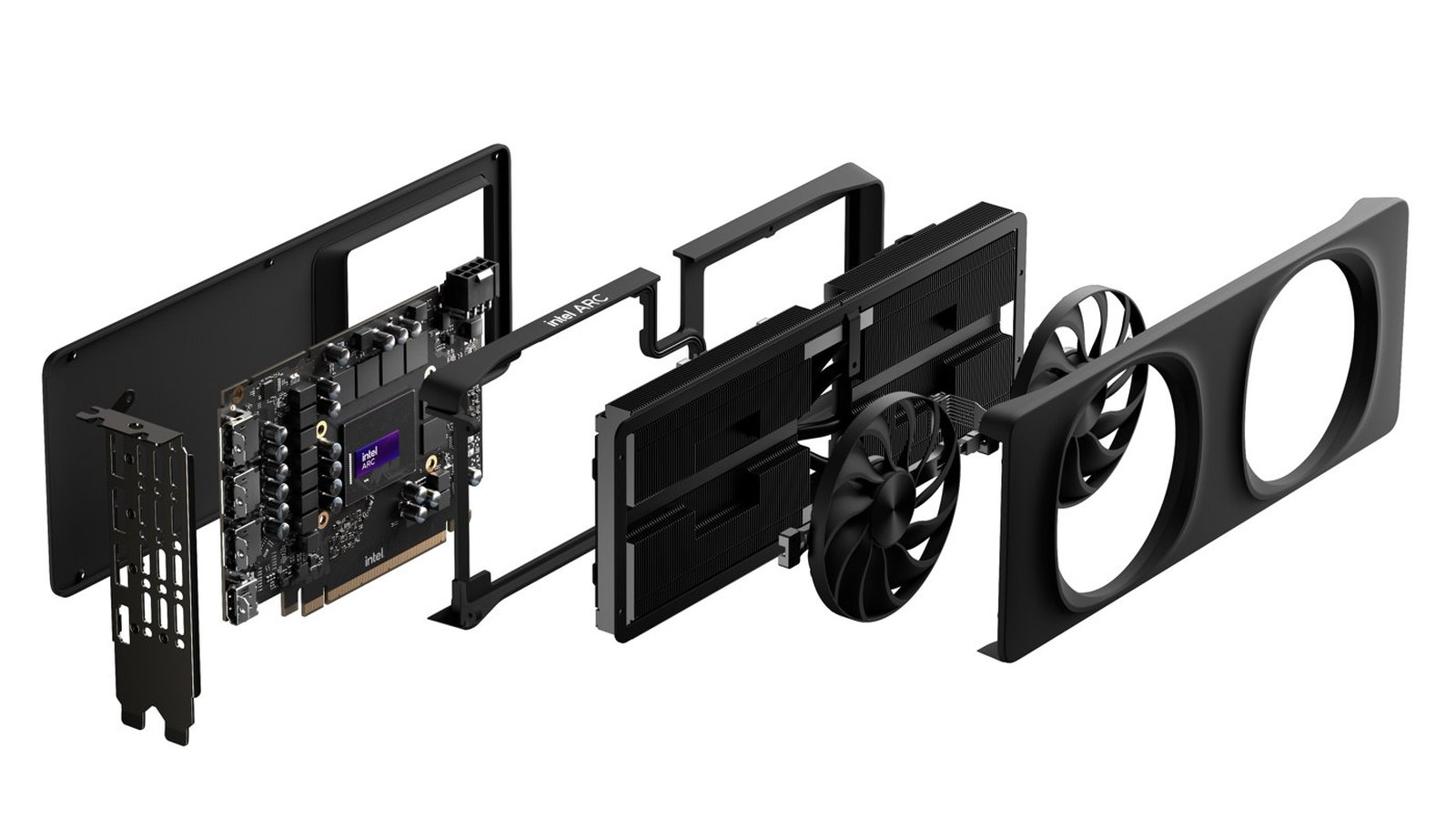
A new Linux utility called arc-rebar allows Intel Arc graphics cards to use Resizable BAR (ReBAR) on compatible older motherboards that lack native firmware support. Developed by Rod Burlamaqui, the tool runs during system startup and changes how the GPU’s memory is mapped, without requiring BIOS modifications or changes to Intel’s graphics drivers.
The utility addresses a significant limitation for Intel Arc owners using older PC hardware. Unlike many competing graphics cards, Intel’s Arc GPUs are particularly sensitive to systems without Resizable BAR, which allows the CPU to access a larger portion of graphics memory rather than working through a smaller memory window.
Burlamaqui has published the utility on GitHub alongside installation instructions, compatibility diagnostics and benchmark results demonstrating substantial improvements in memory access on a tested Intel Arc B580 system.
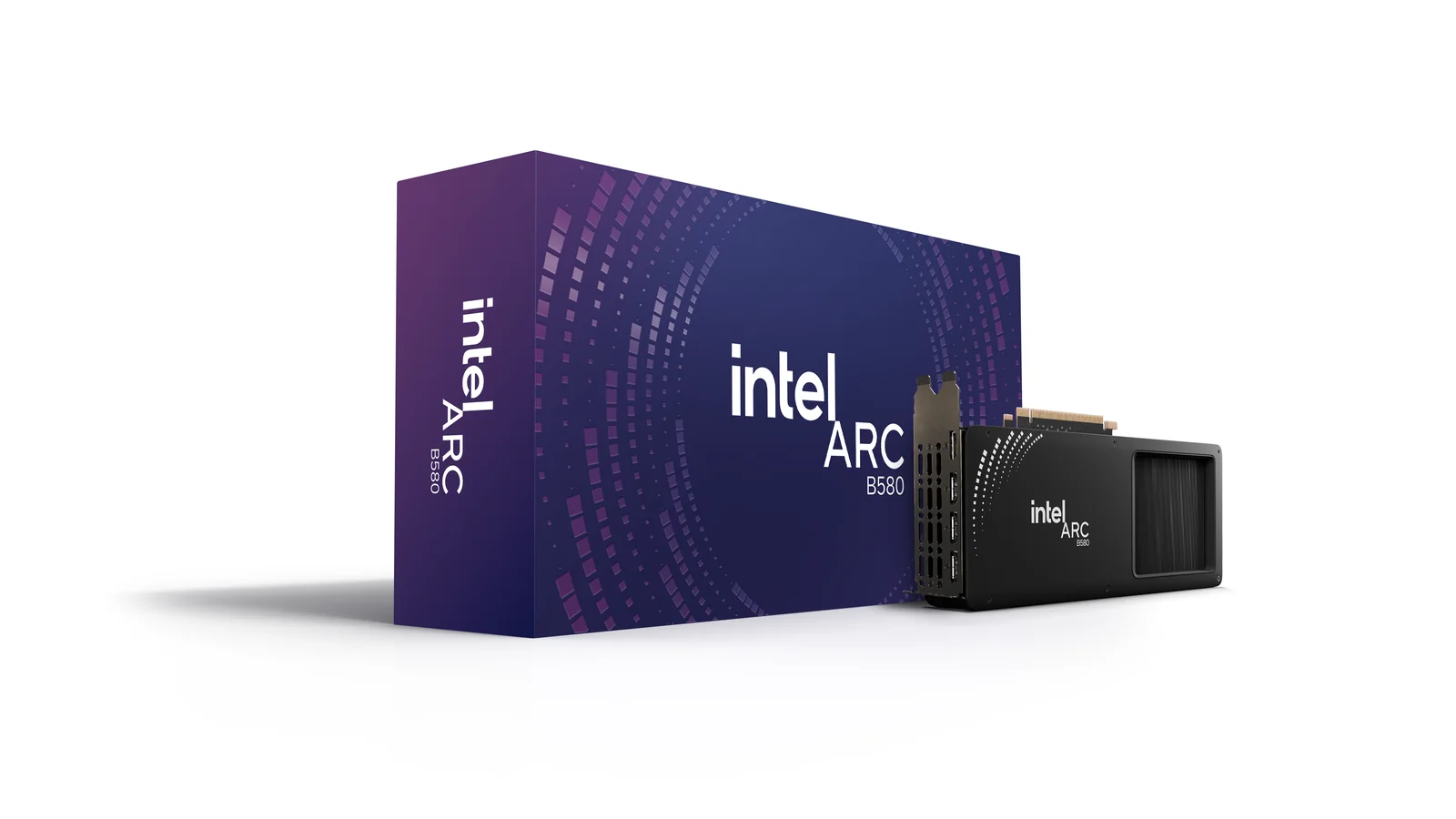
The developer tested arc-rebar on a Supermicro X9DRH-7TF motherboard equipped with two Intel Xeon E5-2670 v2 processors and BIOS firmware dating from 2015. The system used an Intel Arc B580 with 12GB of VRAM, running Debian 13 with Linux kernel 7.1.8 and Intel’s xe graphics driver.
Before applying the workaround, the system exposed only 256 MiB of the GPU’s memory through its CPU-visible Base Address Register (BAR). After applying arc-rebar, the available memory window expanded to 16 GiB, allowing access to the B580’s full 12GB of VRAM.
The developer’s benchmarks also showed a substantial improvement in memory bandwidth. A SAXPY-based test increased from 15 GB/s to 392 GB/s after the workaround was enabled.
Another test involving a 4K Vulkan blur filter in FFmpeg initially stalled without producing frames. With the expanded memory window, the same workload reportedly ran at approximately 39 to 50 frames per second.
These results demonstrate improvements in the specific memory and Vulkan workloads tested. However, they do not establish equivalent improvements in gaming frame rates, and performance will depend on the motherboard, graphics card and application.
The utility works by addressing a PCIe resource allocation problem that can prevent Linux from expanding an Intel Arc GPU’s memory window.
According to the developer’s technical documentation, Intel Arc cards contain an integrated PCIe switch whose upstream bridge reserves a small memory region. On affected systems, this allocation can prevent the Linux kernel from resizing the GPU’s BAR, even when sufficient address space exists elsewhere.
Arc-rebar bypasses the limitation during early startup. Running from the initial RAM filesystem, or initramfs, it identifies the GPU, checks the available memory resources and writes the appropriate Resizable BAR configuration before removing and rescanning the GPU’s PCIe root port.
The Linux kernel then re-enumerates the hardware with the larger memory allocation before the graphics driver initializes.
Unlike firmware-based approaches such as ReBarUEFI, the utility does not permanently modify the motherboard’s BIOS. Its configuration must instead be applied again during each boot.
The release adds another option for Linux users seeking to improve graphics hardware compatibility, alongside broader Linux kernel improvements for gaming and GPU support.
However, arc-rebar is not compatible with every older motherboard.
The current implementation targets Debian and Ubuntu systems using initramfs-tools, with Linux kernel 6.12 or newer recommended. The motherboard must support Above 4G Decoding and provide sufficient memory-mapped I/O address space above 4GB.
The graphics card must also occupy a suitable dedicated PCIe root port. Configurations involving external PCIe switches, risers or shared root ports may fail the tool’s compatibility checks.
Burlamaqui includes a diagnostic utility that checks whether the system has the specific memory allocation problem and whether the workaround can safely proceed. Systems already using the maximum supported BAR size do not require the fix.
Although the utility is designed for both Battlemage and Alchemist GPUs, the developer’s documented hardware testing currently covers a Battlemage-based Arc B580. Alchemist compatibility has not yet been confirmed through equivalent physical hardware testing.
The developer also warns that PCIe root-port re-enumeration may cause problems on untested platforms. The software includes rollback functionality and a boot parameter for disabling the workaround, but users are advised to back up their systems before installation.
Arc-rebar is free for personal, non-commercial use, although its custom license requires separate authorization for commercial use and modifications. It is not distributed under a conventional open-source license.
For owners of older Linux gaming PCs, the utility offers a potential way to address one of Intel Arc’s important compatibility limitations without replacing the motherboard. Whether that translates into meaningful gaming improvements across different Intel Arc GPUs and older platforms remains to be established through additional testing.
