


Socket 0.9.0 has been released for Android gaming handhelds, introducing native RomM integration, cross-device save synchronization, PlayStation Vita platform support, and expanded dual-screen controls. Developer Depmots announced the update on November 8, 2026, through Socket’s official Patreon page, where the latest alpha build is available to subscribers.
The biggest addition is integration with RomM, a self-hosted game library management platform. Socket users can now connect their handhelds to a personal RomM server, browse their collections, and download games directly without manually transferring ROM files between devices.
The integration supports pairing through a code or API token under Settings > RomM. Once connected, users can browse their server’s library by platform and download games into the corresponding ROM folders on their Android handhelds. Downloaded titles can then be processed by Socket’s existing artwork-scraping system.
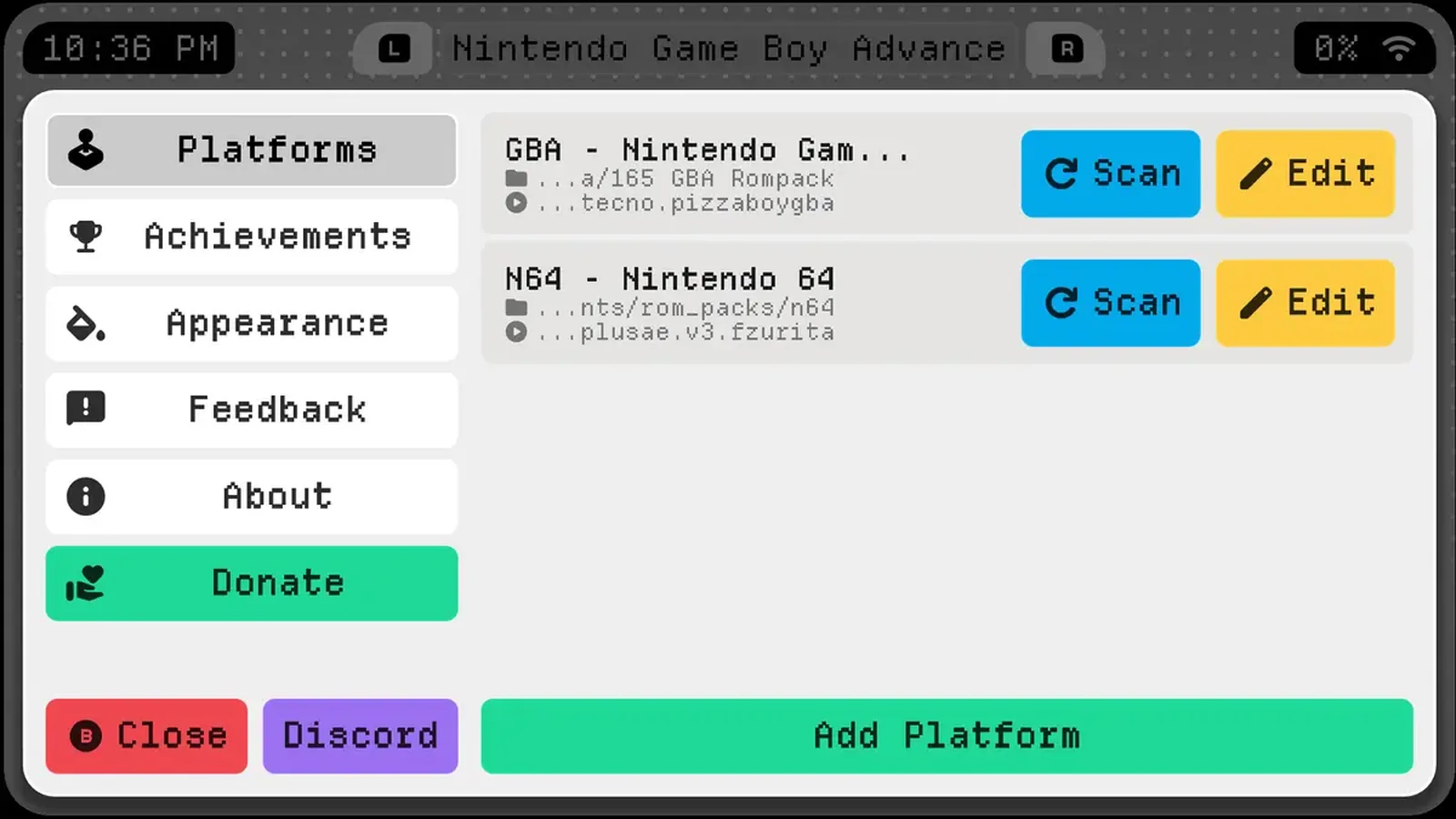
Save synchronization is another major part of the integration. Users can configure a dedicated saves folder for RomM synchronization within each platform’s settings. Socket then retrieves the latest save file before launching a game and uploads the save when the player returns to the frontend.
This provides a way to continue compatible games across multiple Android handhelds connected to the same RomM library, provided their emulators use compatible save files and the appropriate folders are configured. The developer describes the integration as an initial implementation and is requesting feedback from users with different server configurations.
Socket 0.9.0 also introduces Sony PlayStation Vita as a supported platform. The addition allows users to organize Vita titles within Socket’s game library and launch them through an appropriately configured emulator. It does not introduce a new Vita emulator or guarantee compatibility with individual games.
For dual-screen Android handhelds, the update expands the functionality introduced in Socket 0.8.0. Players can now choose which display opens a game or Android application. Individual games have an “Open on Bottom Screen” option in their customization settings, while applications can be assigned to either display through their context menus.
The secondary display also receives new presentation options during gameplay. Under Settings > Dual Screen, users can select a dimmed snapshot, a minimal interface displaying the game title and timer against a black background, or a completely black screen.
The on-screen keyboard can now open on the lower display and automatically receive input focus. Closing it returns focus to the upper screen, making text entry more convenient on devices such as the AYN Thor.
These improvements arrive as handheld software continues to evolve across different hardware configurations. Recent developments include MustardOS 2606 Andromeda's expanded support for retro handhelds, alongside Bazzite 45's gaming handheld compatibility improvements on Linux-based devices.
Beyond library management and dual-screen functionality, Socket 0.9.0 adds customizable background music. Users can select an OGG, MP3, or WAV file that plays on a loop while browsing their collection and stops automatically when a game launches. A separate volume slider appears once a music file has been selected.
Playtime tracking can now be disabled entirely, hiding the displayed playtime and stopping further counting. Users who scan at least 10 new games can also mark the entire group as seen instead of watching the individual new-game reveal animations.
The settings interface has been reorganized into dedicated sections covering appearance, display, carousel, games, audio, controls, and dual-screen functionality. The dual-screen section appears only on supported devices.
Several technical improvements accompany these additions. Socket now includes its supported-emulator list within the application, allowing games to launch even when the latest emulator configuration cannot be downloaded. Users can still manually refresh that list.
The developer has also improved random game selection speed, addressed interface elements overflowing on displays with 3:2 or 4:3 aspect ratios, and corrected navigation problems involving controllers.
Additional fixes address an issue where returning from RetroArch shortly after launching a game could restart it, controller face buttons becoming unresponsive after booting directly into Socket on the KONKR Pocket Advance, and playtime continuing to accumulate while a device was asleep.
Socket remains an alpha-stage Android frontend rather than a standalone emulator. Its primary purpose is to organize and launch existing game collections through installed emulators, using customizable 3D cartridge and disc presentations.
Version 0.9.0 is distributed through the developer’s Patreon membership, while the older 0.3.2 build remains available as a free download. The latest release therefore requires access to the subscriber build, and the new RomM synchronization and dual-screen features are not included in the older free version.
