


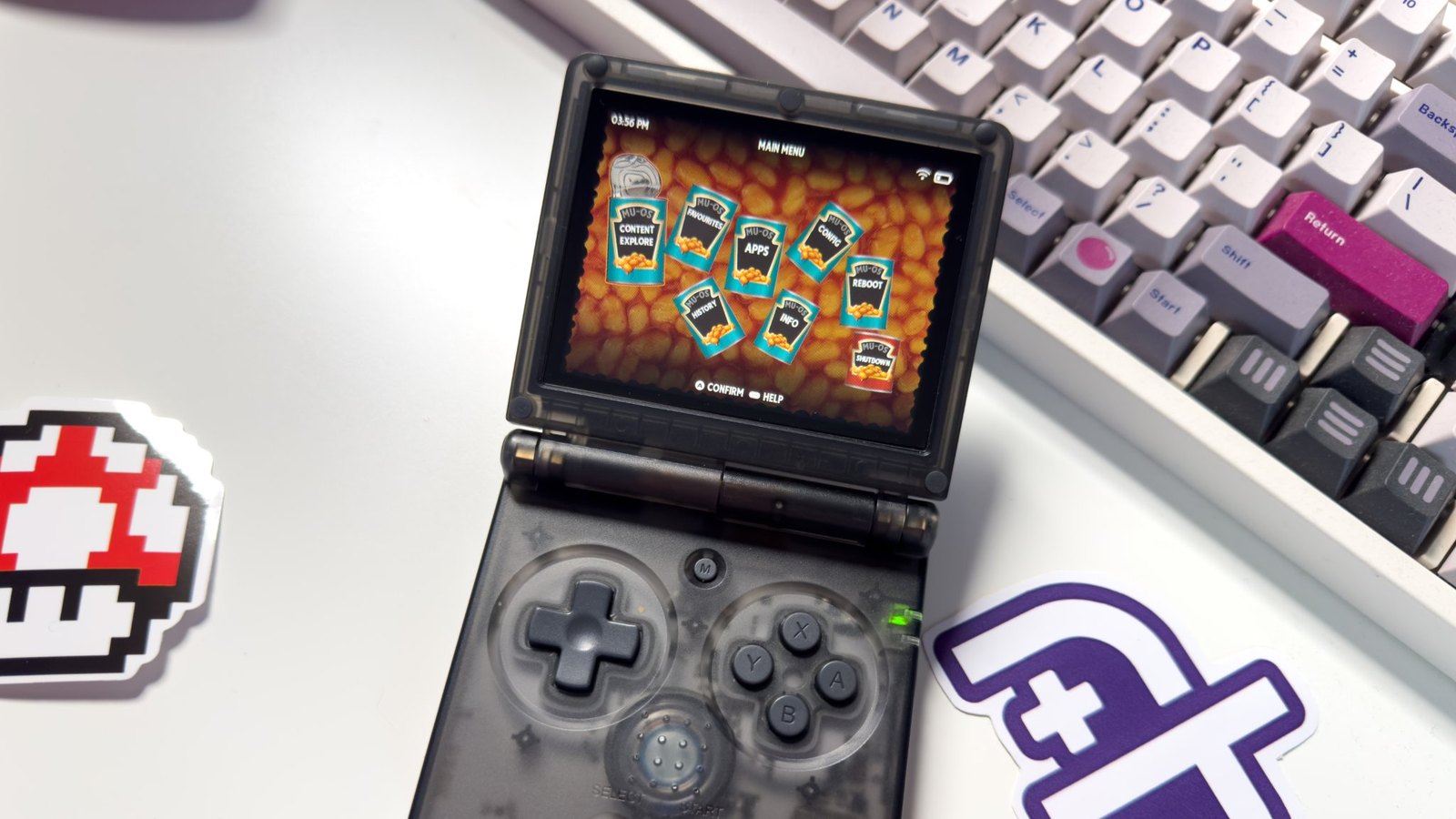
MustardOS 2606.0 Andromeda is now available as a major stable firmware update for retro gaming handhelds, expanding compatibility to 18 devices and introducing more than 1,200 documented changes. The Linux-based custom firmware brings improvements to game emulation, multiplayer functionality, Bluetooth connectivity, customization and backup management.
The MustardOS development team has published the release documentation and full installation images for Andromeda. The official changelog lists 1,229 recorded changes, with the developers noting that additional modifications were made beyond those documented. The update follows the previous stable Jacaranda release and introduces several substantial changes to how the firmware handles games and system configuration.
Hardware compatibility has expanded to include Anbernic’s H700-based handheld family, including the RG SP, alongside the BatleXP G350. Newly supported devices also include the GKD Pixel 2, TrimUI Brick, TrimUI Brick Pro and TrimUI Smart Pro.
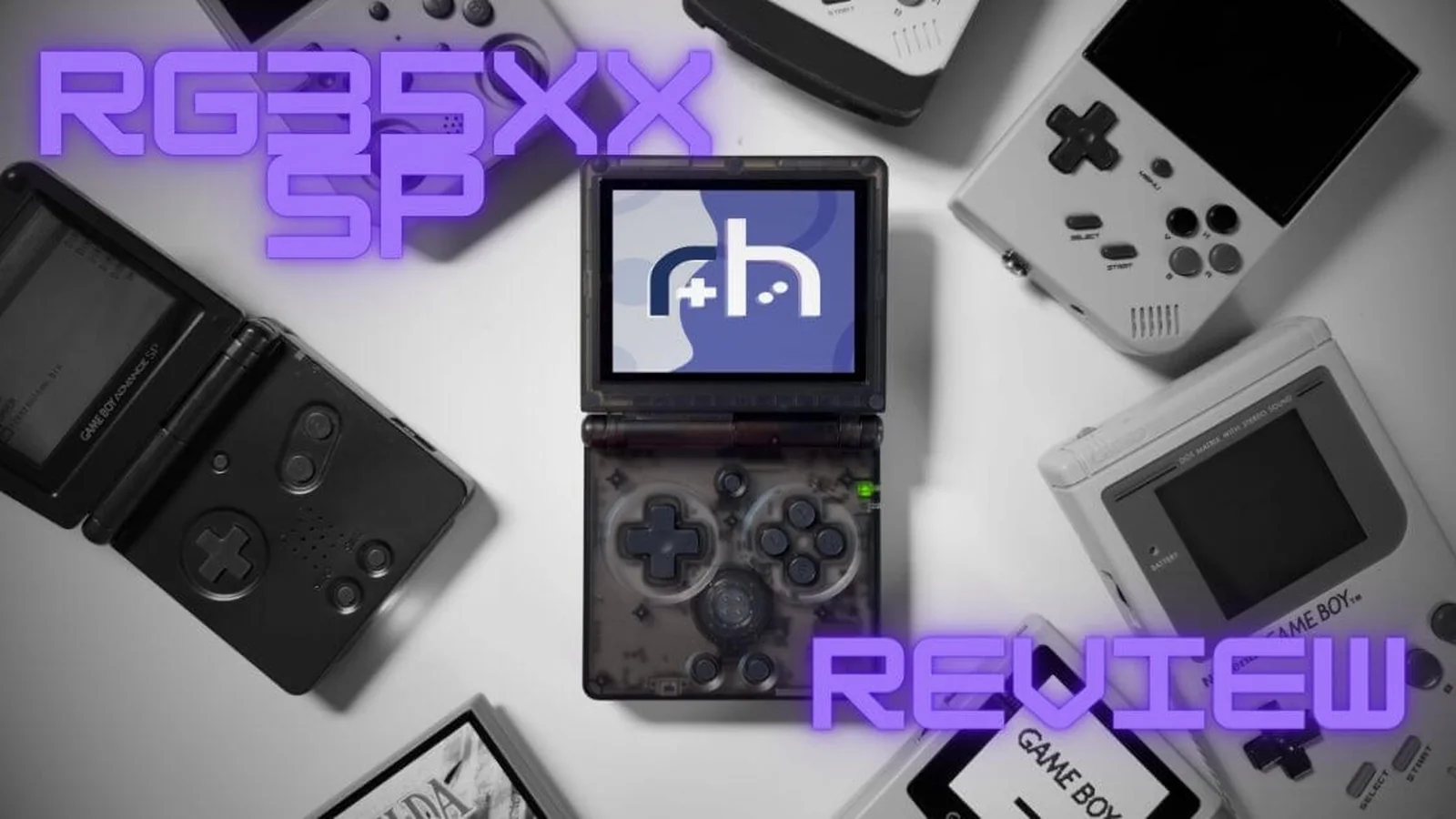
The wider device support gives owners of additional retro handhelds access to MustardOS as an alternative to manufacturer-provided firmware. The update also continues the development of Linux-based gaming software for portable devices, alongside projects such as Socket 0.8.0, which recently introduced controller improvements, performance fixes and dual-screen support for Android gaming handhelds.
One of Andromeda’s biggest changes concerns Pickles, the project’s integrated Libretro player. The updated player supports network multiplayer, RetroAchievements, cheats, graphical overlays and color filters. Players can also configure controller mappings, remap input ports and enable turbo functionality.
Pickles additionally gains suspend and resume capabilities, allowing users to pause supported gaming sessions and return later. A detailed performance monitor provides access to runtime information, while the expanded configuration options give players more control over their emulation experience.
The firmware also introduces built-in Bluetooth support, expanding wireless connectivity options on compatible hardware. Other system additions include a redesigned first-time setup experience, an activity tracker, passcode settings, bulk storage management tools and configurable ports for individual web services.
Another major addition is Wasabi, an integrated media player designed to work within the existing MustardOS interface. It supports video playback, music, playlists, live television and live radio. Additional features include bookmarks, an equalizer, audio visualizers and shaders.
Customization receives considerable attention in Andromeda. Themes are now stored as ordinary folders instead of compressed archives, allowing faster switching and easier modifications. The updated theme system supports resolutions up to 1920 × 1080, alternative color files, font selection, font shadows and boot logo management.
New screensaver options include a date-and-time display, animated box art, image slideshows and a simulated blue screen. Users can preview these screensavers through the power settings.
The content explorer has also been expanded with forward navigation history, additional collection management actions and individual content options. Video previews are supported, while the artwork catalogue can now accommodate SVG images and text-based manuals.
Existing MustardOS users should pay particular attention to the changes affecting backups. Andromeda introduces the .muxbak format, with backup files now stored in the ARCHIVE directory instead of the older BACKUP folder. New backups include checksum manifests that are checked before restoration.
Older .muxzip backups are not automatically validated, although the developers say most can still be installed after being moved from BACKUP into ARCHIVE. Users upgrading from previous versions should preserve their existing files and game saves before changing firmware.
The developers have also identified a problem affecting backups created using certain Andromeda test builds between October 7 and October 16. Backups containing MustardOS Settings from those builds could have saved sections after that entry as empty, making the affected configuration data impossible to restore. Users are advised to create a fresh backup after completing their setup.
Theme compatibility requires attention as well. Existing .muxthm files stored in MUOS/theme must be manually extracted to work with the new folder-based theme system.
There are also changes to emulator configuration. The external FreeJ2ME launchers have been removed, with affected Java games needing reassignment to the FreeJ2ME core running through Pickles. Emulator cores requiring BIOS files now display the missing files when they cannot launch.
For Sega Saturn emulation, the default core has changed to Yabadabadoo, which requires a compatible BIOS file in the appropriate directory. Users with existing Saturn libraries may therefore need to review their configurations after upgrading.
MustardOS 2606.0 Andromeda is available through the project’s official release page, which provides full firmware images and detailed documentation. With support for 18 handhelds and more than 1,200 recorded changes, the release substantially expands the firmware’s hardware compatibility and built-in gaming features, although existing users should review the backup and configuration changes before installing it.
