


Grand Theft Auto VI’s in-game HDR calibration system may produce misleading results on PlayStation 5 and Xbox Series X|S, according to a new technical analysis by display specialist Vincent Teoh of HDTVTest. The investigation found that the game’s brightness controls do not consistently correspond to its actual HDR output, potentially preventing players from getting the best picture quality from their televisions and monitors.
In a video published on November 20, 2026, Teoh examined how Rockstar Games handles HDR calibration and identified inconsistencies involving the Max Brightness, Black Levels, and Paper White settings. His findings suggest that following the game’s calibration instructions does not necessarily produce an accurate image, even on properly configured HDR displays.
Importantly, Teoh distinguishes between a flawed calibration procedure and broken HDR rendering. GTA 6 can still deliver an HDR image, but its calibration interface may lead players toward settings that do not accurately reflect their display’s capabilities.
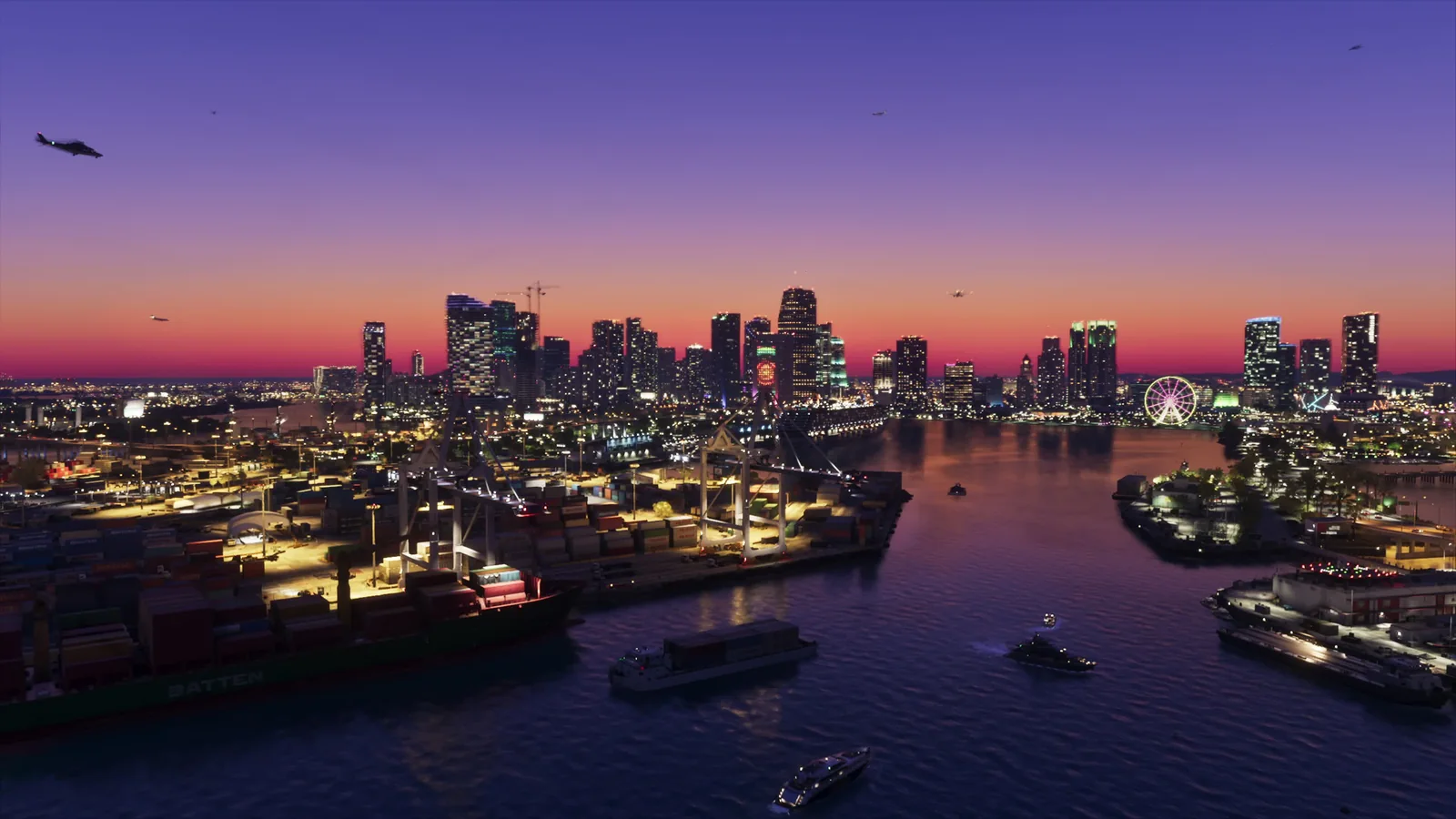
For televisions and monitors capable of reaching at least 1,000 nits of peak HDR brightness, Teoh recommends three preliminary settings: Max Brightness at 2,000, Black Levels at 20, and Paper White at 35.
These values are intended as starting points rather than universal settings for every display. The recommendations are based on initial technical testing, with additional evaluations across consumer televisions planned.
One of the most significant findings concerns the Max Brightness control. Teoh’s analysis indicates that setting this value to match a display’s advertised peak brightness can result in lower-than-expected highlights during gameplay. For example, selecting 1,000 nits does not necessarily produce 1,000-nit highlights in the actual game.
Consequently, the recommended Max Brightness setting is approximately twice the display’s peak HDR brightness. A television capable of 1,000 nits would therefore use an in-game value of 2,000, while a display reaching approximately 600 nits could start at 1,200.
The other two settings affect different aspects of the image. Black Levels influences the presentation of darker areas, while Paper White controls the brightness of ordinary image content rather than only the brightest highlights. Their interaction with the maximum brightness control makes GTA 6’s calibration less straightforward than its interface suggests.
Teoh’s findings also indicate that GTA 6 does not rely on the console-level HDR calibration settings configured through the PlayStation or Xbox system menus. Players who have already calibrated their displays through those settings may therefore need to make additional adjustments inside the game.
Display-side processing introduces another variable. HDR tone mapping, gaming picture modes, and television-specific brightness adjustments can influence the final result. The recommended values may consequently require further refinement depending on the television model and viewing environment.
The suggested Paper White value of 35 is particularly relevant to darker viewing conditions. Players using their televisions in brightly lit rooms may prefer a different setting, although increasing brightness can also change how the image compares with the intended HDR presentation.
The findings arrive immediately after GTA 6's November 19 launch on PlayStation 5 and Xbox Series X|S, giving console players an early opportunity to improve their HDR configuration.
The calibration concerns are separate from the game’s rendering resolution and performance characteristics. GTA 6’s console rendering resolutions and upscaling techniques affect image detail, while HDR calibration determines how brightness and contrast are presented on compatible displays.
Teoh’s current recommendations should be treated as provisional until further testing across different consumer televisions is complete. For now, players experiencing unusually dim highlights or unsatisfactory contrast can use the suggested values as a baseline, then adjust them according to their display’s capabilities and viewing conditions.
