


A modder has demonstrated an experimental method of displaying Grand Theft Auto VI at approximately 60 FPS with NVIDIA DLSS 5 neural rendering by processing a PlayStation 5 video stream on a gaming PC. The technique uses PS5 Remote Play, an open-source application called Veyra and a GeForce RTX 5080 to enhance the console’s output without modifying the game itself.
The demonstration comes from modder Phosphen, who published a setup project and performance measurements on GitHub. The project combines Veyra’s video-processing capabilities with a GTA 6 configuration designed to generate additional frames and improve image quality. The reported results show an increase from approximately 29.5 to 59 displayed FPS, although the game continues to render internally at around 30 FPS on the console.
The approach is particularly notable because it does not require GTA 6 to run natively on Windows. Instead, the PlayStation handles the game while the PC processes the resulting video.
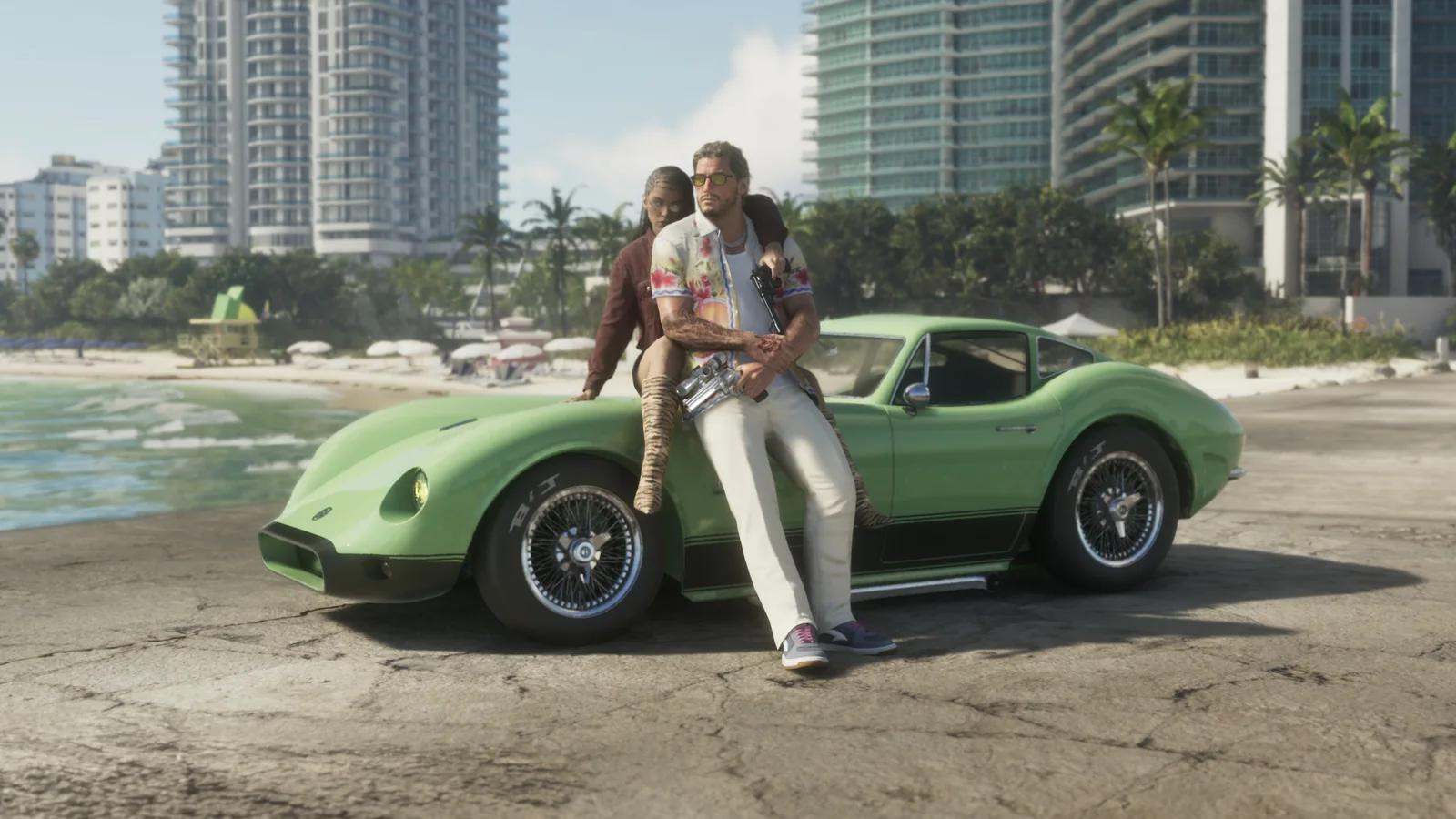
The setup uses PS5 Remote Play to transmit a 1080p, 60 FPS video stream to a Windows PC. Although the stream contains 60 frames per second, the console renders only around 30 distinct frames, meaning approximately half of the transmitted frames are duplicates.
Veyra identifies and removes those repeated frames before applying frame generation to create intermediate images. This allows the PC to produce a smoother-looking 60 FPS output from a source that originally contains approximately 30 unique frames per second.
The workflow also incorporates experimental DLSS 5 neural rendering to modify the visual appearance of the streamed footage. According to the project’s documentation, the RTX 50-series configuration accesses an NVIDIA-signed neural-rendering runtime through a community-developed integration. However, the implementation is not officially certified by NVIDIA.
Unlike conventional game-integrated DLSS, this method operates entirely on the finished video image. It does not have direct access to the game’s rendering engine, depth buffers or motion vectors. Instead, the processing software must estimate the information needed to generate additional frames and apply visual enhancements.
Phosphen’s GitHub documentation includes performance measurements from multiple GTA 6 video samples. In the largest reported comparison, approximately 80 seconds of gameplay and cutscene footage across 14 scenes produced 2,351 distinct frames before processing and 4,700 afterward.
That represents an increase from 29.5 to 59.0 FPS in the processed output. The developer notes that much of the comparison material originated from previously published PS5 Pro footage captured by IGN, rather than exclusively from a live gameplay session.
A separate 30-second PS5 Pro footage test, using material attributed to Digital Foundry, reportedly increased the number of distinct frames from 863 to 1,723. The corresponding average frame rate rose from 28.8 to 57.4 FPS.
For real-time processing on an RTX 5080, Phosphen reports approximately 12 milliseconds of processing overhead per frame. Each of the two neural-rendering passes reportedly requires 4.1 milliseconds, while frame generation adds 1.5 milliseconds and optical-flow processing accounts for another 2.1 milliseconds.
The developer also claims the output maintains 60 FPS with a 56.3 FPS 1% low and approximately 39% GPU utilization. These measurements are developer-reported figures and have not been independently verified through controlled testing.
The project includes an automated PowerShell setup script that checks compatible hardware, installs Veyra and provides recommended GTA 6 settings. Its GitHub repository also contains tools for identifying duplicated video frames and producing before-and-after comparison recordings.
The recommended configuration uses H.265 video streaming at 1080p and 60 FPS. The project lists different enhancement presets for RTX 20-, 30-, 40- and 50-series graphics cards, although the claimed NVIDIA neural-rendering implementation is specifically associated with RTX 50-series hardware.
The experiment also illustrates the distinction between higher displayed frame rates and actual game responsiveness. Frame generation can create additional images between rendered frames, making motion appear smoother, but it does not make the PlayStation calculate gameplay or respond to controller inputs at 60 FPS.
Remote Play introduces additional transmission latency, while neural rendering and frame generation require further processing time. As a result, the enhanced output can appear smoother without delivering the responsiveness of a game running natively at 60 FPS.
Image quality presents another limitation. The PC receives an already compressed 1080p video stream rather than the original rendering data. Neural enhancement cannot reliably restore information lost during compression, and estimated motion data can produce visual artifacts, particularly during rapid camera movements or complex scenes.
These limitations make the technique fundamentally different from a native PC version with integrated DLSS support. The distinction is especially relevant given Rockstar’s explanation of GTA 6's 30 FPS target, which reflects the demanding simulation and rendering workloads handled by the console.
The project also differs from efforts to run console games directly on Windows, such as the unofficial Astro Bot PC port with DLSS Frame Generation. Phosphen’s approach leaves the game running on its original hardware and applies enhancements only after the rendered image reaches the PC.
For players with a compatible GeForce RTX system and a PlayStation 5, the demonstration presents an experimental way to improve the appearance and displayed smoothness of GTA 6 through external video processing. It does not establish an official DLSS 5 implementation for the game, unlock native 60 FPS gameplay on PS5 or represent a PC release.
