


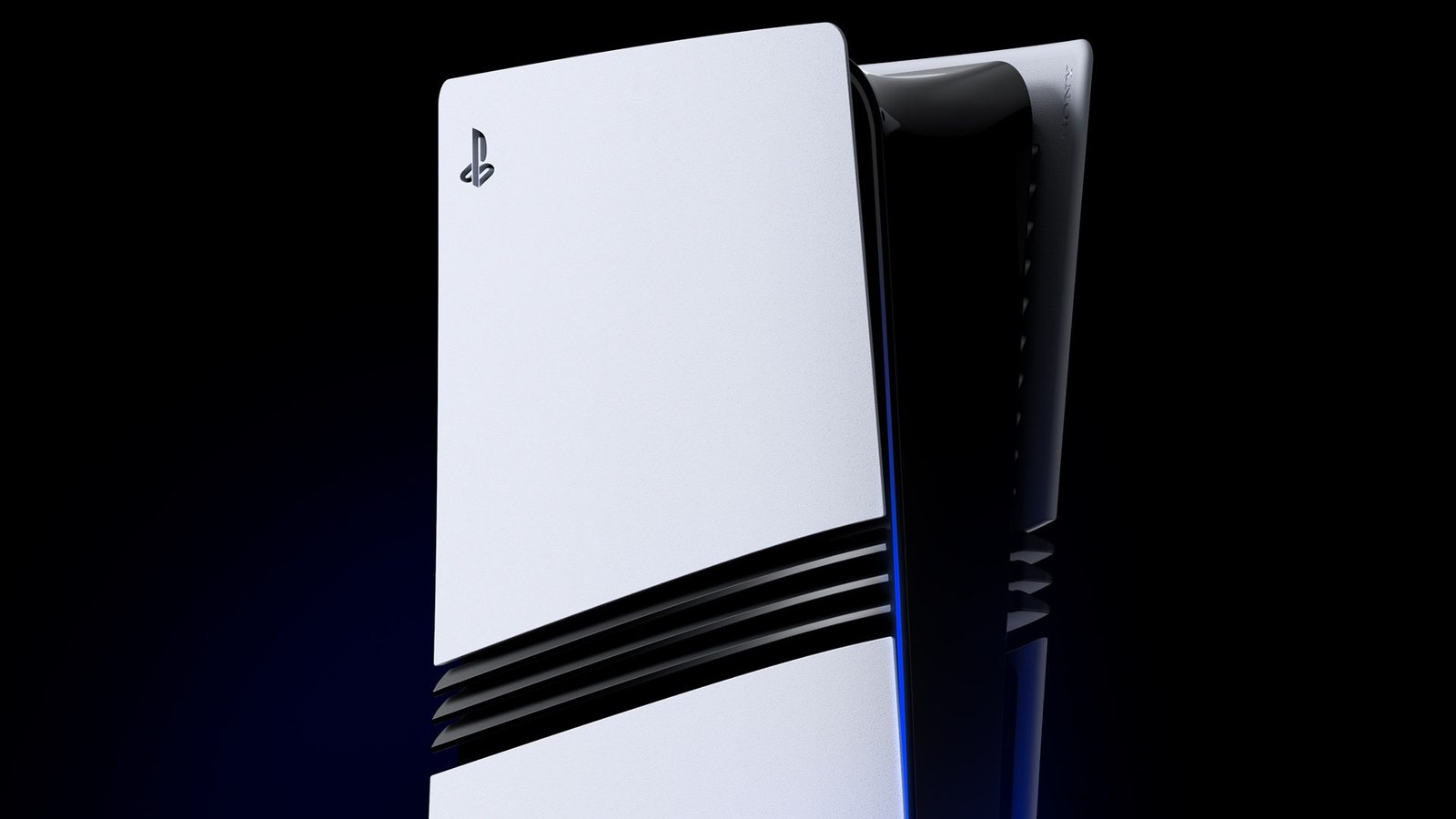
The community-developed PS5 Linux project has expanded its compatibility to include the PlayStation 5 Pro and additional firmware versions on standard PS5 consoles. The updated project documentation confirms support for PS5 Pro firmware 13.60, including M.2 SSD functionality, allowing compatible consoles to run a Linux desktop environment instead of Sony’s standard operating system.
The changes are documented in the ps5-linux-loader project’s official GitHub repository. The open-source modification uses PlayStation 5 hypervisor vulnerabilities and a custom bootloader to run Linux on supported hardware. Its developers describe the resulting environment as capable of running Steam games, emulators, and conventional desktop applications.
PS5 Pro compatibility is one of the most significant additions. The project’s compatibility list explicitly identifies firmware 13.60 as supported on Sony’s upgraded console, with M.2 SSD functionality available. The repository also credits contributor DeathlySin for PS5 Pro support, including changes involving the console’s memory map and input/output handling.
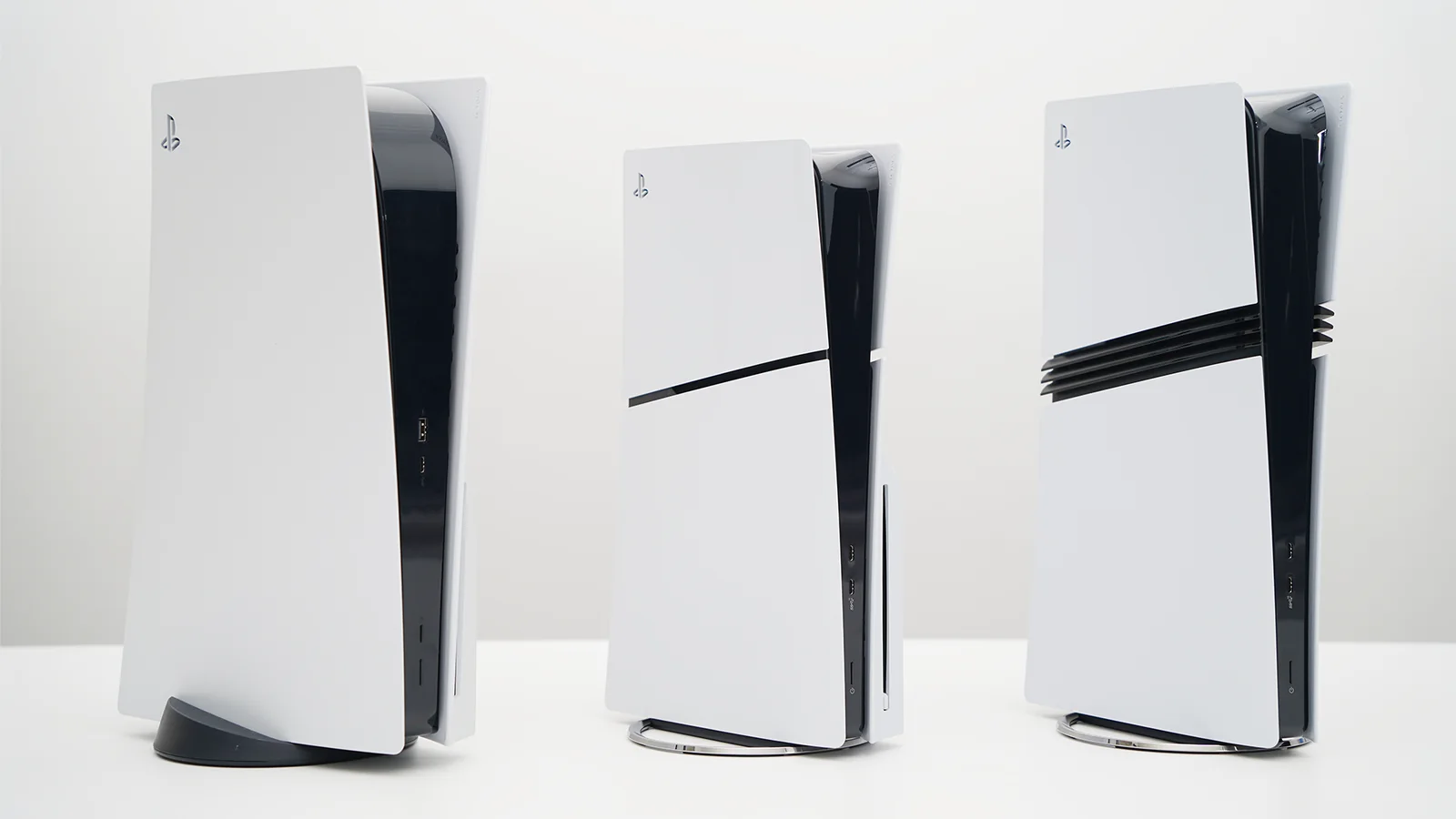
Support extends beyond the Pro model. Standard PS5 and PS5 Slim consoles are compatible with numerous firmware versions, beginning at 3.00 and extending through selected releases up to 13.60. The documented versions include 3.00 through 3.21, several releases between 4.00 and 7.61, firmware 11.60, and versions 13.00, 13.20, and 13.60.
However, compatibility differs between firmware versions. The earliest supported 3.xx releases lack M.2 SSD functionality, while firmware 11.60 support is restricted to the original PS5 model. M.2 functionality on 11.60 remains untested, and that version requires specific kernel memory configuration settings.
The expanded support follows developments in the PS5 modification community, including the release of a PS5 firmware 13.60 jailbreak covering standard PS5 and PS5 Pro hardware. Linux installation still depends on successfully running a compatible exploit, meaning the firmware compatibility list should not be interpreted as support for every console configuration.
Beyond booting Linux, the project provides access to several PlayStation 5 hardware features. Its documented capabilities include HDMI video output at up to 4K and 60Hz, audio output, USB peripherals, Ethernet networking, Bluetooth connectivity, and hardware video decoding and encoding through VAAPI.
Wireless networking is also supported on certain hardware configurations. The developers list support for Marvell wireless chipsets found in standard PS5 models and the MediaTek MT7925 used by the PS5 Pro. DualSense controllers can connect through internal Bluetooth or an external Bluetooth adapter.
The project also includes utilities for controlling system cooling and hardware clock speeds. Its documentation describes options for configuring the fan curve and boosting CPU and GPU frequencies, although it does not provide comparative gaming benchmarks for the newly supported PS5 Pro configuration.
For storage, users can install Linux on an external USB drive with at least 64GB of capacity. An external SSD is recommended, while supported consoles can alternatively use an installed M.2 SSD dedicated to Linux.
Using an M.2 drive for Linux means that the same drive cannot simultaneously serve as PS5 game storage. The developers also specify that a USB drive containing the required boot files remains necessary even when the Linux installation itself resides on the M.2 SSD.
Installation requires a compatible console, USB keyboard and mouse, a prepared Linux image, and the appropriate exploit for the installed firmware. The project provides a prebuilt Ubuntu 26.04 image and instructions for building an image manually.
Once the exploit and Linux loader have been executed, the console enters Rest Mode before being powered on again to boot Linux. This is not a conventional dual-boot installation: users must rerun the exploit when they want to launch Linux, although the console’s internal SSD is not modified.
The modification also has limitations. The project’s documentation identifies problems involving screensavers, HDMI audio on certain monitors, and 1440p or 4K output on some displays. Linux standby and resume functionality is not currently supported.
The developers explicitly state that firmware 14.00 and newer will not be supported by the project. They also warn that a PS5 cannot be downgraded to an earlier firmware version, making the installed system software an important consideration before attempting the modification.
The update adds another option for enthusiasts experimenting with alternative software on Sony’s hardware. Separate projects such as Playden's Steam PC game support for jailbroken PS5 consoles are also exploring ways to run PC software on the platform.
PS5 Linux remains an unofficial community project rather than a Sony-supported feature. Although its developers document Steam and emulator functionality, the expanded compatibility list does not establish that every PC game will run correctly or that the PS5 Pro will deliver particular gaming performance under Linux.
