


An NVIDIA GeForce RTX 5090 owner has documented recurring electrical contact problems with the graphics card’s 12V-2×6 power connector, including instances where one conductor stopped carrying current entirely. The issue developed after months of apparently normal operation and eventually triggered overcurrent warnings during gaming, raising further concerns about the connector’s reliability in high-power graphics cards.
The findings come from ComputerBase graphics editor Wolfgang Andermahr, who published a firsthand account on November 9, 2026. Using a Thermal Grizzly WireView Pro II monitoring device, Andermahr recorded significant changes in how electrical current was distributed across the six power conductors supplying his personal RTX 5090.
Although the monitoring equipment detected potentially dangerous conditions, Andermahr did not report that his graphics card or connector had suffered permanent damage. His experience documents an individual case rather than establishing how frequently similar failures occur across RTX 5090 cards.
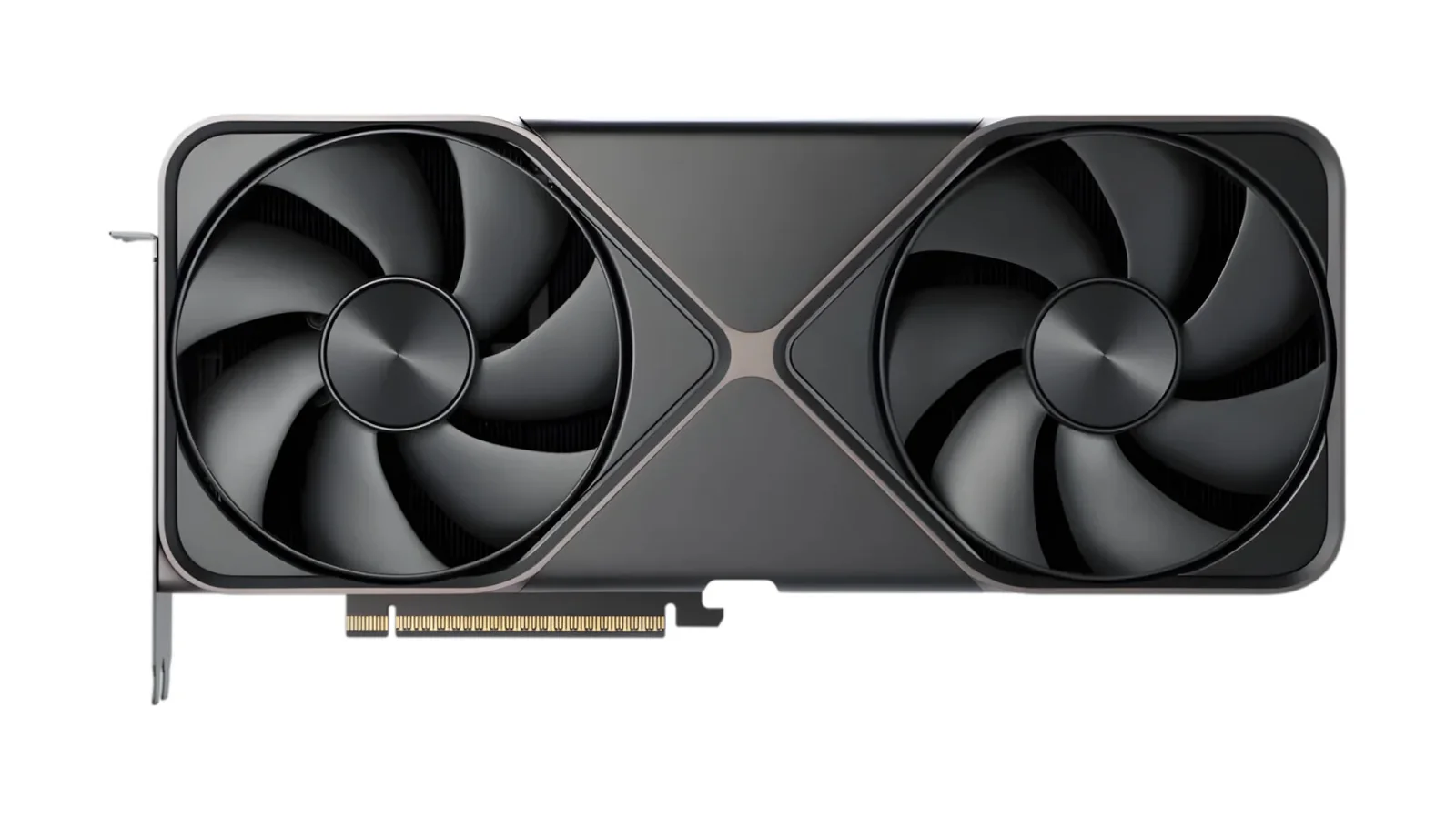
Andermahr purchased his RTX 5090 in February 2025 and initially monitored its power connections manually using a clamp ammeter. He was already concerned about the 12V-2×6 connector because of previous reports involving overheated cables and damaged graphics cards.
After obtaining the WireView Pro II in January 2026, he began monitoring the connector continuously. One of the six monitored conductors consistently carried slightly less current than the others, but the differences remained relatively small for several months.
The first significant warning appeared when the monitoring device detected an imbalance between pins 3 and 1. According to Andermahr’s measurements, pin 3 had dropped from carrying approximately 7 amperes to a maximum of just 4 amperes.
The other conductors continued supplying power, and the readings remained within his configured limits even at a 600-watt load. Adjusting the physical connections temporarily restored normal current distribution.
However, the problem returned several weeks later while playing Fortnite.
This time, pin 3 stopped carrying current altogether, registering 0 amperes. Despite the complete loss of current through that conductor, the monitoring device did not issue a major overcurrent alarm because the graphics card was operating under a relatively light workload.
Andermahr initially attempted to restore the connection by moving the cables, but the issue persisted until he disconnected and reinserted the power connector.
The most serious incident occurred during a later gaming session involving Anno 117. Under the heavier graphics workload, pin 3 again experienced reduced current flow, eventually falling to approximately 2 amperes.
As a result, the remaining conductors carried more of the electrical load, with individual readings approaching and occasionally exceeding 10 amperes. This triggered the WireView Pro II’s audible overcurrent warning.
Andermahr immediately closed the game after the alarm sounded, limiting the duration of the elevated current readings.
The incidents demonstrate how an unreliable connection on one conductor can redistribute electrical current across the remaining conductors. Higher current through individual contacts can increase heating, potentially creating conditions that contribute to connector damage.
Importantly, the findings do not establish why the connection became unreliable. The reported measurements confirm intermittent current loss, but they do not identify whether the underlying cause involves the cable, individual contacts, connector tolerances or another factor.
The behavior also highlights why ordinary gaming sessions may not immediately reveal an electrical problem. A graphics card can continue functioning while one conductor carries little or no current, particularly when overall power consumption remains relatively low.
The 12V-2×6 connection has already attracted attention because of previous reports involving RTX 4090 and RTX 5090 graphics cards. Earlier incidents included melted connectors and damage to associated hardware, prompting manufacturers and accessory companies to develop additional monitoring and protection mechanisms.
Products such as the Thermal Grizzly WireView Pro II allow users to monitor current distribution across individual conductors rather than relying exclusively on overall GPU power consumption.
Power supply manufacturers have also explored protective features designed to detect abnormal connector behavior and warn users before conditions become more severe.
The reliability concern is particularly significant for RTX 5090 owners given the graphics card’s high power requirements and the substantial cost of replacing damaged hardware. The situation comes amid sharp increases in RTX 5090 retail pricing, making potential hardware damage an even more expensive prospect.
Following the repeated warnings, Andermahr purchased a replacement 12V-2×6 cable from his power supply manufacturer. He has not yet confirmed whether installing the new cable permanently resolves the problem.
His account provides a documented example of intermittent connector trouble developing after extended use without an immediately visible failure. It also illustrates the potential value of per-conductor monitoring, while leaving the precise cause and long-term effectiveness of the replacement cable unresolved.
