


Valve has released SteamOS 0.5.10 beta for Steam Frame, introducing improvements to VR streaming image quality, display sharpness, eye-tracking responsiveness and wireless connectivity. The November 19 update also adds per-game controller vibration settings and fixes a boot issue affecting some headsets after operating system updates.
The release is available through the Steam Frame Beta channel. Valve’s official patch notes confirm that the update improves streaming video decoding performance, allowing the headset to use higher default streaming resolutions. This change is particularly relevant to PC VR gaming, where the headset receives compressed video streamed from a gaming PC.
One of the main additions is a global display sharpness control, enabled by default. Users can adjust the setting through VR Settings > Display > Display Sharpness, providing more control over the headset’s visual presentation.
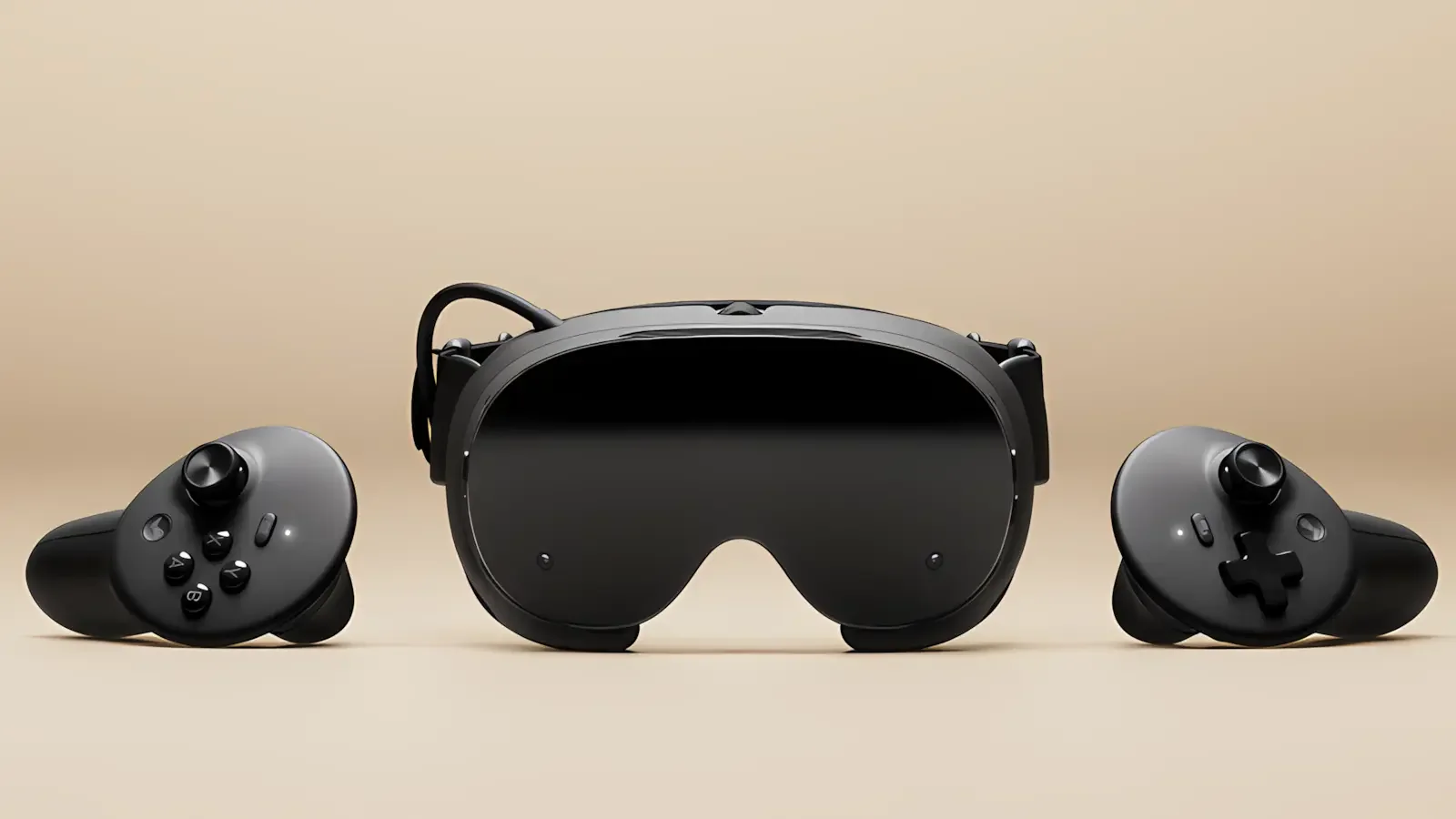
Valve has also reduced green tint in high-frequency greyscale image content and addressed head wobble when streaming remote desktops. These changes target specific visual artifacts rather than introducing a new rendering technology.
The improvements build on earlier SteamOS 0.5.9 and SteamVR streaming enhancements, which introduced chroma-key passthrough functionality and additional Steam Link improvements.
SteamOS 0.5.10 also improves Multi-Link Streaming reliability under unfavorable network conditions. Valve has not published comparative performance measurements, but the change is intended to make wireless streaming more robust when network conditions deteriorate.
Eye-tracking latency has been reduced, particularly at lower frame rates. Because eye tracking can influence how VR rendering and sharpening techniques prioritize different areas of an image, responsiveness is an important consideration for compatible VR applications.
The update additionally upgrades the Iris video decoder driver and renames the existing Foveated Sharpening feature to SGSR Sharpening. The underlying sharpening functionality was introduced in previous SteamOS 0.5 releases, including support for Steam Link VR streaming and the ability to apply centered sharpening when eye tracking is disabled.
Controller customization receives an improvement through adjustable haptic feedback strength for individual games. The option is accessible through VR Settings > Controllers > Manage Controller Bindings, allowing players to customize vibration intensity without relying on a single preference across their entire library.
Valve has also fixed an issue that could leave Steam Frame stuck on its startup logo following an operating system update. The fix addresses a boot-related problem that could prevent affected devices from reaching the normal interface.
For developers, SteamOS 0.5.10 adds support for the XR_KHR_convert_timespec_time extension in the Android runtime, expanding the runtime’s compatibility with applications using that OpenXR extension.
The update follows a series of software changes expanding Steam Frame’s VR functionality and supported games. The headset’s standalone library has also continued to grow, with 312 Standalone Verified games recently recorded, including 101 VR titles.
SteamOS 0.5.10 remains a beta release, meaning its new features are still undergoing testing. Steam Frame users who want to install it can select the Beta channel through Settings > System > System Update Channel. Valve has not specified when these changes will become available on the stable channel.
