


Valve has released SteamVR 2.19.3 Beta and SteamOS 0.5.9 Beta, introducing new mixed-reality streaming capabilities for Steam Frame alongside improvements to Linux VR performance, Steam Link image quality and headset accessibility. The updates also address visual problems affecting Valve Index and HTC Vive headsets, NVIDIA-powered systems and VR recording applications.
Both updates were detailed in Valve’s official release notes on November 13, 2026. SteamVR 2.19.3 is available through the SteamVR beta branch, while SteamOS 0.5.9 is specifically intended for Steam Frame devices enrolled in the operating system’s beta channel.
The most significant addition to SteamOS 0.5.9 is chroma-key support for Steam Frame’s Room View functionality during PC VR streaming. The feature allows selected portions of streamed VR content to become transparent, revealing the player’s physical surroundings through the headset’s camera passthrough.
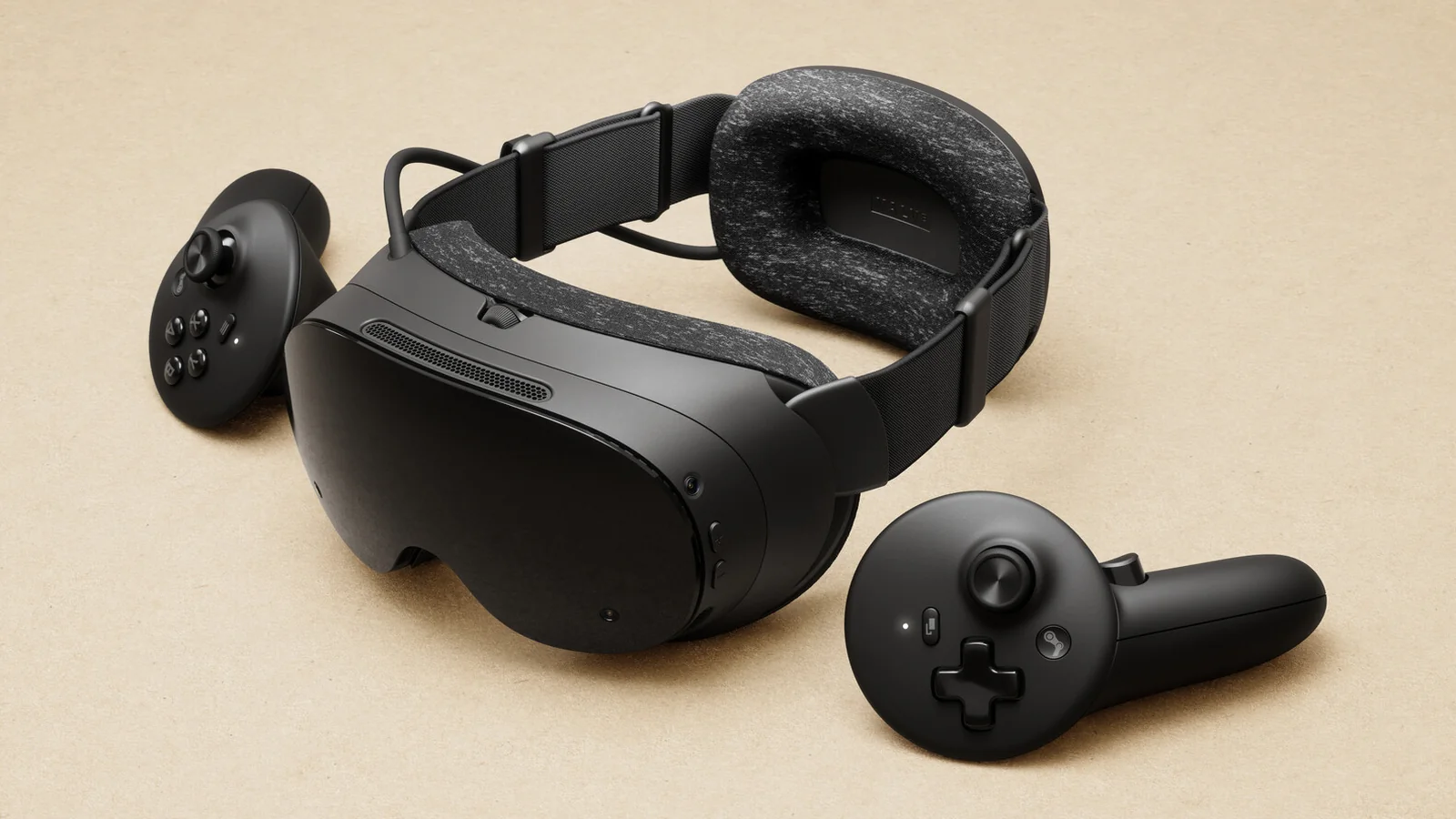
Previously, Steam Frame's earlier SteamOS beta improvements focused on WebXR compatibility, headset tracking and controller functionality. SteamOS 0.5.8 subsequently introduced Room View support during PC streaming, allowing remote desktop content and compatible mixed-reality applications to remain visible alongside camera passthrough.
SteamOS 0.5.9 extends that functionality with chroma-key controls located in the PC-side Camera settings. Valve has introduced two modes called Protect Content and Key Content. The latter allows applications to display a designated key color that determines which portions of the VR scene become transparent.
This provides an additional way for streamed VR applications to incorporate the user’s real-world surroundings without requiring every application to implement the same mixed-reality integration.
Valve specifies that chroma-key streaming requires the SteamVR beta to be installed on the connected PC. Users can enable it by opening SteamVR’s Properties menu in their Steam library, navigating to Game Versions & Beta and selecting the beta branch.
The Steam Frame update also enables foveated sharpening when streaming VR through Steam Link. This adds another image-processing improvement to Valve’s wireless VR streaming system, following SteamVR 2.19.1's streaming clarity and Linux compatibility improvements.
Meanwhile, SteamVR 2.19.3 addresses several issues affecting Linux-based VR gaming. Valve has fixed rendering problems associated with the streaming improvements introduced in version 2.19.1, along with a bug that caused flickering in the right-eye display.
The update also fixes distorted scenes on HTC Vive and Valve Index headsets when the SteamVR dashboard is displayed. Additional corrections address excessive scene brightness and visual corruption at high resolutions, while streaming reliability has been improved.
For Linux users running NVIDIA graphics hardware, Valve lists improved performance with wired VR headsets. The release notes do not provide benchmark results or quantify the performance improvement, so the actual benefit will depend on the affected hardware and software configuration.
A potential startup lockup has also been fixed, addressing another stability issue for Linux VR users.
Steam Link receives separate corrections in SteamVR 2.19.3. Valve has resolved an issue that caused the mirror window and third-party mirroring or recording applications to display VR output at reduced resolution. These applications should now receive full-resolution output.
Another fix prevents a manually configured stream video size from incorrectly becoming the default setting during subsequent launches. The SteamVR dashboard’s passthrough toggle now also correctly enables and disables passthrough on Steam Frame.
Controller-related improvements include a fix for Steam Input’s Gyro to Joystick Camera functionality when operating in World and Player modes. Valve has additionally corrected an issue where VR View could forget the selected eye or launch with an incorrect aspect ratio.
Accessibility is another focus of the updates. Both SteamVR 2.19.3 and SteamOS 0.5.9 introduce prism-correction settings intended for users experiencing diplopia, or double vision.
On Valve Index, the option is available by enabling Advanced Settings and navigating to General > Accessibility > Prism Correction. SteamVR must be restarted for changes to take effect. Steam Frame offers a corresponding setting that requires restarting the headset.
SteamOS 0.5.9 includes several smaller fixes specific to Steam Frame. Valve has addressed a visual glitch when opening or closing the dashboard in certain games and corrected WebXR compatibility when Chrome or Chromium is installed at the user level through Discover rather than system-wide.
The update also fixes a system lockup associated with certain Discover-installed applications, including VLC. Additionally, Valve has linked the Show Perf Overlay in VR and Draw Performance Assessment settings so disabling the performance overlay also disables the developer assessment overlay.
SteamOS 0.5.9 is available through Settings > System > System Update Channel on Steam Frame. Because it remains a beta release, its changes are still undergoing testing rather than being part of the stable operating system.
For PC VR users, SteamVR 2.19.3 focuses primarily on fixing existing streaming and rendering problems. For Steam Frame, the addition of chroma-key passthrough provides a new way to combine PC-streamed VR content with the surrounding physical environment.
