


Microsoft has detailed new Windows 11 memory optimizations that can make multitasking up to 40% faster and everyday system interactions up to 20% more responsive on PCs equipped with 8GB of RAM. The improvements also allow Windows to retain up to 2GB more active application data in memory instead of moving it to slower storage.
The company outlined the changes in a November 3, 2026, announcement published by Pavan Davuluri, executive vice president of Windows + Devices. Microsoft recommends Windows 11 version 26H2, build 26300.9818 or later, to receive the latest performance and memory improvements.
The optimizations target a common limitation of entry-level desktops and laptops: insufficient physical memory when multiple applications are running. Rather than requiring additional RAM, Microsoft has adjusted how Windows compresses memory, handles paging and prioritizes applications.
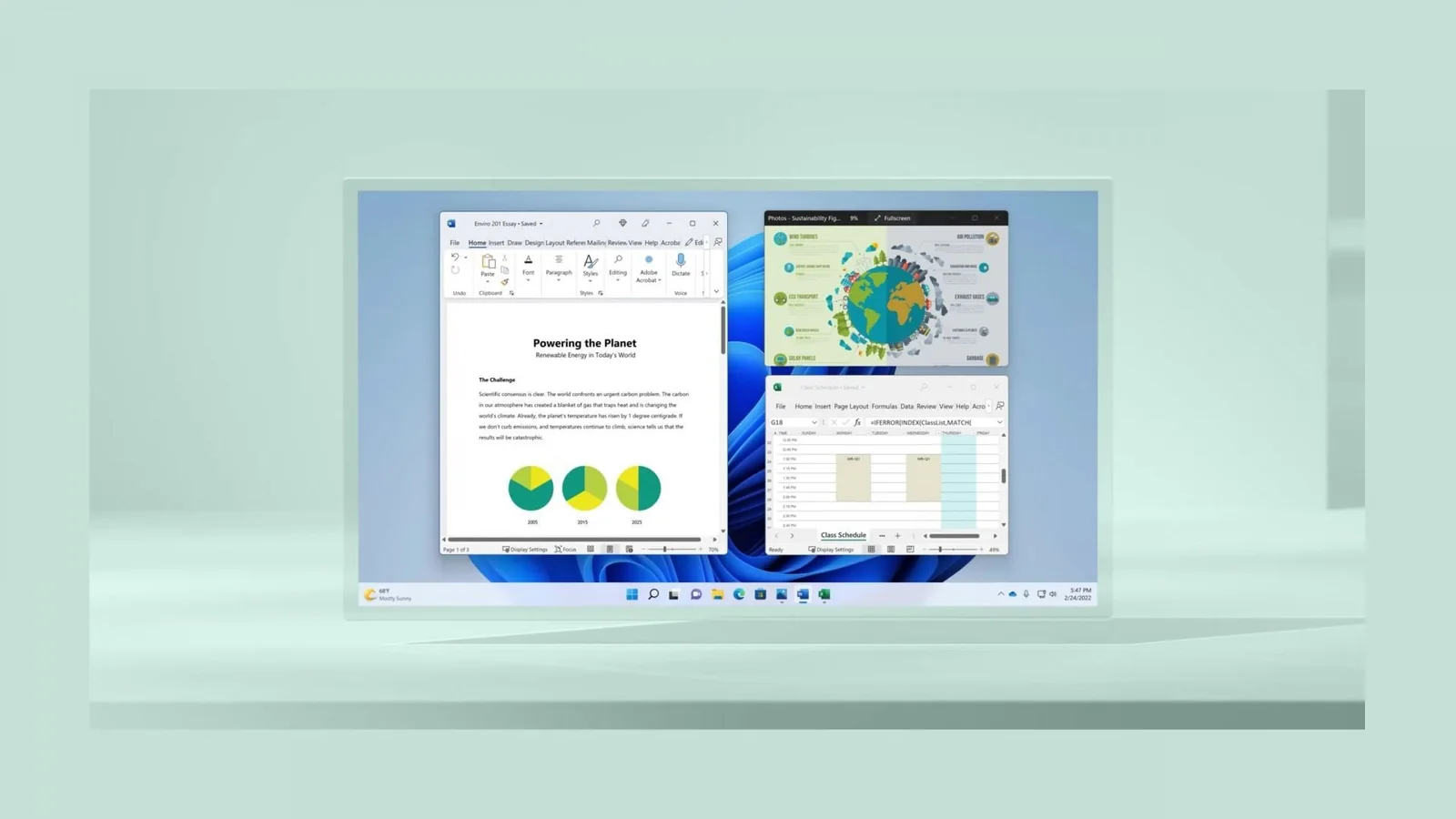
Microsoft says its updated memory management can retain up to 2GB more active data in RAM on 8GB systems. Keeping frequently accessed information in physical memory reduces the need to retrieve it from SSDs or hard drives, potentially making previously opened applications and browser tabs more responsive when users return to them.
Windows has supported memory compression for years, but the latest changes refine when data is compressed, transferred to storage or restored to active memory. Some of these improvements were introduced in earlier Windows updates rather than arriving exclusively with build 26300.9818.
The most significant performance figure comes from Microsoft’s internal multitasking test. Using an HP OmniBook 3 with 8GB RAM and a Snapdragon X Plus eight-core processor, the company compared Windows 11 builds 26200.7623 and 26200.9445 on the same hardware.
The workload involved opening 20 Microsoft Edge tabs, playing a 4K video and sequentially launching large Word, PowerPoint and Excel documents alongside Outlook and File Explorer. Each application remained open as the test progressed.
Microsoft measured up to a 40% reduction in the time required to complete the workflow. However, the company specifies that this result applies to its particular test configuration and workload. It is not a general performance benchmark, and users should not expect every multitasking scenario to become 40% faster.
Separate measurements also showed improvements in Windows interface responsiveness. Microsoft reports that opening Start, performing searches, right-clicking, accessing Settings, launching Snipping Tool and opening File Explorer can respond up to 20% faster compared with January 2026 builds.
These changes involve giving foreground interactions temporary priority while reducing competing background activity, including search indexing. Microsoft also says launching Edge can be up to 33% faster in supported configurations by connecting directly to an existing background browser process.
Memory savings extend beyond the operating system itself. Microsoft’s tests found that improvements across Windows, Edge and Microsoft 365 applications reduced committed-memory growth by up to 900MB during multitasking.
Changes to Word, PowerPoint, Excel and Outlook account for approximately 360MB of those savings. Microsoft also reports double-digit memory improvements in the Windows version of WhatsApp.
On computers with 8GB RAM or less, Windows Widgets now loads only when opened, reducing its memory commitment by approximately 200MB while inactive. Microsoft Edge also puts inactive tabs to sleep after 15 minutes by default, compared with the previous two-hour interval.
The improvements are particularly relevant as RAM shortages and higher memory prices continue to affect the PC hardware market. More efficient memory management could help owners of lower-specification systems manage everyday workloads without immediately upgrading their hardware.
For budget gaming PCs and laptops with 8GB RAM, reduced background memory pressure may also help preserve resources for other applications. However, Microsoft has not provided gaming benchmarks or demonstrated improvements to frame rates, frame-time consistency or game loading performance. The reported gains relate primarily to Windows responsiveness, productivity applications and multitasking.
The announcement also provides a practical contrast to the recent Windows 11 26H2 experiment using just 128MB RAM, which demonstrated that the operating system could launch basic applications with extremely limited memory, albeit with severe performance restrictions. Microsoft’s latest work instead focuses on improving real-world usability on conventional 8GB systems.
Microsoft says its performance work involves testing across a collection of more than 20,000 PCs, including current 8GB models. The company uses automated workloads, system telemetry and user feedback to identify responsiveness problems and evaluate improvements after updates are released.
Additional memory optimizations are planned, including more efficient compression, shared components between Windows applications and reduced memory reservations for hardware. Search and Widgets are expected to share a web engine, while OneDrive and Photos will also reuse common components to lower memory overhead.
Users can obtain the latest improvements by opening Settings, selecting Windows Update, enabling the option to receive updates as soon as they become available and checking for updates. Microsoft recommends Windows 11 26H2 build 26300.9818 or newer, although availability may vary by device and region.
Keeping Microsoft Edge, Microsoft 365 and Teams updated is also important because some of the memory savings depend on application-level changes distributed separately from Windows.
While the optimizations make 8GB systems more practical for everyday use, Microsoft continues to recommend 16GB or more for demanding workloads. The changes improve how existing memory is used rather than increasing the physical capacity available to applications.
