


Microsoft’s November 2026 Windows 11 security update is expanding the rollout of Memory Integrity, a virtualization-based protection feature that can now be enabled automatically on more eligible PCs. The change is included in cumulative update KB5132061, released on November 10, and could affect gaming systems that previously had the protection switched off by default.
The update applies to Windows 11 versions 25H2 and 26H2, with certain improvements also reaching Windows 11 24H2 Enterprise and Education devices. Microsoft previously introduced the expanded Memory Integrity rollout through the optional October 28 preview update, KB5127936, following its initial announcement in September.
Unlike a conventional security patch that addresses specific vulnerabilities, this change allows Windows to activate an existing security feature on compatible systems during the update process. However, Microsoft is deploying the change gradually, meaning not every eligible PC will receive it immediately.
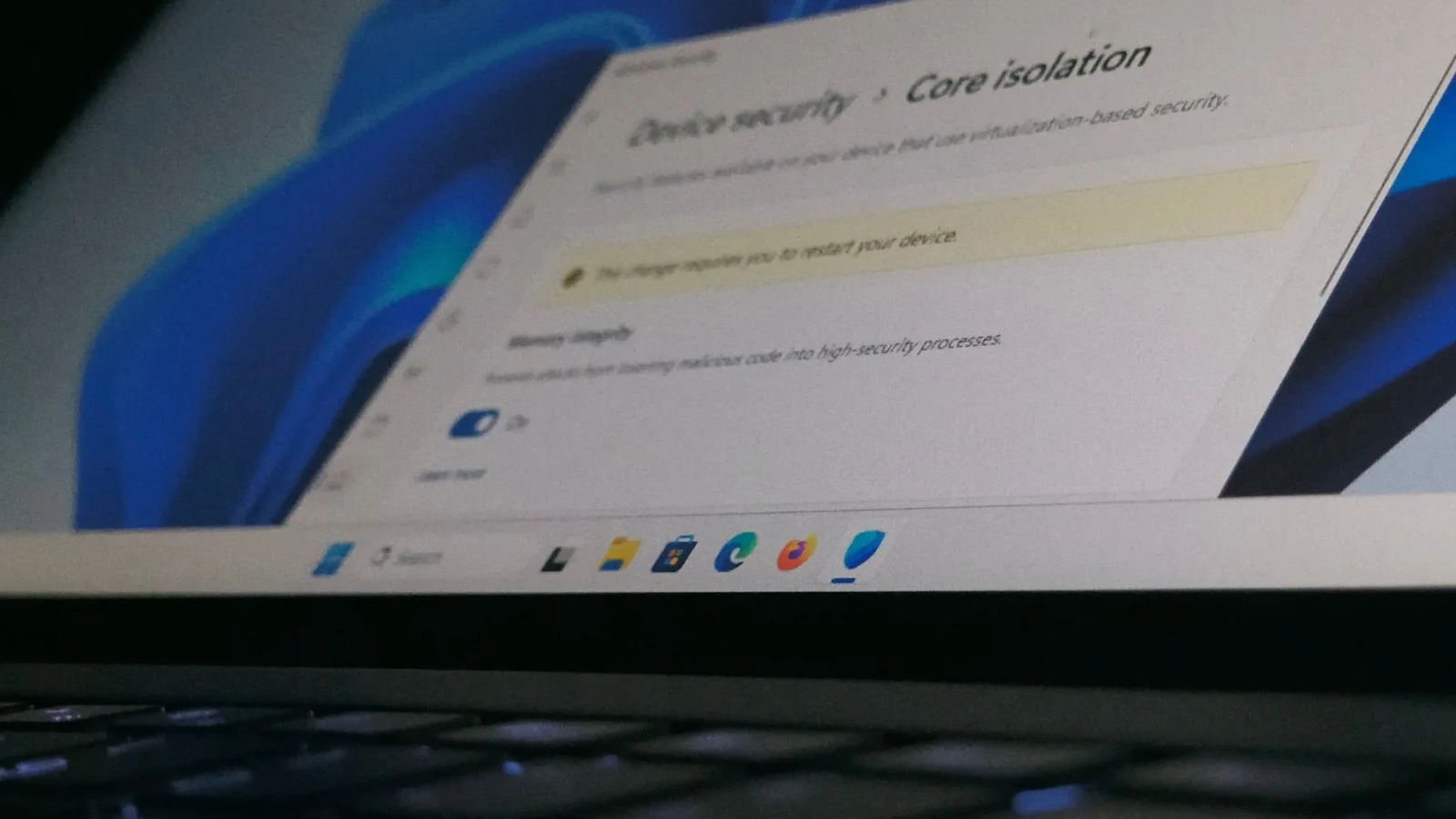
Memory Integrity, also known as Hypervisor-Protected Code Integrity (HVCI), uses virtualization-based security (VBS) to isolate important Windows security operations from the operating system’s main kernel. This helps prevent malicious or unauthorized kernel-mode drivers from executing, even when an attacker manages to compromise other parts of the system.
The protection can also restrict certain modifications to kernel memory, making it more difficult for sophisticated malware to interfere with critical Windows components.
Microsoft says the automatic activation process evaluates hardware capabilities, driver compatibility, performance considerations and existing security configurations before enabling the feature. Some computers may also have VBS activated if it is required to support Memory Integrity.
For eligible systems, Microsoft’s documented hardware requirements for automatic Memory Integrity enablement include Intel 8th-generation processors or newer, AMD Zen 2 processors or newer, compatible drivers, enabled hardware virtualization and sufficient memory and storage. The company’s established default-enablement requirements also specify at least 8GB of RAM and a 64GB SSD for x64 systems.
These specifications provide a general indication of supported hardware rather than a guarantee that every qualifying PC will receive the new setting. Microsoft’s additional compatibility and readiness checks determine whether automatic activation is appropriate.
Importantly, the rollout respects previous user and administrator decisions. Microsoft explicitly states that systems where Memory Integrity was deliberately disabled will not have the feature automatically reactivated through this change.
On computers where the setting has never been explicitly configured, Windows may enable it after the relevant update is installed, eligibility checks are completed and the system restarts. Enterprise policies also take precedence over automatic activation.
For PC gamers, the potential performance implications are particularly relevant.
Memory Integrity and VBS introduce additional security checks and virtualization-related overhead, which can affect performance in certain workloads. The impact varies depending on processor architecture, game engine, resolution and whether performance is limited by the CPU or GPU.
Historical testing by Tom’s Hardware in March 2023 demonstrated the potential impact using an Intel Core i9-13900K and NVIDIA GeForce RTX 4090. Across its gaming benchmarks, enabling VBS reduced average performance by approximately 5%, with some titles experiencing losses approaching 10%.
Those figures come from testing conducted more than three years before the November 2026 update. They are not newly measured performance results for KB5132061, and they do not establish that systems receiving the update will experience identical frame-rate reductions.
Earlier testing also demonstrated that the impact can differ significantly between games and hardware configurations. Modern processors equipped with dedicated virtualization acceleration features are generally better positioned to handle the additional security overhead than older architectures.
The distinction matters because automatically enabling Memory Integrity does not necessarily introduce the same performance penalty on every gaming PC. Systems already running VBS or HVCI may see no meaningful change, while previously unprotected systems could experience additional overhead.
Microsoft has not provided new gaming benchmarks specifically measuring the performance implications of the November rollout.
Windows 11 users can check whether the feature is active by opening Windows Security, selecting Device security, entering Core isolation details and checking the Memory integrity toggle.
The System Information utility, accessible by searching for msinfo32, can also show whether virtualization-based security is running. However, VBS being active does not necessarily mean Memory Integrity itself is enabled, because other Windows security features can also use virtualization.
Users can manually change the Memory Integrity setting on supported, unmanaged devices, although disabling it removes an additional layer of protection against malicious kernel-level code. Some systems may require a restart for the change to take effect, while administrator-managed devices may restrict access to the setting.
Driver compatibility is another consideration. Memory Integrity requires compatible kernel-mode drivers, so older hardware utilities, device drivers or low-level software may need updates before the protection can operate correctly. Microsoft’s readiness checks are intended to avoid enabling the feature automatically on incompatible systems.
The Memory Integrity expansion arrives as part of a broader set of changes in Windows 11’s November cumulative update. The same KB5132061 release also incorporates improvements from the October preview, which introduced features including Cloud Rebuild recovery.
Separately, some users have encountered KB5132061 installation errors, an issue distinct from Memory Integrity’s security and potential performance effects.
Microsoft’s rollout represents a change in how existing Windows 11 installations receive kernel-level protection, extending automatic enablement beyond newly installed systems. For gamers, the practical consideration is whether Memory Integrity becomes active on their particular PC and how that configuration affects their workloads, rather than assuming a universal frame-rate reduction from the November update.
