


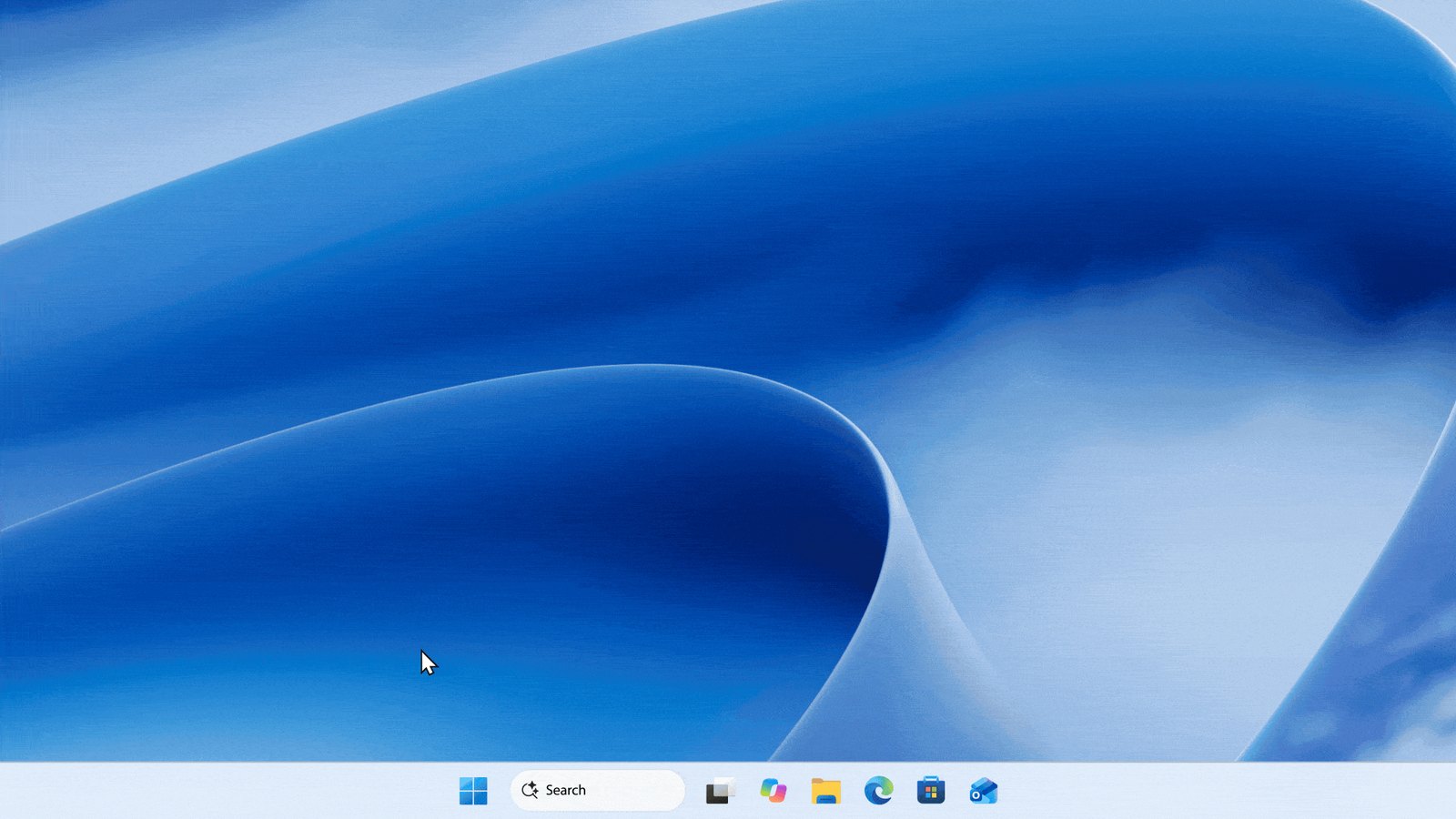
Microsoft is rebuilding Windows 11 Search around a faster WinUI 3 interface that can perform system actions directly from the taskbar. The new experience began rolling out to Windows Insiders in the Experimental channel on October 7, letting users type instructions such as “switch to dark mode,” “turn on Bluetooth,” “dim my screen” or “mute” instead of navigating through Settings. Microsoft says the change is intended to turn Search from a tool primarily used to find apps and files into a quicker way to control Windows itself.
The new actions can manipulate several parts of the operating system without opening another application. Microsoft lists examples including enabling Night Light, minimizing all open windows and arranging windows on screen, with additional commands planned over time. Phone Link integration is also coming, allowing users with a connected phone to initiate actions such as sending a text message directly through the Search interface.
Microsoft has rebuilt the underlying Search experience using WinUI 3 as part of its wider modernization of Windows. The company says early testing produced substantial improvements in both performance and memory usage, although it has not published specific percentage figures. Search results have also been reorganized into a single list, replacing the existing design in which a large preview pane occupies much of the right side of the interface.
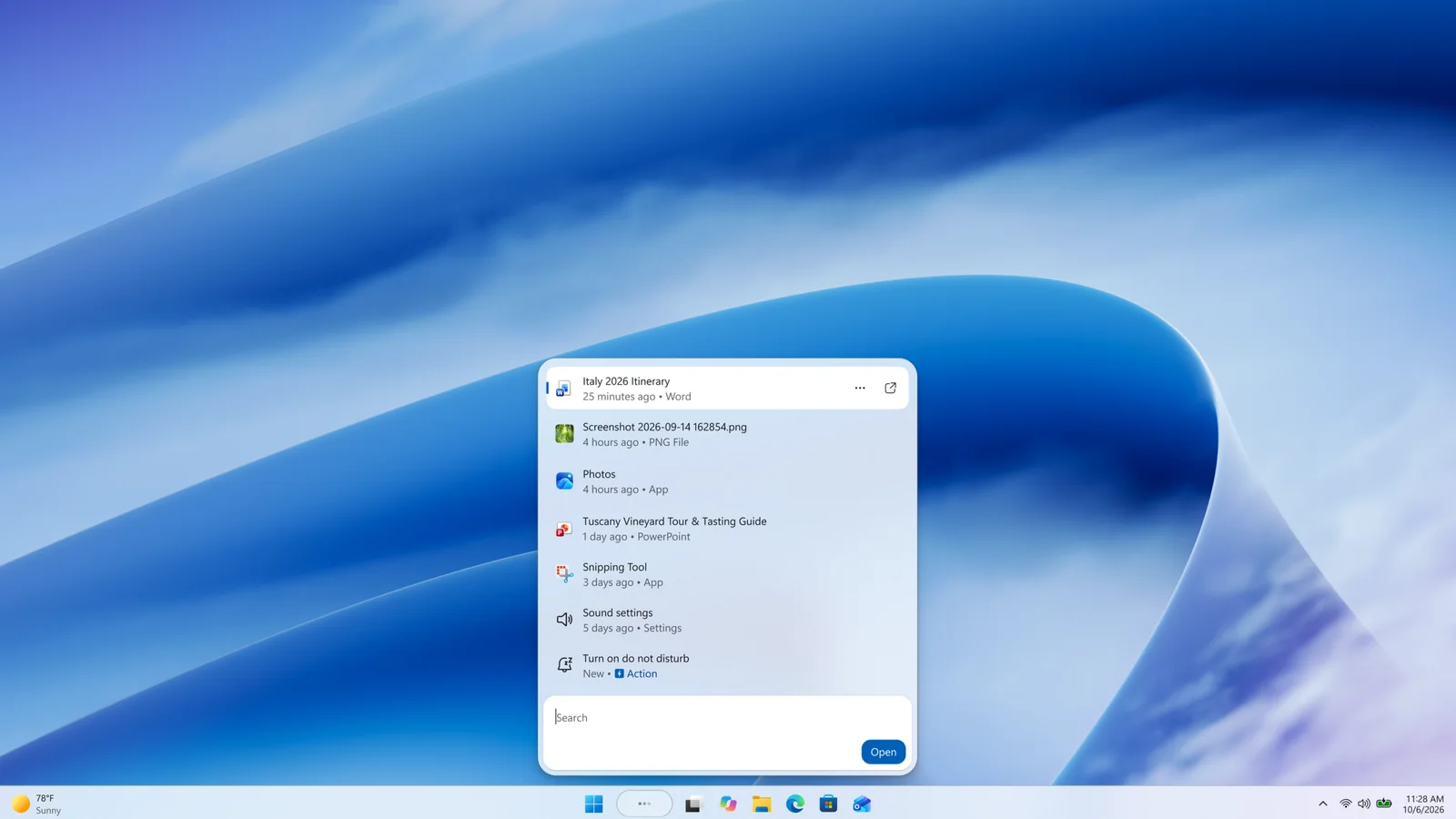
That decision was informed by Microsoft’s internal usage data, which showed that nearly all interactions with the existing Search experience happened through the results list rather than the separate preview pane. The streamlined version is therefore designed to reduce visual clutter while making apps, settings and files easier to scan. Microsoft is separately making lower Windows 11 memory usage a broader 2026 priority, particularly on systems with more limited RAM.
Search should also become more forgiving when users do not know an exact file name or setting. Microsoft says it is improving matching for typos and synonyms, while richer file information and inline previews are planned for later this year. Future web results will similarly be able to display information such as weather, stock prices and factual answers inside Search without requiring users to immediately open a browser.
Copilot is part of Microsoft’s longer-term direction for the redesigned interface, although the AI integration should be distinguished from the system actions available in the initial Insider preview. Microsoft says it is working toward integrations with experiences such as Copilot, while demonstrations at its Windows and Surface event showed AI responses appearing directly within the Search interface with an option to open the full Copilot application. The current October 7 Insider rollout is focused first on the rebuilt Search UI and inline Windows actions.
The redesign also marks another shift away from the more promotional version of Windows Search Microsoft has used in recent years. In July, the company removed promotional content from web results and introduced additional controls over whether Microsoft Store and web suggestions appear. The new WinUI 3 interface builds on that cleanup rather than returning to a dashboard filled with recommendations and promotional material.
For now, the redesigned taskbar Search is limited to Windows Insiders using the Experimental channel, with English as the supported language for the initial release. Microsoft lists build 26340.9616 and Experimental 26H1 build 28120.3181 among the versions that can expose the feature through the Windows Insider feature flags system. The existing Search experience will continue to appear from the Start menu while Microsoft gathers feedback on the newer taskbar implementation.
Microsoft says work is already underway to extend the redesigned Search experience to Start and make it adapt properly to different taskbar positions and Windows configurations. The broader goal is to reduce the number of menus and applications users need to open for common tasks while preserving conventional file, app and settings search. If the approach survives Insider testing largely intact, Windows 11 Search will increasingly resemble a lightweight command interface layered over the desktop rather than simply a place to type the name of an application.
