


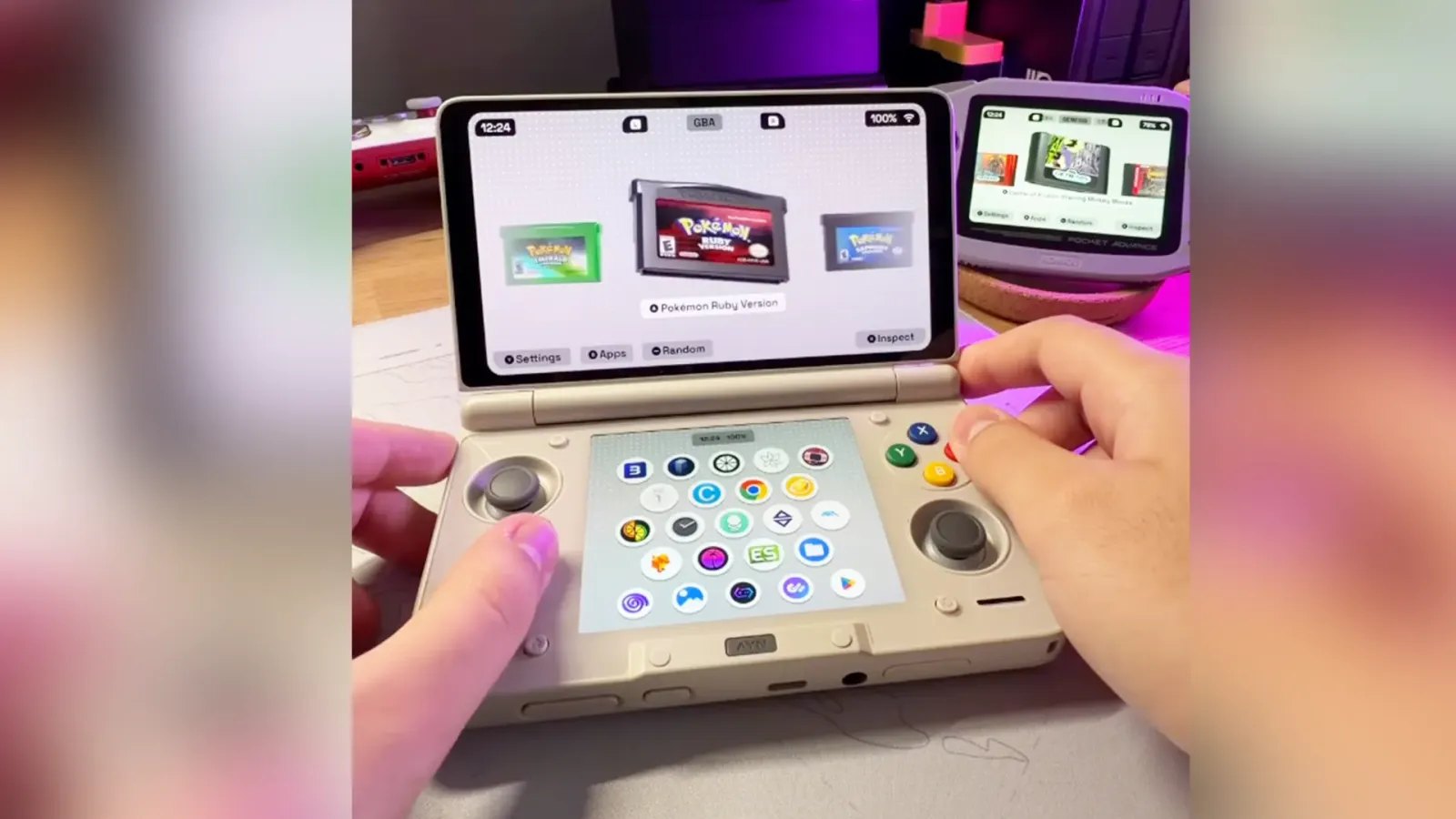
Socket 0.8.0 has been released for Android gaming handhelds, introducing dual-screen support, improved emulator compatibility, playtime tracking and performance optimizations. The update, announced by developer depmots on October 18, 2026, also addresses several launcher freezes and controller configuration problems.
The Android emulation frontend organizes retro-game libraries around customizable cartridge and disc artwork, with animations designed to recreate the experience of browsing physical games. Version 0.8.0 expands its functionality for dual-screen handhelds such as the AYN Thor while improving responsiveness on less powerful devices.
On compatible dual-screen hardware, Socket now uses the lower display to show installed applications and management options. Users can pin apps, add them to the Android platform, access application information or uninstall software directly from the secondary screen.
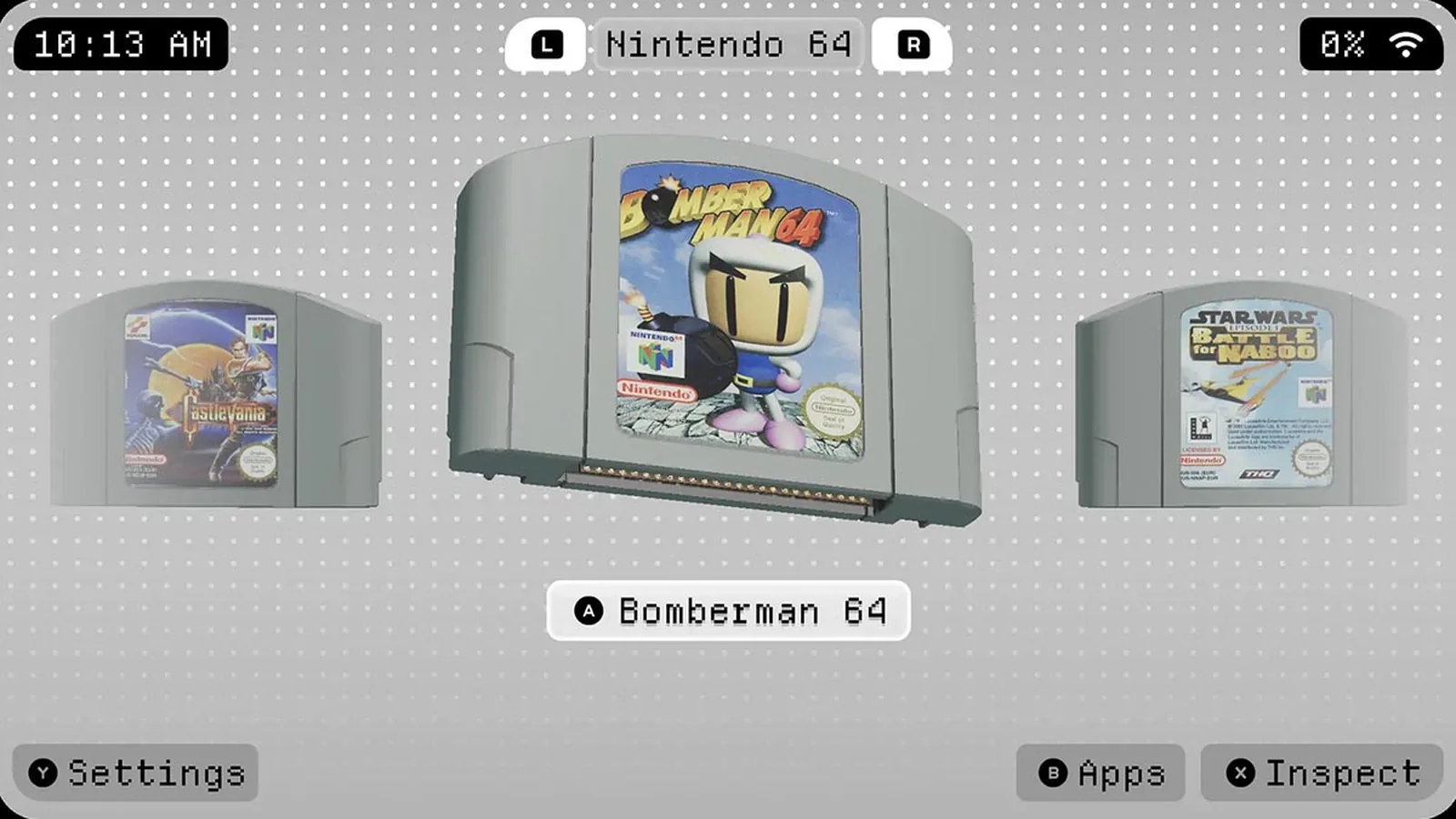
When a game launches, the lower display switches to a dimmed snapshot accompanied by a timer. Users who prefer a conventional single-display interface can enable the new Single Screen Mode option under Settings > Tweaks.
The second-screen functionality arrives alongside a redesigned on-screen keyboard that supports directional-pad, analog-stick and touchscreen navigation. Controller shortcuts allow users to delete characters, insert spaces, adjust capitalization, move the cursor and confirm text entry without relying on touch controls.
The standard Android keyboard remains available through a separate setting.
Performance is another major focus of the release. Depmots says extensive optimizations and fixes for freezing issues now allow Socket to maintain a stable 60 FPS even on the lowest-tier KONKR Pocket Advance.
That figure refers to the launcher’s performance rather than the frame rates of games running through emulators. The developer’s claim has not been established through independent comparative benchmarks, and performance may vary between handhelds.
The update also introduces a warning when an Android device’s power-saving mode restricts CPU performance and potentially prevents Socket from reaching its configured maximum frame rate.
Library management receives several improvements. Socket can now track playtime and display the information beneath game titles or within the detailed Inspect view. An optional Precise Playtime setting uses Android’s usage-access permission to provide more accurate figures.
Games can be sorted individually for each platform by title, most played, recently played or recently added. A random game selection button, alphabetical navigation and optional haptic feedback have also been introduced.
Controller configuration has been revised to address incorrect button assignments. Previous versions could reverse A/B and X/Y inputs for Xbox and Nintendo layouts, while PlayStation controllers could incorrectly receive Nintendo-style mappings.
Socket now requests an additional A-button press during configuration to identify the correct arrangement, including on handhelds that swap button assignments through firmware. Existing users must select their controller layout again after updating.
Several emulator-related problems have also been addressed. RetroArch could previously become stuck at its startup logo when launching another game, while DuckStation could display an SBI error when opened through Socket. The developer lists fixes for both issues.
Other corrections target lengthy freezes when first navigating to certain platforms, including Genesis/Mega Drive, SNES, Game Boy, Game Boy Color, Nintendo 3DS and Nintendo Switch.
Socket has also expanded the launch arguments it can pass to emulators, including Android intent flags, MIME types, categories, Boolean values and numeric parameters. This should improve compatibility with emulator configurations that previously failed to launch correctly.
Additional fixes address frame pacing, accidental game launches when opening Android’s notification panel, and crashes involving the Home button on Android 11 or older devices. The latter problem could previously cause Socket to lose its status as the device’s default home launcher.
The changes arrive as Android gaming handheld manufacturers continue expanding their hardware lineups. AYANEO, for example, recently provided shipping updates for the Pocket Advance and other handhelds, highlighting the range of devices entering the market.
Socket 0.8.0 remains an alpha release, meaning features and behavior may change during development. The developer is distributing the current build through paid Patreon access, costing approximately $6.
The update is available to supporting members now, but a confirmed date for broader free availability has not been announced.
