


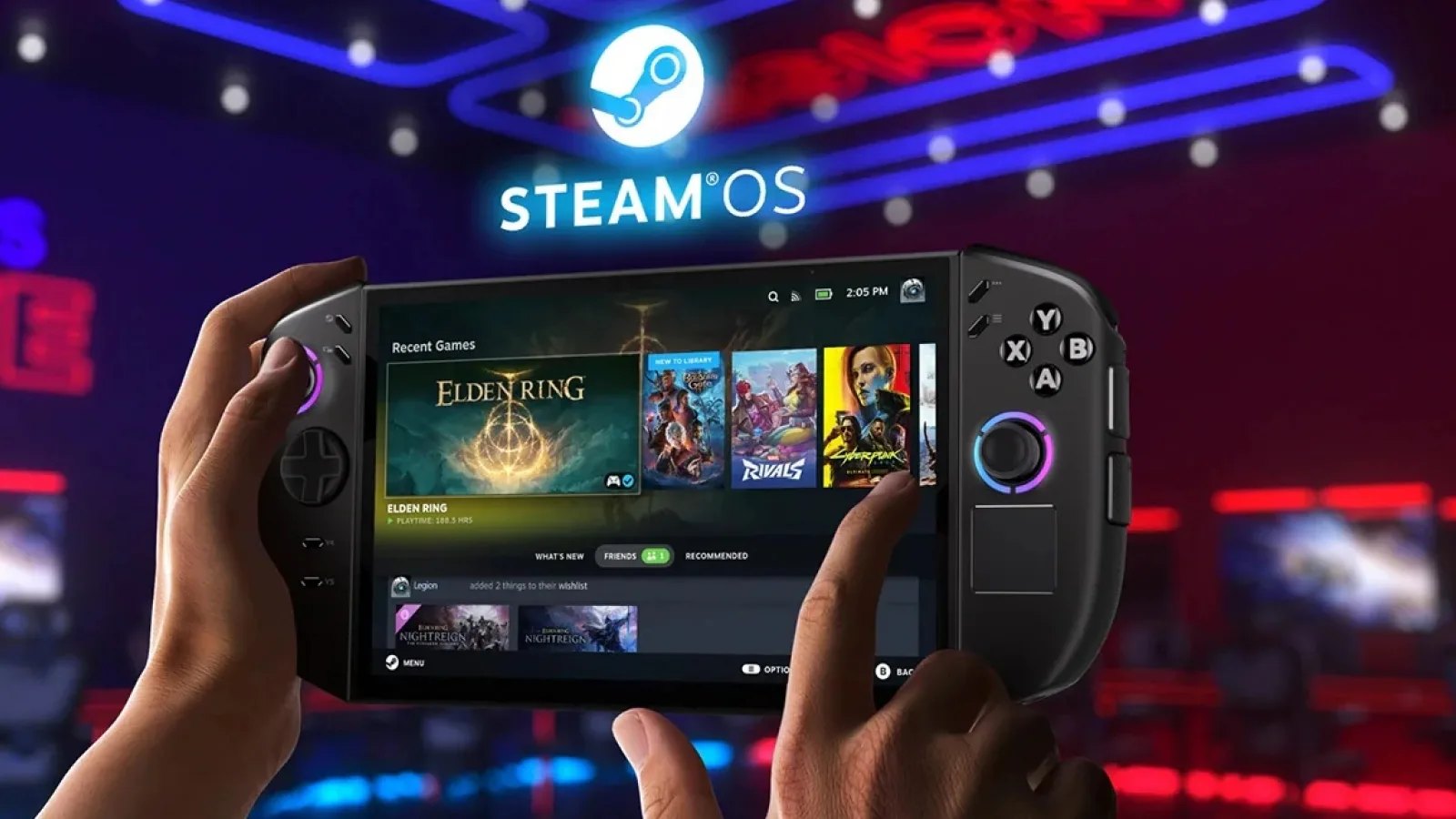
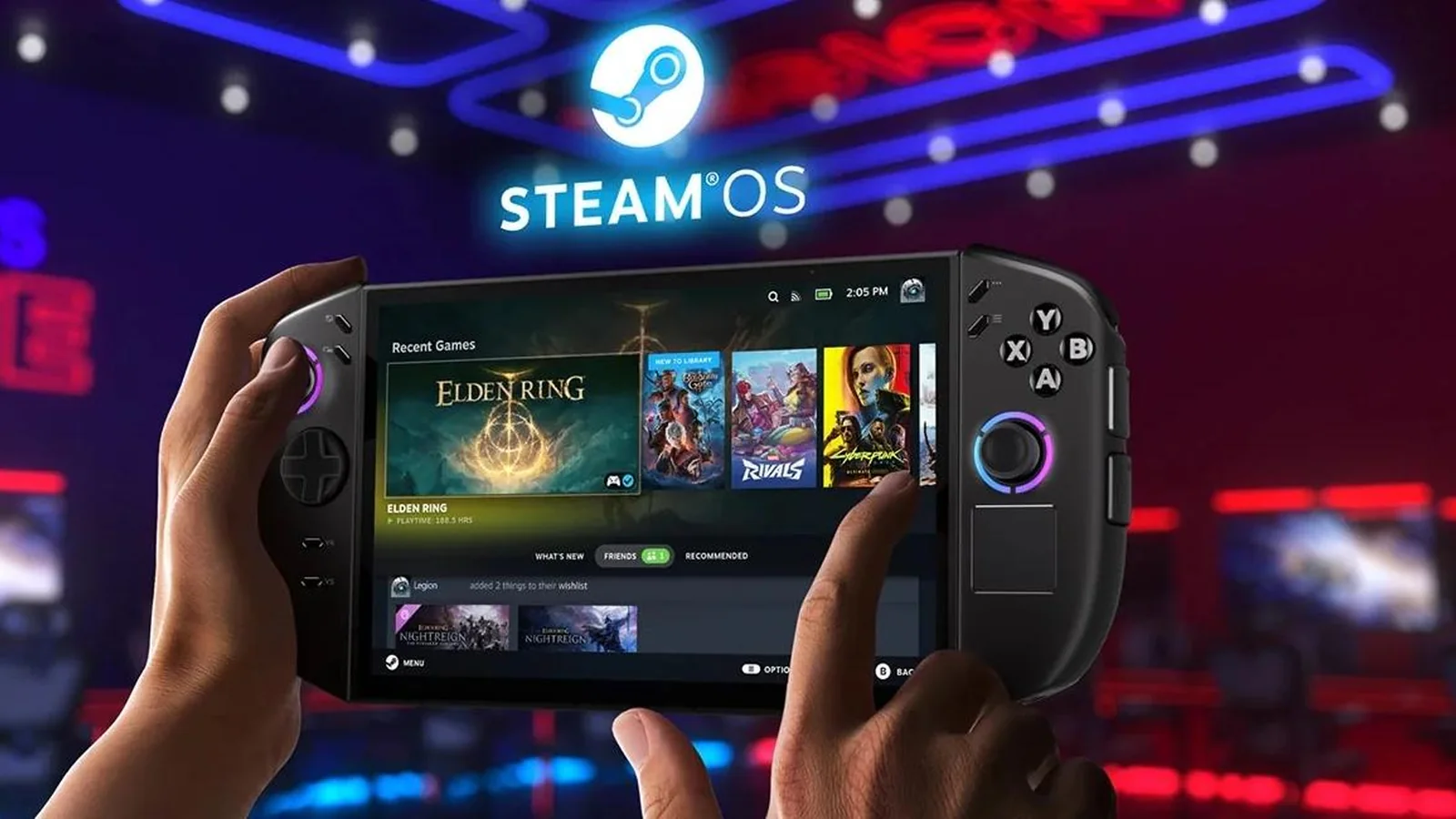
Valve has released SteamOS 3.9.5 to the stable channel, bringing Linux kernel 7.2, KDE Plasma 6.7.3 and a substantial collection of gaming compatibility fixes to Steam Deck and other supported SteamOS devices. The update also improves Steam Frame wireless adapter support, addresses several Steam Machine issues and introduces preliminary hardware support for the Lenovo Legion Go 2.
The release was announced on October 23, 2026, through Valve’s official Steam Deck news page. SteamOS 3.9.5 replaces the previous 3.8 stable branch and incorporates changes developed throughout the 3.9 beta cycle, making it a broader platform update rather than a small maintenance patch.
One of the largest changes is the updated operating-system foundation. Valve has refreshed the Arch Linux base and rebased the SteamOS kernel on Linux 7.2. Desktop Mode has also moved from KDE Plasma 6.4.3 to version 6.7.3, bringing several generations of desktop environment improvements into the stable release.
The kernel upgrade arrives shortly after the release of Linux kernel 7.3, which introduced additional gaming hardware and GPU improvements. SteamOS 3.9.5 uses the earlier 7.2 branch, reflecting Valve’s separately maintained operating-system update cycle.
For Steam Deck owners, Valve specifically identifies improved idle power consumption when no audio is playing. The company has not published a measured battery-life improvement, so the practical effect will depend on how the device is being used.
SteamOS 3.9.5 also fixes multiple frame-rate and display-related problems. The Disable Frame Limiter option now works correctly when variable refresh rate (VRR) is enabled, while another fix addresses situations where configured frame limits produced lower-than-intended frame rates on certain external monitors.
Other display and input corrections include a fix for lost controller input when launcher windows are accidentally dragged in Game Mode, improved audio handling when connecting monitors in multi-display setups, and fixes for suspend and resume problems on systems equipped with dedicated AMD RDNA1 or RDNA2 GPUs.
Valve has also made several improvements to its growing SteamOS hardware ecosystem.
The update improves compatibility with the Steam Frame wireless adapter and resolves a problem that incorrectly applied frame-rate limits to VR titles streamed from Steam Machine to Steam Frame. These changes build on Valve’s Steam Frame wireless streaming and VR improvements.
Steam Machine receives additional fixes addressing Steam Remote Play when the system starts without an external display, occasional firmware update failures and reduced performance in STAR WARS: Galactic Racer after resuming from suspend.
The release also contains several game-specific compatibility fixes across different hardware configurations.
On Lenovo Legion Go 2, Valve has resolved a system crash occurring when launching Forza Horizon 6. The update additionally introduces preliminary brightness-control support for the handheld, although Valve has not described that support as complete.
Systems using recent Intel Panther Lake processors receive fixes for games that previously failed to launch, including Elden Ring and Dark Souls III. Valve has also addressed a problem that could produce GPU errors in The Crew Motorfest.
Other hardware fixes include a workaround for excessive fan speeds after waking certain ASUS devices from sleep and a correction for corrupted boot screens on newer Intel hardware.
Networking receives a significant change under the hood. SteamOS now uses wpa_supplicant as its default Wi-Fi backend, replacing the previous default configuration. Valve says the switch improves compatibility with various wireless networks and has enhanced wpa_supplicant to reconnect quickly after waking from sleep.
A separate correction fixes hidden Wi-Fi networks failing to connect on the first attempt.
The update introduces preliminary hibernation support at the operating-system level, including driver fixes and the ability to interrupt hibernation requests. However, the feature is not yet accessible through the Game Mode interface and remains disabled on Steam Deck because of an unresolved driver issue.
Security changes include revocation of compromised eMudhra certificate authority certificates, alongside other stability updates. Valve has also refreshed the bootloader to improve motherboard compatibility and made the Desktop Mode lock screen manually configurable, although it remains disabled by default.
For developers and advanced users, SteamOS 3.9.5 improves accelerated graphics support when running as a virtual machine using virtio-gpu and Venus, updates the included RenderDoc version and restores Android binder IPC support. Several scripts and packages have also been renamed from the steamos- prefix to holo-, with compatibility aliases retained.
SteamOS 3.9.5 is available through the stable update channel on supported devices. Steam Deck users can check for the release through Settings > System and apply the update from the system update menu.
