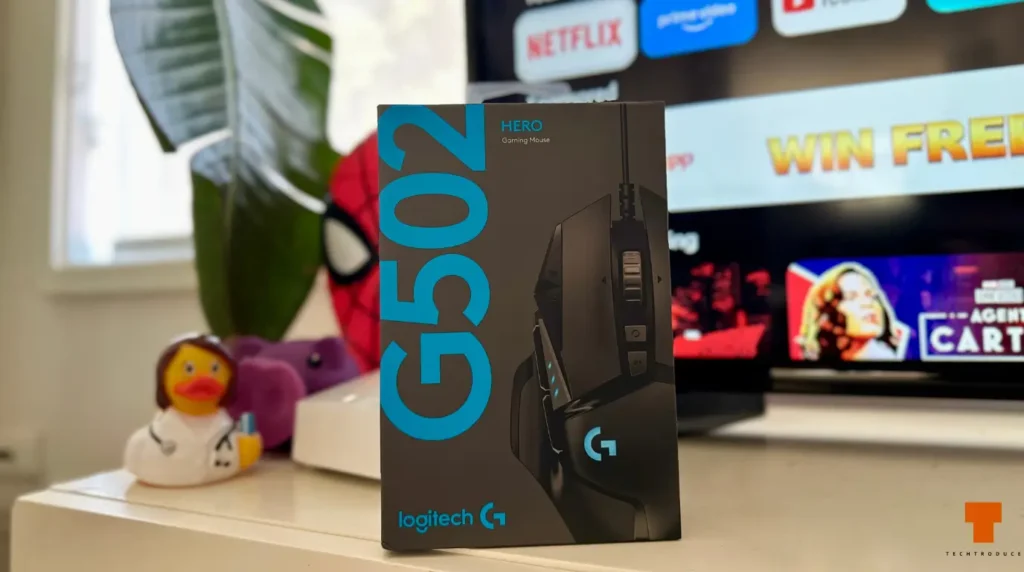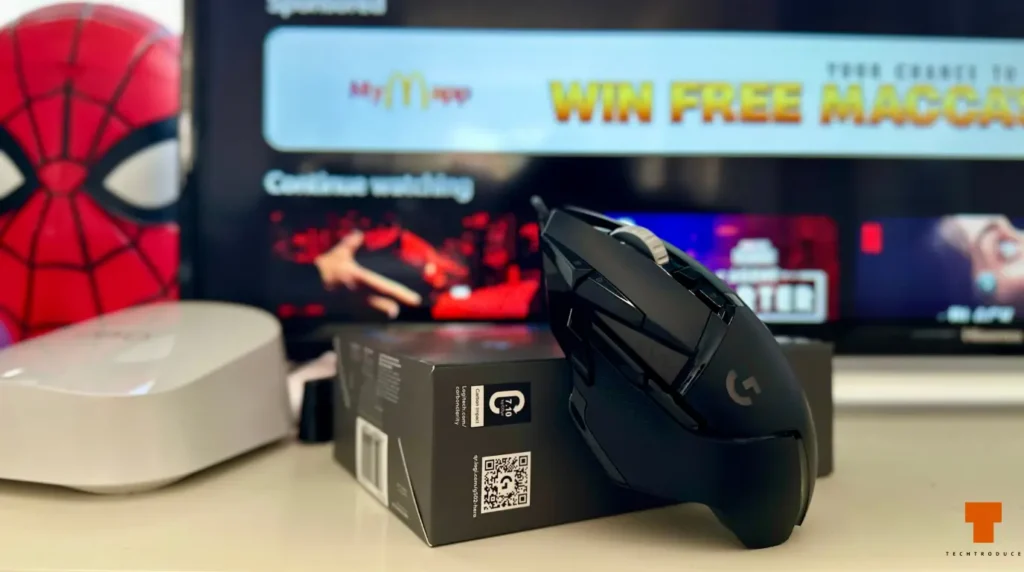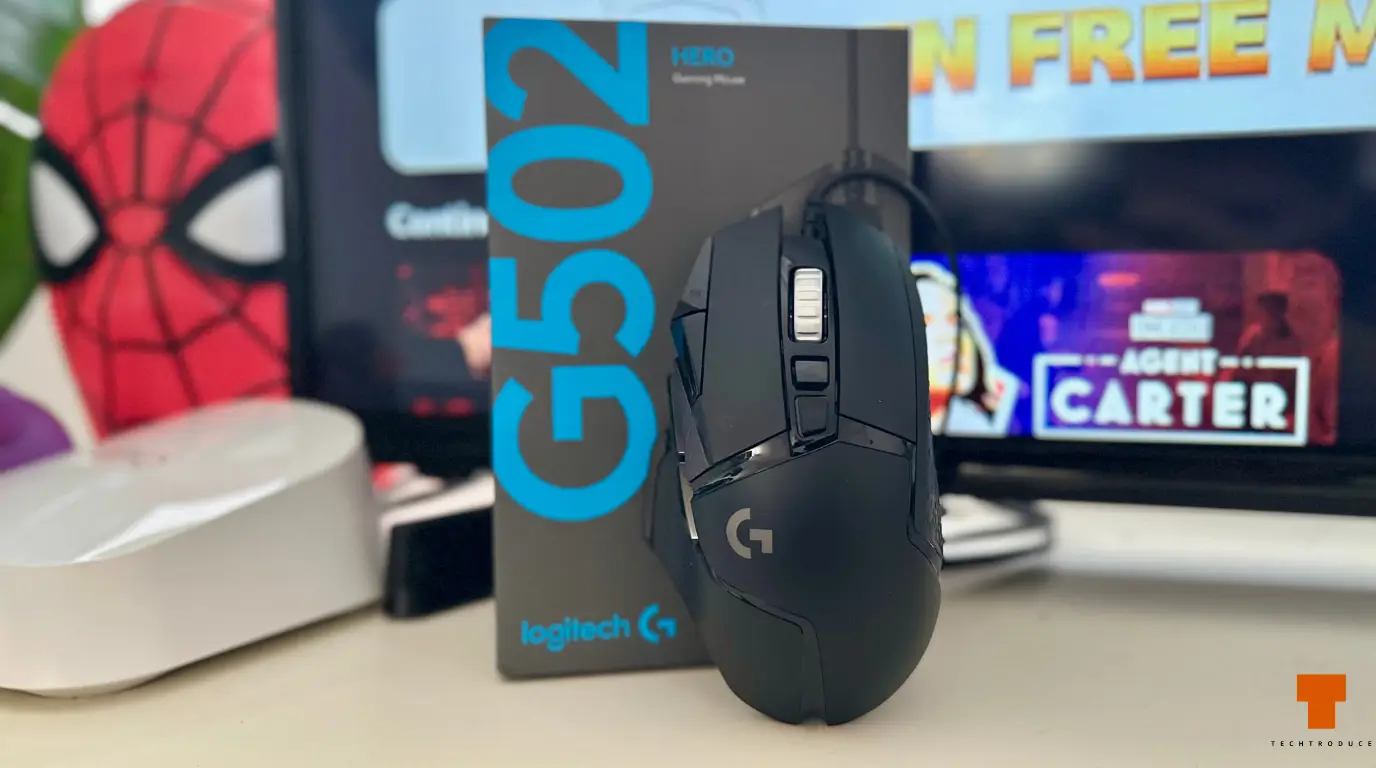
This is probably my third or fourth Logitech G502-series mouse.
That alone tells you more about my opinion of the G502 than most benchmark numbers could.
My first was an original G502 years ago. I eventually went through a cheaper Logitech G400-series mouse, moved countries and left some of my old gear behind, then picked up a used G502 HERO from Facebook Marketplace. That HERO served me for roughly another year before its right-click switch developed an annoying double-click problem.
So, naturally, in 2026 I bought another G502 HERO.
I paid A$59 at JB Hi-Fi, despite the newer wired G502 X sitting around A$100. The newer mouse is lighter and uses newer switch technology, but I couldn’t convince myself to spend another A$40 when the old G502 shape already gives me almost exactly what I want.
That is really the theme of this review: why fix something that, for me, still isn’t broken?
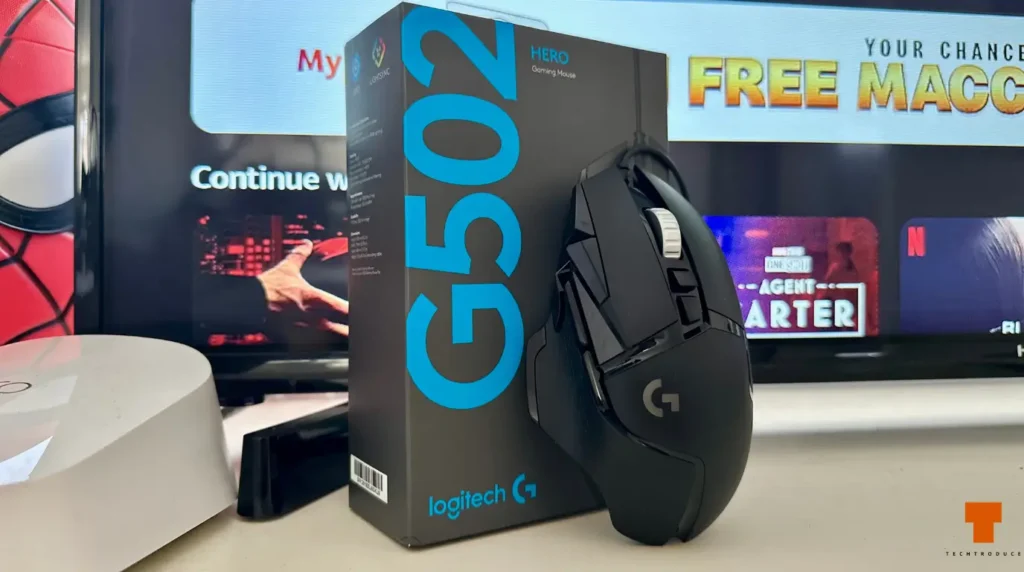
G502 HERO Specifications in 2026
The hardware is old by modern gaming-mouse standards, but the important specifications still aren’t particularly limiting.
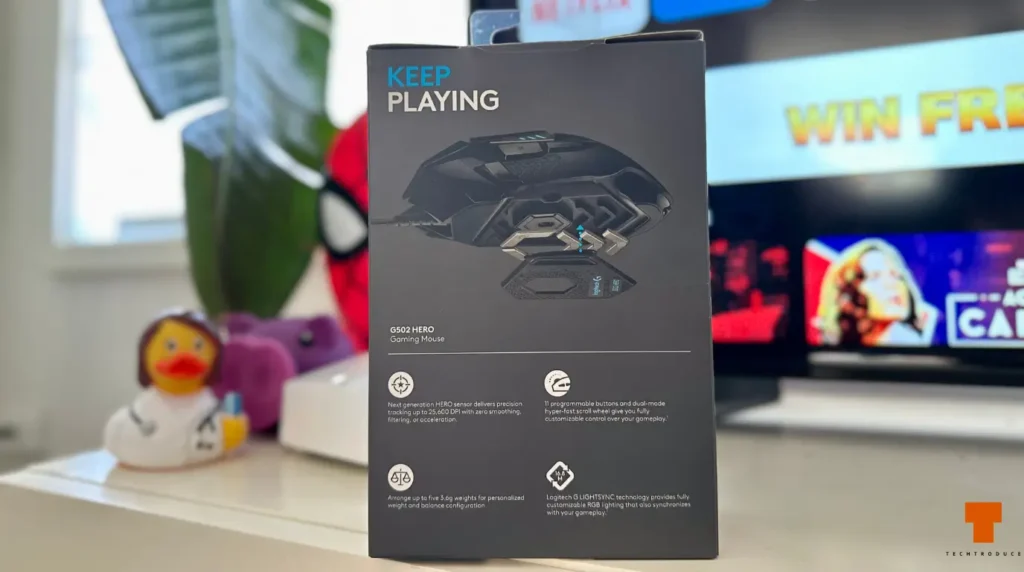
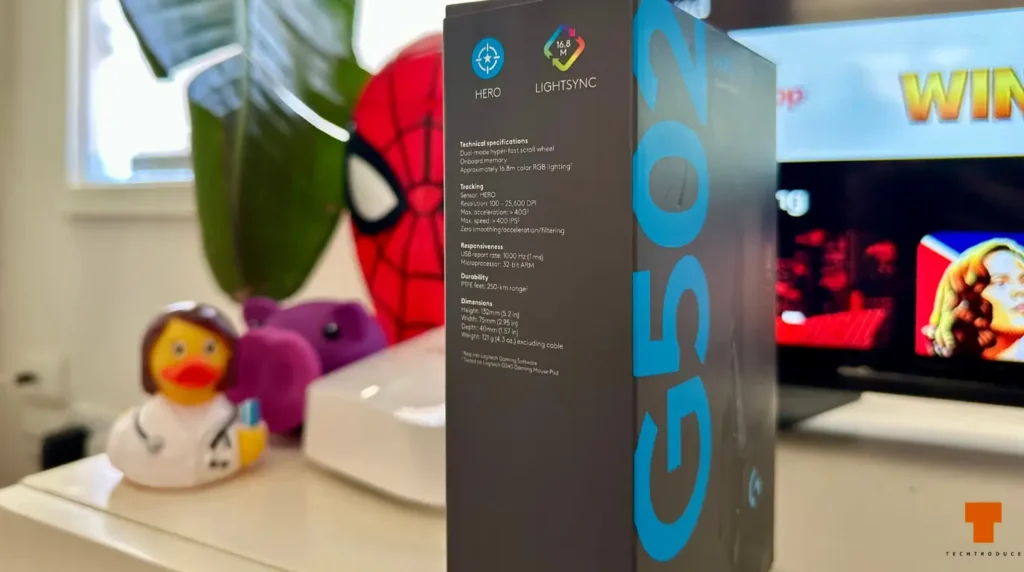
The G502 HERO uses Logitech’s HERO 25K optical sensor, supports sensitivity from 100 to 25,600 DPI, has a 1,000Hz report rate, 11 programmable controls and onboard profiles. The mouse weighs around 121g before the optional weights are installed, and Logitech includes five removable 3.6g weights.
| Specification | Logitech G502 HERO |
|---|---|
| Sensor | HERO 25K optical |
| DPI | 100–25,600 |
| Polling rate | 1,000Hz |
| Programmable controls | 11 |
| Base weight | 121g |
| Adjustable weights | 5 × 3.6g |
| Connection | Wired USB |
| Scroll wheel | Ratcheted + free-spin |
| RGB | LIGHTSYNC |
| Software | Logitech G HUB |
Those numbers aren’t really why I bought another one, though. After this many years with G502 mice, I care far more about how the thing actually sits in my hand.
The Shape Is Still Why I Keep Coming Back
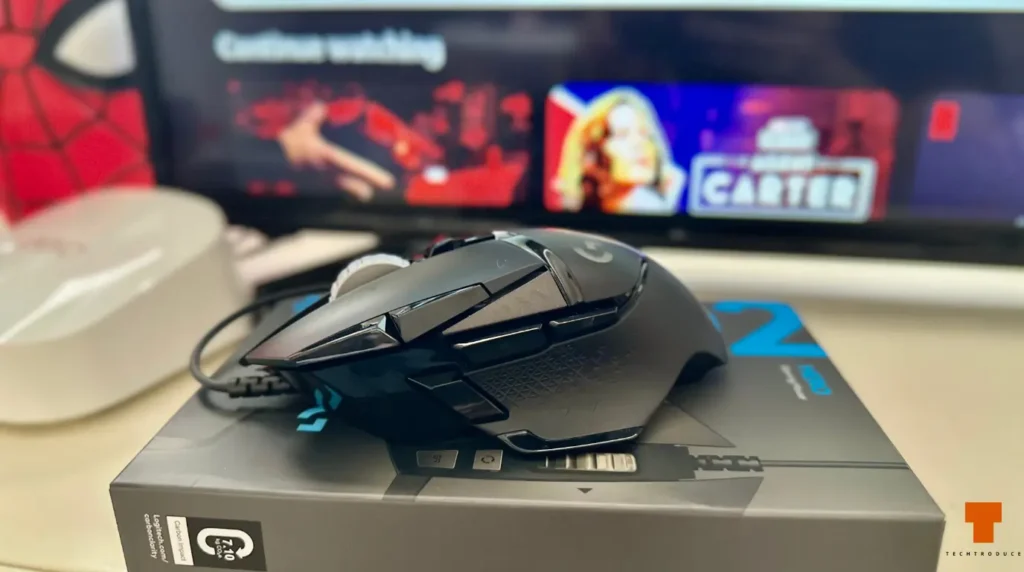
I use a palm grip, and the G502 has always fit my hand almost perfectly.
The body is long enough that my palm can properly rest on it instead of hanging awkwardly behind the mouse. The thumb rest gives my thumb somewhere natural to sit, and the whole shape feels supportive without forcing my fingers into strange positions.
I’ve used other premium mice over the years. One of my first expensive gaming mice was a Mad Catz R.A.T. 5, which I loved until someone stole it. More recently, I used a Corsair Scimitar, and I liked that mouse as well.
But I always end up feeling more at home on the G502.
The Scimitar, for example, feels comparatively taller and shorter in my hand. The G502’s longer body simply suits my palm grip better. I’ve spent long gaming sessions with various G502 models over the years and can’t remember the shape itself ever making my hand feel tired.
This is obviously subjective. Someone with a fingertip grip or somebody accustomed to tiny esports mice could have the exact opposite reaction.
But after owning several of these, comfort remains the biggest reason I keep buying them.
Yes, the G502 HERO Is Heavy — I Actually Like That
Modern gaming mice have become obsessed with becoming lighter. Against that market, a 121g G502 HERO looks enormous before you’ve even touched the optional weights.
I don’t see the HERO’s weight as an automatic disadvantage.
In fact, I add two of the supplied 3.6g weights to mine.
I like the solid, planted feeling of the G502. It feels deliberate when moving around the desk rather than like something I’m going to accidentally launch across the mousepad.
Would I recommend adding weights to someone chasing the lightest possible competitive FPS setup? Probably not. But that’s the advantage of having the option in the first place.
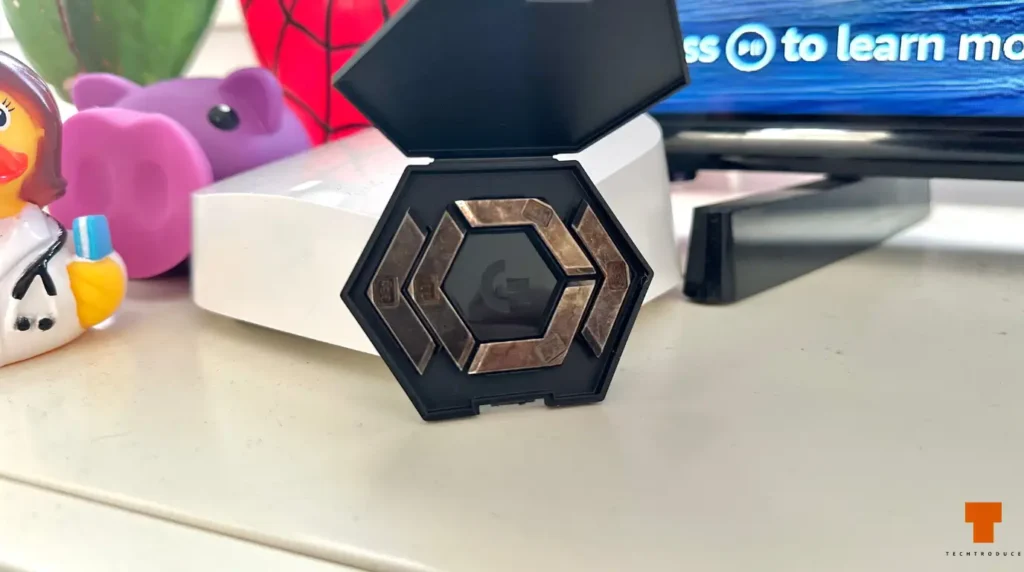
The adjustable weight system also feels wonderfully old-school in 2026. Manufacturers now spend entire launches celebrating shaving another few grams off their mice, while the G502 arrives with a little case containing metal weights asking whether you’d like to make it even heavier.
I kind of love that.
There Are Plenty of Buttons Without Becoming Ridiculous
The G502 HERO gives you 11 programmable controls.
When I was younger, I made much more use of them. I’d set custom DPI levels, macros and different button assignments depending on what I was playing.
These days, I’ve gone in the opposite direction. I generally prefer using keyboard keys rather than cramming every action onto my mouse, so many of the extra controls stay untouched.
And weirdly, that’s part of what I like about it.
The G502 has enough extra buttons to be genuinely useful without feeling like a dedicated MMO mouse covered in a wall of tiny keys. Forward and back buttons are easy to reach, the DPI controls are there if you want them, and the thumb button can be remapped through G HUB.
I’d rather have buttons available and ignore a few of them than discover that my mouse is missing a control I actually want.
The Scroll Wheel Is Still One of the Best G502 Features
The dual-mode scroll wheel is one of those features I don’t think much about until I’m using a mouse that doesn’t have it.
Press the wheel-mode button and you can switch between normal notched scrolling and Logitech’s free-spin mode.
Do I need free-spin while gaming?
Not really.
Do I occasionally unlock the wheel and send it flying just because it’s fun? Absolutely.
More practically, I use it when scrolling through very long web pages or documents. Flicking the wheel and letting it coast through a huge page is one of those small convenience features that becomes surprisingly difficult to give up once you’re used to it.
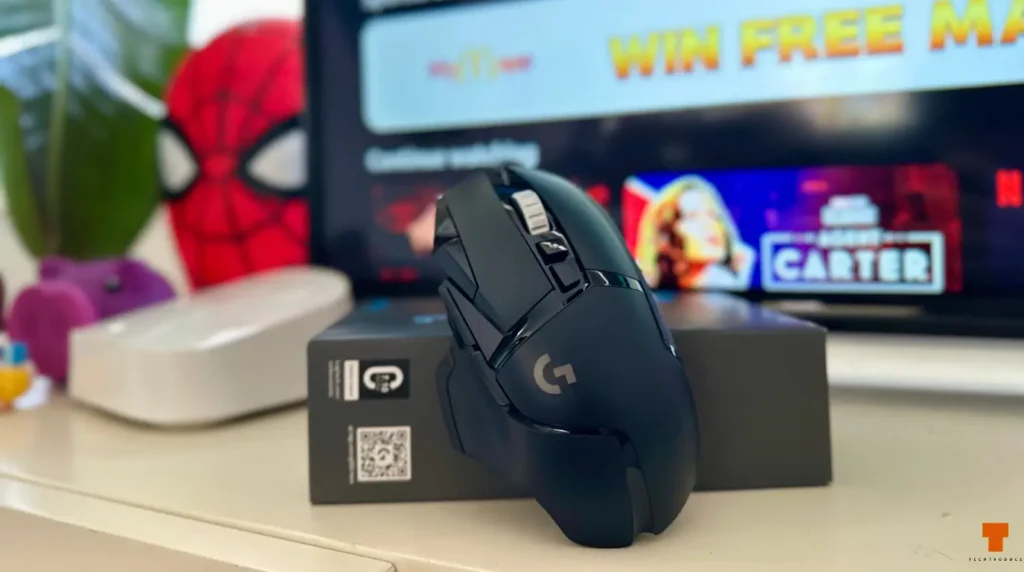
The HERO Sensor Still Doesn’t Feel Old
This is probably the least exciting section of the review, and that’s actually a compliment.
Across all the time I’ve spent with G502-series mice, I’ve never had a problem with tracking, noticeable delay or sensor behaviour.
The HERO 25K sensor supports up to 25,600 DPI and is more than capable of handling the kind of gaming I actually do.
Most of those numbers don’t matter much to me in practice.
What matters is that I can play something like Rainbow Six Siege and never think about whether the mouse is accurately following my movement.
It does.
For me, the sensor has essentially disappeared into the background — exactly where a good mouse sensor should be.
Rainbow Six Siege Is Also Where My Previous G502 Failed Me
There is one major caveat to my long-term G502 experience.
My previous G502 HERO eventually developed a right-click double-click problem.
That would be irritating in any game, but Rainbow Six Siege made it particularly obvious because right-click is used to hold aim. Trying to stay aimed down sights while a worn switch intermittently behaves as though you’ve released or pressed the button again gets old very quickly.
That mouse was already used when I bought it from Facebook Marketplace, so I don’t know its complete history before I owned it. I had it for roughly another year before the issue became bad enough that I needed to deal with it.
This doesn’t mean every G502 HERO will inevitably develop double-click problems. But it is part of my own ownership experience, and I wouldn’t leave it out of a review simply because I like the mouse.
Has Logitech Fixed the Double-Click Problem?
This needs an important distinction.
The G502 HERO still uses traditional mechanical primary switches. Logitech’s newer G502 X family moved to LIGHTFORCE hybrid optical-mechanical switches, which are designed differently and avoid the same physical contact mechanism associated with traditional switch double-click failures.
So I wouldn’t say that the double-click concern has somehow been definitively fixed in a newly manufactured G502 HERO.
The more accurate answer is that Logitech addressed that concern more directly in the newer G502 X generation.
My new HERO feels excellent right now. Both primary buttons feel tight and consistent, and the entire mouse feels like everything is exactly where it should be.
Whether this particular unit is still behaving perfectly several years from now is something only long-term use can answer.
Build Quality Still Feels Premium
Fresh out of the box, the G502 HERO feels sturdy.
The clicks feel tight, the buttons don’t feel loose, the chassis doesn’t give me the impression of a cheap mouse, and despite the age of the design it still manages to feel premium in the hand.
My longer-term criticism is the rubberised grip material.
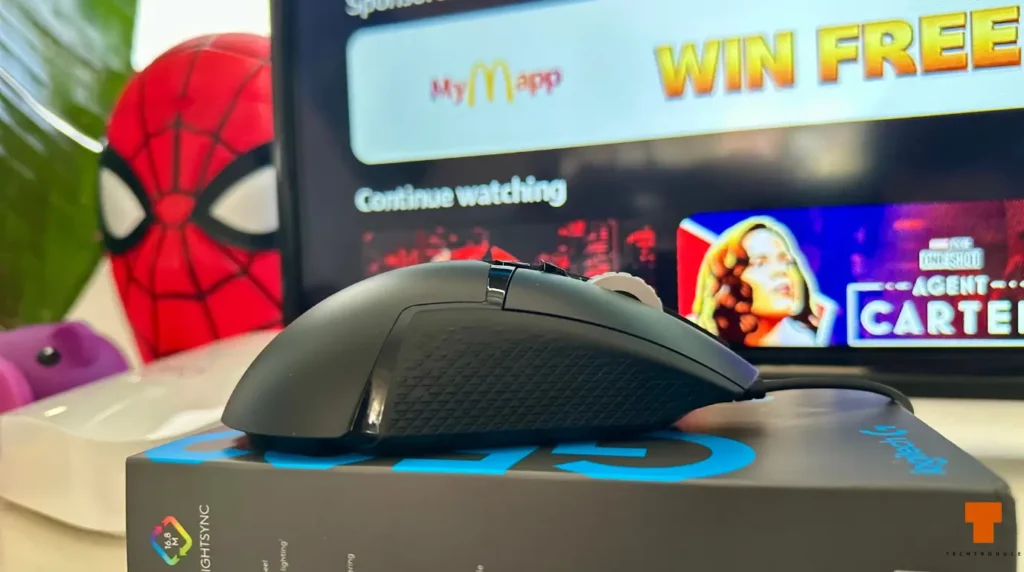
After years of regular use, sweat and general grime, the rubber sections on older G502 mice can start looking rough and becoming harder to clean. The hard plastic sections have generally held up better in my experience.
That isn’t something you’ll notice in a two-week review. It becomes apparent after actually living with the mouse for years.
My New G502 HERO Doesn’t Have the Braided Cable
There’s another small difference between this new unit and the previous G502 HERO I owned.
My older HERO had a braided cable. This new one came with a smoother plastic-style cable instead.
Visually, I think the braided cable looked and felt more premium.
But in actual use, I’m not convinced I prefer it.
The newer cable feels lighter and seems to resist my movements less, which makes the mouse itself feel a little easier to move around the desk.
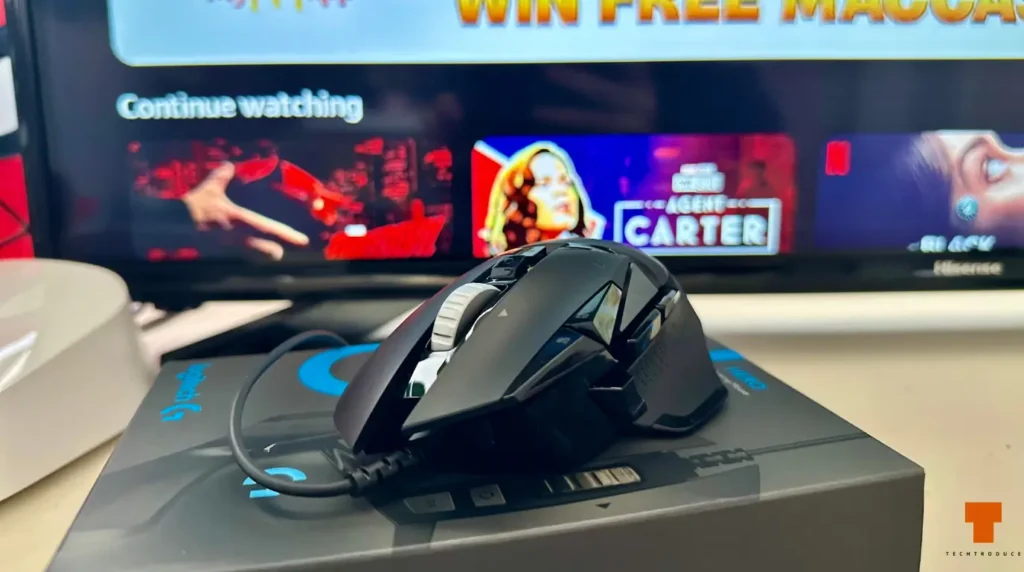
So while my first reaction was that losing the braid looked like a downgrade, I’ve actually come to appreciate the lighter feel.
Wired in 2026? That’s Exactly What I Wanted
This is another area where my priorities don’t line up perfectly with current gaming-mouse trends.
I actively prefer the G502 HERO being wired.
A wireless mouse gives me another battery to think about, another device to charge and another thing that will eventually be dead exactly when I want to use it.
With the HERO, I plug the cable in and forget about it.
I understand why somebody who wants a completely cable-free desk or maximum freedom of movement would prefer wireless.
I just don’t personally consider wired connectivity a disadvantage.
Why I Bought the HERO Instead of the G502 X
This is probably the most important purchasing question in 2026 because Logitech already sells the newer G502 X.
When I bought mine at JB Hi-Fi, the G502 HERO was A$59 while the wired G502 X was around A$100.
The G502 X is clearly the more modern design. It is substantially lighter and uses newer switch technology. If weight and switch design are your priorities, the newer model makes a lot of sense.
So why didn’t I spend the extra A$40?
Because I already know I love the HERO.
The shape fits my hand. I don’t mind the weight — I literally add weights to it. I prefer wired mice. I’ve never had a problem with its sensor, and I don’t need the newest mouse simply because a newer version exists.
The G502 X’s switch technology is the one upgrade that genuinely interests me because of what happened to my previous HERO.
But at A$59 versus approximately A$100, I wasn’t convinced that benefit alone justified spending another A$40-plus for what I wanted from the mouse.
If both were sitting at roughly the same price, I’d have a much harder time recommending the HERO.
The A$59 Price Changes the Recommendation
Price matters enormously here.
At around A$59, the HERO is easy for me to recommend to the right person. You’re getting the HERO sensor, adjustable weighting, 11 programmable controls, an excellent scroll wheel and a proven ergonomic shape for substantially less than many newer gaming mice.
At around A$100, things change.
Once the price starts getting close to the newer G502 X, its lower weight and newer switch design become much harder to ignore.
So my recommendation isn’t simply:
Buy the G502 HERO in 2026.
It’s:
Buy the G502 HERO in 2026 when the price reflects its age.
At A$59, mine absolutely did.
Who Is the G502 HERO Still For?
I’d still recommend it in 2026 if you:
- use a palm or relaxed claw grip and like a substantial right-handed shape;
- prefer a heavier, planted mouse rather than ultra-light designs;
- want more buttons than a basic FPS mouse without going full MMO;
- like having adjustable weights;
- value the free-spin scroll wheel;
- prefer wired hardware and don’t want another battery to charge;
- find it heavily discounted compared with the G502 X.
I’d be more cautious if you’re specifically chasing the lightest possible competitive mouse, use a fingertip grip, absolutely want wireless, or are particularly concerned about long-term mechanical-switch double-clicking.
In those cases, the G502 X family makes more sense.
Pros
- Extremely comfortable shape for my palm grip
- HERO sensor still performs flawlessly in actual gaming
- Excellent dual-mode scroll wheel
- Useful number of buttons without becoming ridiculous
- Adjustable weight system
- Solid, premium-feeling construction
- Wired connection means no batteries or charging
- Excellent value at A$59
- A design I’ve been comfortable returning to for years
Cons
- Very heavy compared with modern gaming mice
- Traditional mechanical switches remain a concern after my previous right-click failure
- Rubber grip material can wear and get grimy after years of use
- New cable looks less premium than the older braided one
- At around A$100, the newer G502 X becomes much more compelling
Verdict: Why Am I Still Buying a G502 in 2026?
There are newer mice. There are much lighter mice. There are wireless mice with excellent battery life, and Logitech itself now sells the newer G502 X with a lighter chassis and newer switch technology.
Yet when I needed another mouse, I still bought a G502 HERO.
I’ve tried very different designs over the years, from the Mad Catz R.A.T. 5 to the Corsair Scimitar. I’ve owned multiple G502s. I’ve used the shape long enough to see the rubber grips age, and I’ve even had a previous HERO develop a right-click problem serious enough to interfere with aiming in Rainbow Six Siege.
And I still came back.
The reason is simple: why fix it if it isn’t broken?
For my hand, my palm grip and the way I use a mouse, the G502 formula still works. It is comfortable for hours, the sensor has never given me trouble, it has exactly the level of button customisation I want, I genuinely like its weight, and being wired is a benefit rather than a drawback for me.
At A$59, I didn’t need the G502 HERO to reinvent anything.
I just needed it to still be a G502.
And it is.
Score: 9/10
The double-click experience with my previous HERO is the one thing that prevents me from recommending the old design without qualification. The G502 X is the smarter choice if switch longevity and low weight are priorities.
But at the price I paid, I’d buy the HERO again.
Which, evidently, is exactly what I did.